


Quick Answer
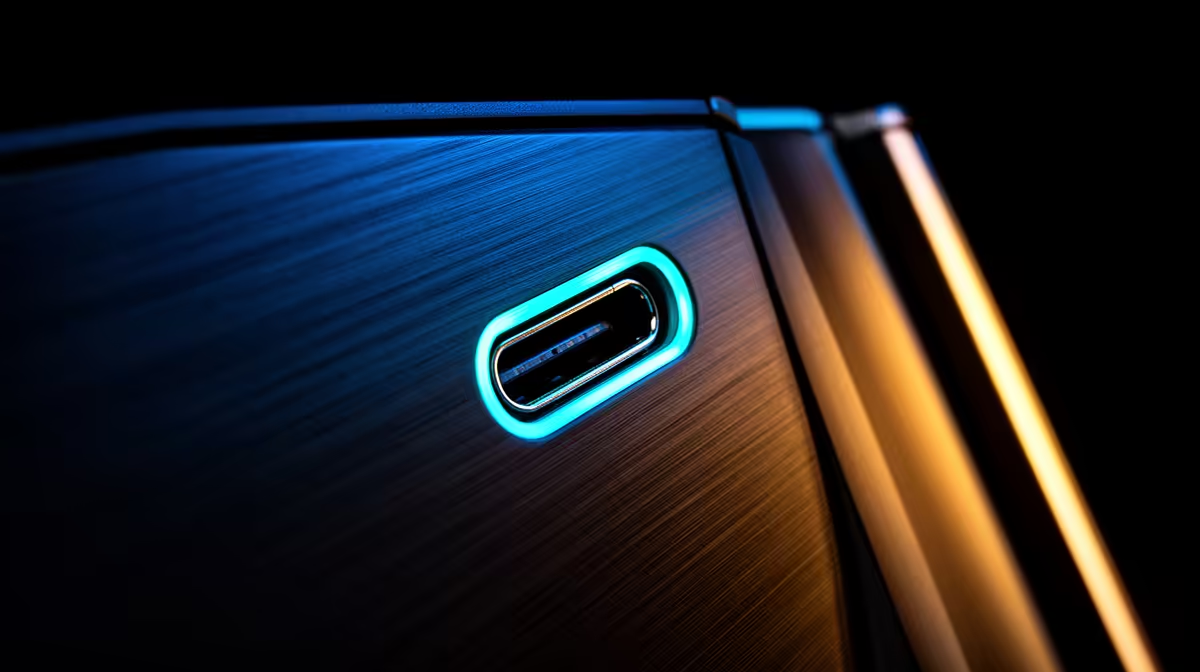
USB 10Gbps Type-C on a PC case front panel means the port uses the USB 3.2 Gen 2 standard, delivering up to 1,250MB/s real-world throughput through the reversible Type-C connector. It connects to a dedicated internal header on the motherboard and is far more useful for day-to-day transfers than the older 5Gbps Type-A ports found on most budget cases.
The Connector and Standard Explained 🔌
USB Type-C is the physical connector shape: oval, reversible, and compact. The 10Gbps descriptor refers to USB 3.2 Gen 2 running over that connector, capable of approximately 1,000 to 1,100MB/s of real transfer speed. This is distinct from USB 3.2 Gen 1 at 5Gbps, which caps at around 450MB/s, and from Thunderbolt 4 which uses the same connector but runs at 40Gbps and requires Intel certification. Most modern cases in the R1,500 to R5,000 range now include at least one USB 3.2 Gen 2 Type-C front header, and motherboards based on AMD B650, X670E, Intel Z790, and Z890 include the mating internal header as standard.
Internal Header Wiring and Routing 🛠️
The internal cable from the case's front-panel USB-C port terminates in a single large 20-pin connector, the USB 3.2 Gen 2 Type-C header format. This differs from the older USB 3.0 Type-A header; the two are keyed differently to prevent mis-insertion. The cable typically runs 40 to 55cm from the front panel to the header position on the lower-left area of most ATX boards. Route this cable behind the board tray early in the build, as it is one of the thicker and stiffer front-panel cables and is harder to thread once the GPU is seated.
Practical Use Cases in the SA Context 🖥️
South African content creators who shoot on Sony or DJI gear benefit most from this port when transferring footage from a portable NVMe enclosure to the editing workstation. University students using their PC as a docking station for Android phones benefit from the 10Gbps link when doing file transfers or running Samsung DeX. For gaming, the port supports capturing game footage to an external SSD at bitrates above 200MB/s without dropped frames, which the old 5Gbps standard could not sustain alongside a PCIe capture card's overhead.
Verify Gen 2 Label, Not Just the Shape ⚡
Many budget cases include a USB Type-C front port that is actually wired as USB 3.2 Gen 1 (5Gbps) rather than Gen 2 (10Gbps). The physical connector looks identical. Check the case spec sheet for the phrase USB 3.2 Gen 2 or 10Gbps explicitly; if the spec sheet only says USB Type-C without a speed rating, assume 5Gbps and verify before purchasing.
FAQ
Does a USB 10Gbps Type-C front port support video output?
Only if the motherboard header supports DisplayPort Alternate Mode and the case wiring passes the relevant pins. Most standard front-panel USB 3.2 Gen 2 implementations are data-only. Thunderbolt 4 is required for full video-over-USB-C at the front panel, and that feature is rare on desktop cases.
What devices actually benefit from 10Gbps on the front panel?
NVMe-based portable SSDs, multi-card readers rated above 300MB/s, Sony CFexpress readers, high-resolution webcams, and Android phones supporting USB 3.2 over Type-C all benefit. Standard USB flash drives, keyboards, and mice see no difference as they are limited by their own internal speed.
Is there any latency improvement over 5Gbps for gaming peripherals?
No. Gaming mice, keyboards, and headsets transfer such tiny amounts of data that even USB 2.0 at 480Mbps introduces no perceptible latency. The 10Gbps advantage is purely for bandwidth-heavy transfers and not relevant to polling-rate sensitive gaming input devices.
Upgrading to a case with proper front-panel connectivity? Evetech stocks mid-tower and full-tower cases with USB 3.2 Gen 2 Type-C front panels, matching the high-speed headers on current AMD and Intel motherboards. Find yours at Evetech.











