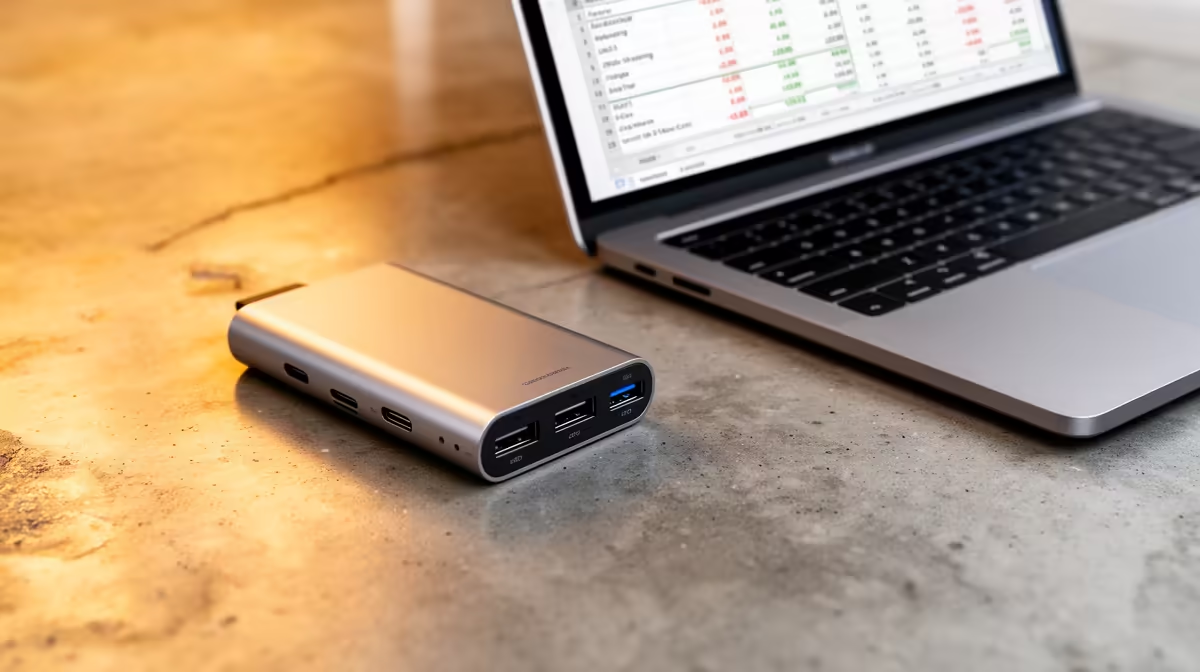
A USB-C hub is enough for invoicing when the computer already runs the required business software and the hub only connects a monitor, keyboard, network cable or printer. It cannot add display capability to a data-only port or protect business records. Choose one from a written connection map and the laptop specification.
Draw the desk ports
The Promate EZHUB-7 is verified at R270. The TransHub-Lite costs R305, while the VersaHub-MST is listed at R1,500 for a higher connection tier. Check HDMI resolution, Ethernet speed, USB data rate and power-delivery pass-through. Confirm that the computer port supports each function and that the charger meets the laptop requirement.
Test a complete business morning
Open the quote template, customer records and email. Print a sample, copy a backup file and join a video call with every normal peripheral connected. Watch for display blanking, network drops or slow storage. Secure the hub so staff cannot pull it loose, and keep sensitive data on approved storage rather than a removable device left at the desk.
A compact hub suits a mobile worker who reconnects one laptop. A fixed office with several displays and high-power charging may justify a dock. Keep an ordinary charger and direct network fallback available during billing deadlines. Label the hub and power adapter so mobile staff reconnect the correct pair.
Connecting an invoicing laptop? > Ask Evetech to match hub ports and charging to the exact computer model.