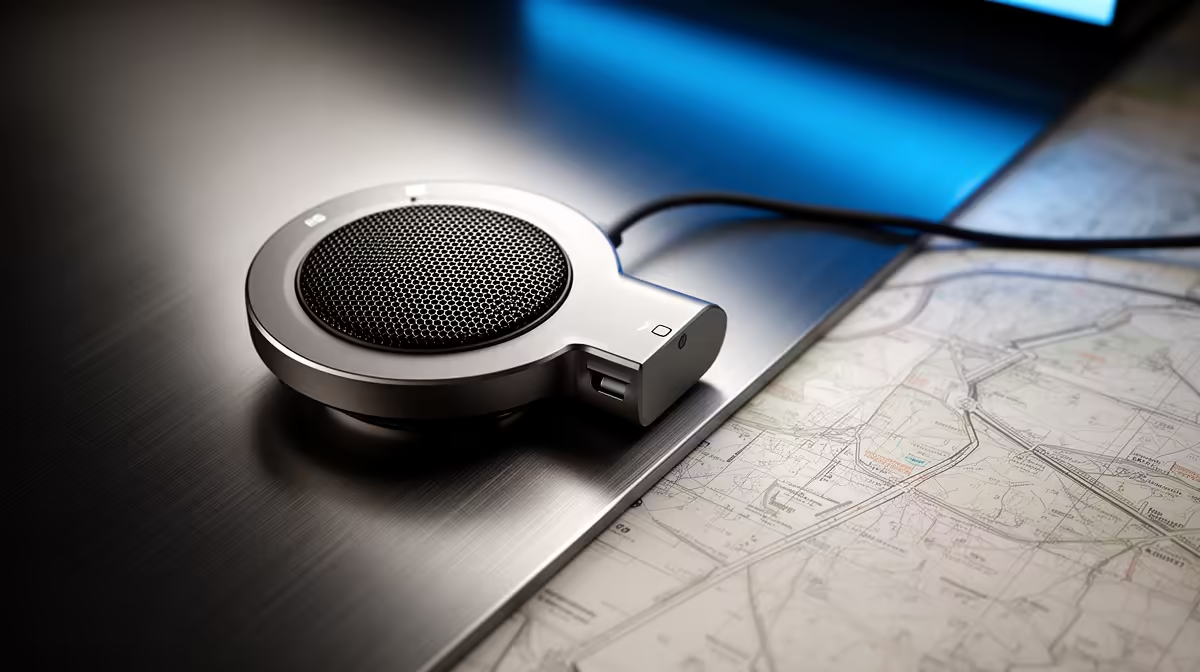
HyperX SoloCast 2 at R690 is worth it for a mapping student, GIS intern, or analyst who needs clearer voice notes and screen-recorded walkthroughs from a simple microphone setup. For QGIS training clips, client explanations, and online project reviews, a dedicated mic is usually a better upgrade than relying on a laptop mic across a busy desk.
Best microphone picks for mapping work
The HyperX SoloCast 2 at R690 makes sense when the desk needs a straightforward USB microphone for recorded map layers, project narration, and Teams-style check-ins. Its main appeal is that it keeps the setup focused: one named mic, a clear price, and enough voice upgrade value for explaining parcels, routes, survey notes, or map exports without making the workstation feel complicated.
NearStream AM10X-P USB/XLR at R730 is the stronger choice if the same desk may later move from basic calls to more serious recording. The USB/XLR spec matters because USB keeps setup simple now, while XLR gives room for a more advanced audio chain later. That is useful for tutorial videos, department training, or recurring GIS reports where voice quality becomes part of the finished work.
SA mapping desk reality
At a student desk, municipal office, or small consultancy workstation, MARVO MIC-07 at R351 is the budget-friendly pick when the goal is just cleaner speech for map reviews. The R351 price keeps it sensible for occasional recordings, quick screen explanations, and remote feedback sessions where the laptop mic sounds thin or picks up too much room noise.
Ready to choose the right microphone?
Use HyperX SoloCast 2 at R690 as the microphone shortlist benchmark, then check whether its listed spec matches the space, workload, and upgrade path.