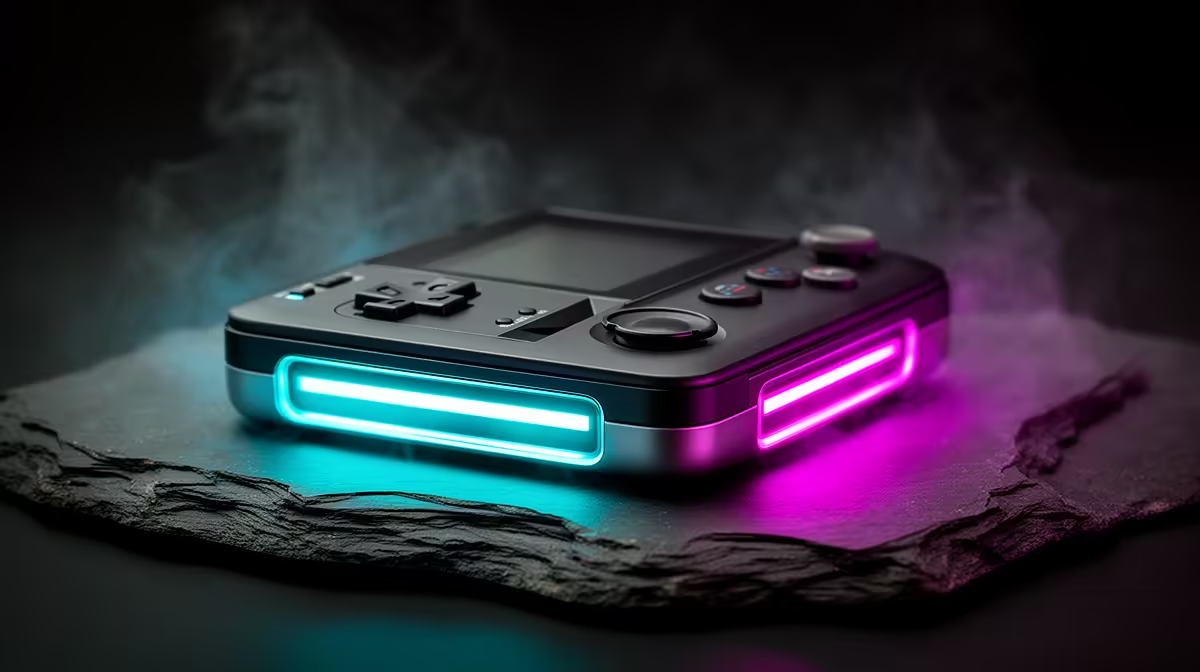
A used Nintendo Switch can be worth buying after Switch 2 launched when you want the original system's library at a lower total and accept its older performance. Condition, battery, controller drift and account-safe ownership matter more than the headline price.
Quick Answer
Choose a used Switch for established Nintendo games, local multiplayer and a modest portable target. Choose Switch 2 when current releases, stronger performance and longer forward support matter. Verify each game because compatibility and edition features vary.
Compare the format with the Windows handheld gaming range, then use PC best sellers as an at-home alternative. PC handhelds offer a different library and maintenance experience, rather than a direct Nintendo replacement.
Inspect the Complete Switch
Check the serial, model, screen, rails, USB-C port, kickstand, speakers and game-card slot. Test both Joy-Con sticks for drift and every button. Dock the console and verify HDMI output plus charging with the correct equipment.
Battery health is hard to judge from appearance. Run a known game at fixed brightness and note the drop over thirty minutes. Swelling, case separation or unusual heat is a stop sign.
Price the Missing Pieces
Add a charger, dock, Joy-Con pair, microSD card and any games that are absent. A cheap tablet-only listing can cost more than a complete bundle once these are replaced.
Avoid buying an account or promised digital library. Digital purchases remain tied to the proper account and platform rules. Reset the console through the supported process and use your own account.
Think About the Library
The original Switch has a large catalogue, and many games remain enjoyable without new hardware. Some newer releases, performance patches and features target Switch 2. Check the exact title and edition before choosing around one game.
If most games you want are multiplatform PC titles, a Windows handheld may offer broader access to an existing library. Nintendo exclusives and simple local play keep the used Switch distinct.
Check Storage and Network Status
Open system settings to confirm internal storage, microSD recognition, Wi-Fi and the installed system version. A failing card reader or unreliable wireless connection turns a low price into repair work. Test a game download only through the seller's legitimate access and remove their account before handover.
Ask whether the console has been modified or restricted from online services. A ban, unsupported firmware change or unknown repair can affect normal use. Restore through Nintendo's documented process and walk away if the seller cannot explain its state.
Plan Safe Handover
Meet where you can power, dock and test the console. Record the serial, model, included accessories and condition on a receipt. Pack the screen and sticks so they cannot take pressure during transport.
Once home, clean the exterior, reset it and create your own profiles. Back up saves through supported routes from the start, because a used battery or port can fail without warning.
FAQ
Can a used Switch still play online in 2026?
Supported services can work, but check Nintendo's current network and subscription requirements for each game.
Can I keep games from the seller's account?
Do not rely on that. Use your own account and buy physical or properly licensed digital games.
What used fault is most common?
Stick drift is easy to notice, while battery wear, port damage and rail faults also need testing.
Test the used Switch, dock and controls under your own account, then add every missing accessory before comparing it with Switch 2 or a PC handheld.