Quick Answer
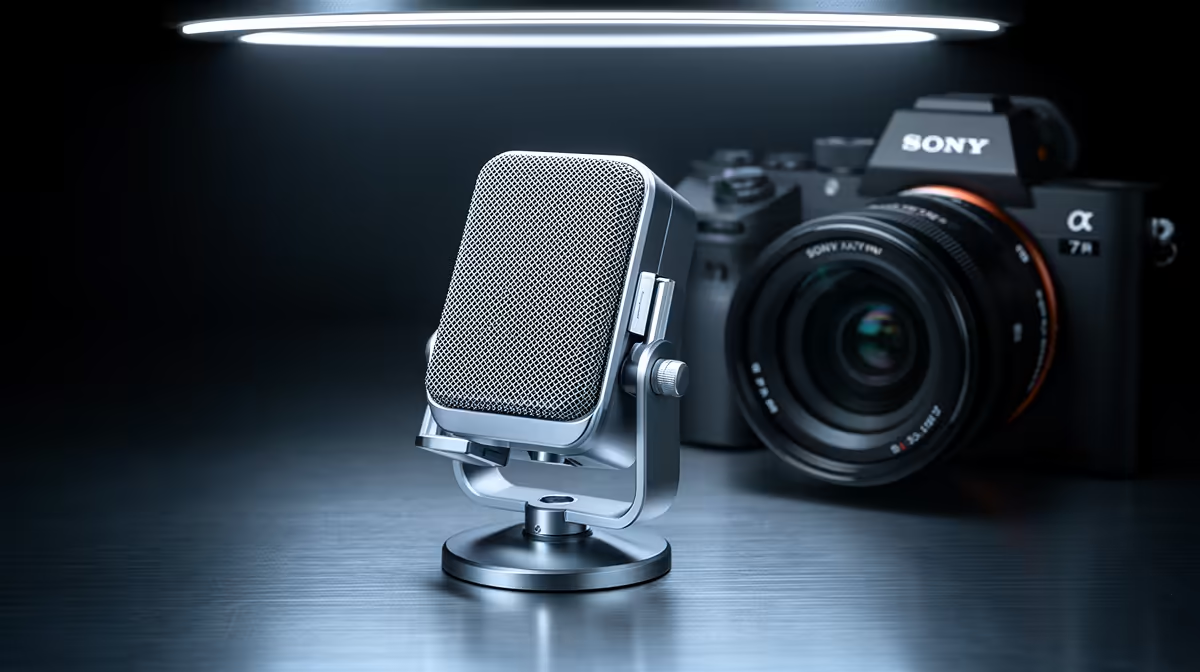
On cheap mics the USB cable, the volume knob, and the plastic mount fail first, long before the capsule itself. Spending R900 to R1,800 on a mic with a braided cable and a metal body lasts far longer than a R400 bargain unit that wears out in months.
Pickup Pattern Decides More Than Price
A cardioid pattern captures your voice and rejects room noise, which is what most desk users need; omnidirectional and multi-pattern mics pick up more of the room and suit interviews, not solo work. Choosing the right pattern improves clarity more than spending an extra R1,000. South African buyers carry gear between res, home in another province, and campus, so warranty support you can reach locally matters.
USB Versus XLR And What You Really Need
A USB mic plugs straight in and works in minutes, ideal for streaming, study calls, and casual recording from R900 to R2,500. XLR mics sound great but require an audio interface and some room treatment, pushing a full setup past R5,000. Unless you are building a treated booth, USB is the smarter spend.
Build Quality: What Wears Out And When
On budget mics the weak points are predictable: the thin USB cable frays at the connector, the gain knob gets scratchy, and the plastic desk stand cracks. A metal-bodied mic with a braided, detachable USB-C cable survives daily use far longer, which is why R1,500 often outlasts two R600 units.
FAQ
How much should I spend on a streaming microphone in SA?
Capable USB mics currently stocked at Evetech start around R900 and a strong all-rounder sits near R1,500 to R2,500. Beyond that you are paying for XLR rigs that also need an interface and room treatment.
What is the difference between cardioid and omnidirectional?
Cardioid captures sound mainly from the front and rejects room noise, which suits solo streaming and calls. Omnidirectional picks up the whole room, useful for group recording but worse for a noisy desk.
Do I need an audio interface?
Only if you choose an XLR microphone. USB mics have the converter built in and plug straight into your PC, so for most streamers and students a USB mic with no interface is the right call.
mic to a cardioid pattern about 10cm from your mouth, add a foam pop filter, and record a 20-second test before any session to check levels and background noise.