Quick Answer
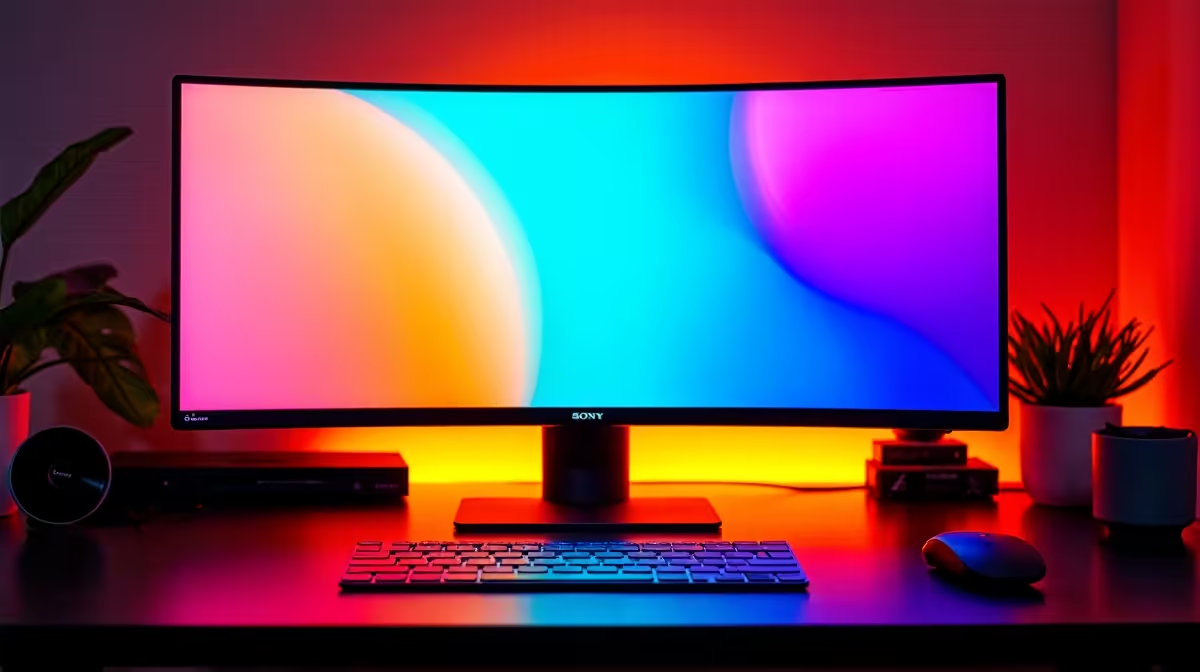
5120x2880 is 5K resolution: 14.7 million pixels packed into a 27-inch screen, delivering a pixel density of 218 PPI. That is roughly double the pixel count of 4K (8.3 million) and four times that of 1080p. At normal desk distances, individual pixels are invisible to the naked eye.
Breaking Down the Raw Numbers 📊
Resolution notation describes how many pixels fit horizontally by vertically. At 5120x2880, there are 5,120 pixel columns and 2,880 pixel rows. Multiply those and you get 14,745,600 total pixels. For comparison, a 4K monitor at 3840x2160 has 8,294,400 pixels, and a QHD display at 2560x1440 has 3,686,400. That means 5K contains 1.77 times more pixels than 4K on the same 27-inch panel, which translates directly into finer detail, crisper text, and more usable desktop space without scaling. A graphic designer in Johannesburg working at 100% zoom in Illustrator sees more of their artboard at once on 5K than on any smaller resolution.
What 218 PPI Feels Like in Practice 🖥️
Pixel density is the metric that ties resolution to screen size. At 218 PPI on a 27-inch 5K panel, individual pixels are indistinguishable at the typical working distance of 50 to 70 cm. Text in a web browser or code editor appears as smooth as print. Photographs show textures that are invisible on a 4K screen at the same zoom level. The experience is comparable to Apple's 5K iMac display, which targets 218 PPI specifically because research has shown that is the threshold where normal human vision stops resolving individual pixels at arm's length. Windows scaling at 200% is recommended for most applications to keep UI elements a comfortable size.
The Bandwidth Required to Power 5K 🔧
Pushing 5120x2880 at 60Hz requires 17.28 Gbps of display bandwidth. DisplayPort 1.4 with Display Stream Compression (DSC) handles this, as does Thunderbolt 4 and USB4. At 120Hz the requirement roughly doubles to around 35 Gbps, which needs DisplayPort 2.1 or Thunderbolt 5. HDMI 2.1 at its standard 48 Gbps ceiling can technically carry 5K at 60Hz with compression, though many monitors depend on DP 2.1 for the full 120Hz experience. Always check your GPU's output ports before buying a 5K panel to avoid discovering a bandwidth bottleneck after unboxing.
Enable Windows HiDPI Scaling Correctly ⚡
Set Windows display scaling to 200% for a 5K 27-inch monitor before adjusting anything else. At 100% scaling, desktop icons and taskbar text become uncomfortably tiny. Most productivity apps, including Chrome, Office, and Adobe CC, are fully HiDPI-aware and render crisply at 200% scale.
FAQ
Is 5K resolution worth it for gaming only?
Not for most gamers. Gaming at 5120x2880 at high frame rates demands an RTX 5090-class GPU. Unless you also do creative work, a 27-inch QHD at 240Hz or a 4K at 144Hz gives better fps-per-rand value for pure gaming.
Do all DisplayPort cables support 5K at high refresh rates?
No. You need a DisplayPort 2.1 certified cable or a Thunderbolt 5 cable for 5K above 60Hz. Older DP 1.4 cables support 5K only at 60Hz using DSC compression. Using the wrong cable silently caps your refresh rate.
How much more screen space does 5K give compared to QHD?
At 100% scaling, 5K gives you exactly four times the desktop real estate of QHD. At the recommended 200% scaling it matches QHD at 100%, but with much crisper rendering. The practical benefit is that everything looks sharper without requiring you to scroll or zoom as much.
Want to see high-resolution monitors side by side?
Evetech stocks a range of monitors from QHD to 5K so you can compare specs and choose the right pixel density for your workflow. Browse the current selection online.