


Quick Answer
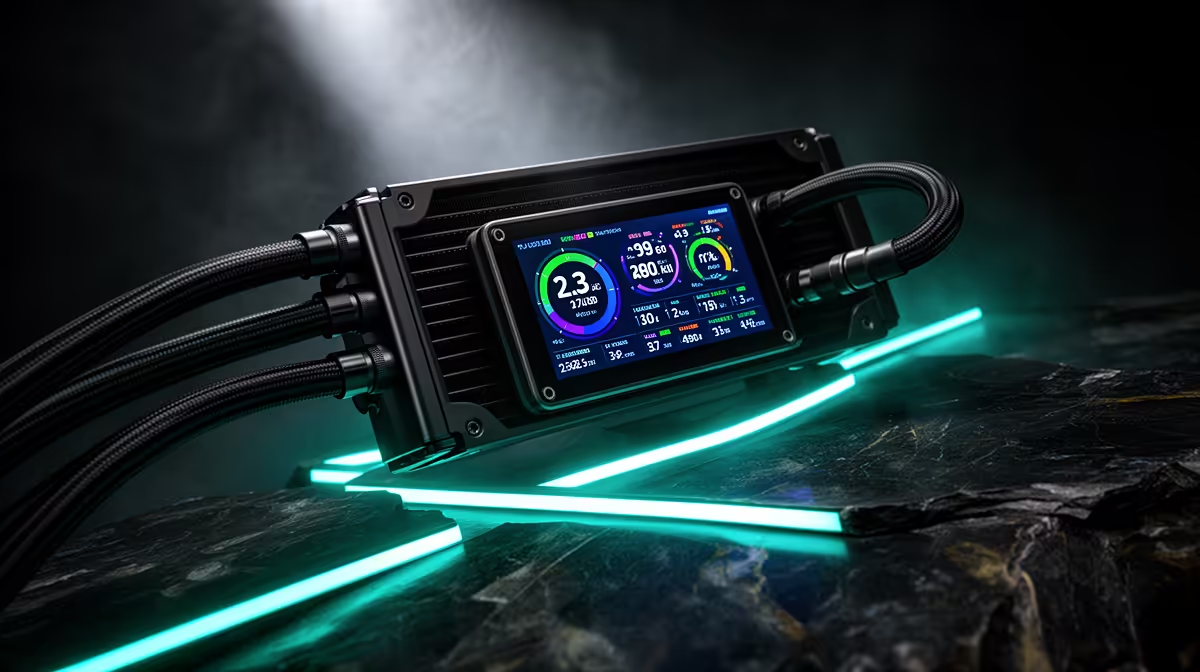
The 2.3-inch LCD on the ASUS Prime LC 360 ARGB displays CPU temperature, GPU temperature, system time, and custom images or animated GIFs. All display content is configured through ASUS Armoury Crate via a USB 2.0 internal header. The display updates sensor readings every one to two seconds and supports multiple simultaneous metric layout configurations.
Sensor Readouts Available on the Display 📊
Through Armoury Crate, you can assign any of the following to the LCD: CPU temperature in Celsius, GPU temperature, CPU utilisation percentage, GPU utilisation, RAM utilisation, system clock time, and CPU fan RPM. The display supports split-screen layouts showing two or three metrics side by side, making it a practical at-a-glance system health panel when visible through a windowed case side panel.
For gaming, the most useful configuration is simultaneous CPU and GPU temperature, letting you verify neither component is approaching its thermal limit without alt-tabbing to monitoring software. In South African summer conditions in Pretoria or Durban where indoor temps reach 30 to 32 degrees Celsius without climate control, this real-time visibility is practically valuable during long sessions.
Custom Images and GIF Support 🎨
Beyond live sensor data, the 2.3-inch LCD accepts uploaded static images in PNG and JPG format, and animated GIFs at the display's native 320 by 320 pixel resolution. This allows builders to display a team logo, a custom render, or any image fitting the 1:1 aspect ratio.
Uploading content is done through Armoury Crate's Lighting Control panel. The display stores the last configured content in onboard memory, retaining your custom image or sensor layout after a PC restart even without Armoury Crate actively open.
Practical Value vs Pure Aesthetics ✨
The LCD serves both functional and aesthetic purposes. The functional case is clear: a visible temperature readout on the pump head monitors thermal state without additional software on screen. For a dual-monitor setup where one screen is dedicated to a game, a glanceable pump head display reduces interruptions.
At Evetech, the ASUS Prime LC 360 ARGB is priced in the R3,000 to R3,800 range, and the LCD at that price represents strong value relative to standalone sensor panels that achieve the same monitoring function at R800 to R1,500 additionally.
Set Display Brightness to 60 Percent for Long-Term Quality ⚡
Running the LCD at full brightness for extended periods causes uneven backlight aging visible as brightness variation across the panel over time. Setting display brightness to 60 to 70 percent in Armoury Crate maintains display quality without meaningfully reducing visibility through a windowed case side panel.
FAQ
Does the LCD work if Armoury Crate is not installed?
Yes, the display defaults to a CPU temperature readout driven by the pump head's onboard firmware when Armoury Crate is absent. The basic temperature display is always active when the USB header is connected.
Can I display GPU temperature alongside CPU temperature?
Yes. Armoury Crate reads GPU sensor data from ASUS and third-party GPUs and can display it in a split layout on the 2.3-inch screen. GPU temperature support works with ASUS ROG and TUF Gaming GPUs and also with non-ASUS cards through the software's hardware monitoring layer.
Is the display touch-enabled for cycling through metrics?
No. The display is not touch-sensitive. Configuration and metric selection are done entirely through Armoury Crate software on the connected PC. There is no physical button or tap interface on the pump head itself.
Want an AIO with a built-in LCD system monitor? Evetech stocks the ASUS Prime LC 360 ARGB and other AIO coolers with LCD pump head displays, available for AMD AM5 and Intel LGA 1851 platforms.











