Microsoft drew a hard line in the sand for what counts as an AI PC, and the number that matters is 40 TOPS. Cross it and your machine earns the Copilot+ badge and a set of on-device Windows AI features. Fall short and those features stay greyed out no matter how fast your CPU or GPU is. The threshold sounds technical, but its real-world meaning is simpler than the marketing suggests.
Quick Answer
The Copilot+ 40-TOPS threshold is Microsoft's minimum NPU rating, 40 trillion operations per second or more, paired with at least 16GB of RAM and 256GB of storage, to certify a PC and unlock Windows AI features. Even at 40 TOPS the NPU is still too weak to run large local language models, so the badge matters most for light, always-on AI tasks.
What the 40-TOPS Threshold Actually Gates
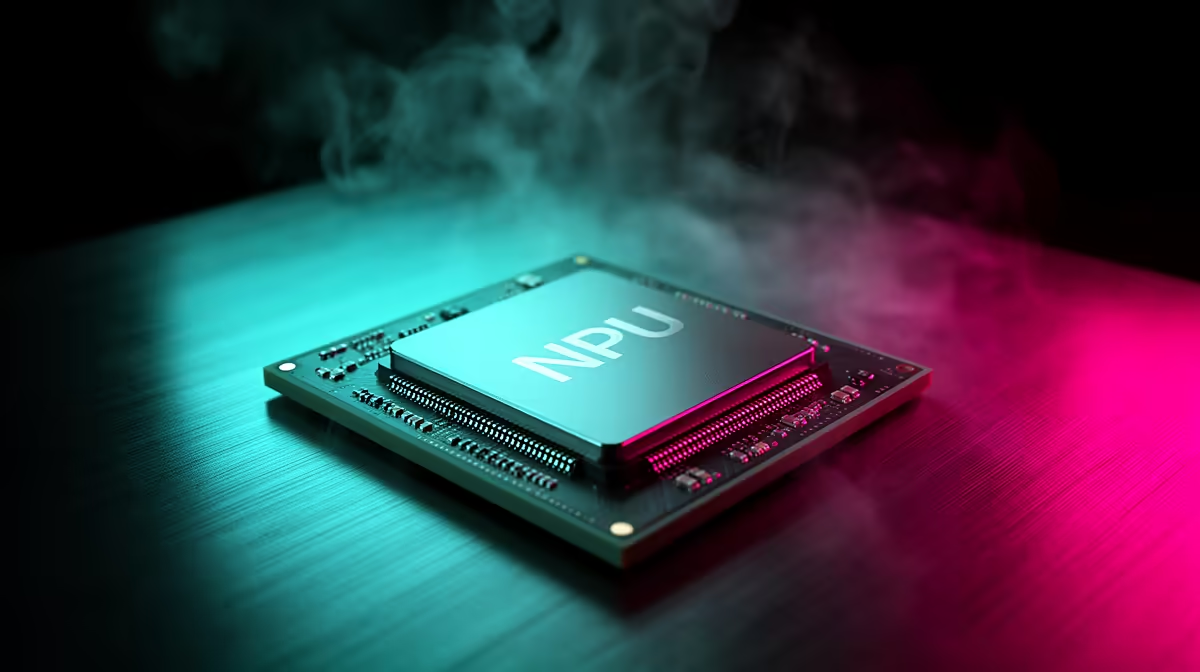
TOPS measures how many trillion operations a neural processing unit can perform every second. The NPU is a dedicated chip separate from the CPU and GPU, built specifically for the small, repetitive maths that AI features lean on. Microsoft set 40 TOPS as the floor because the Copilot+ experiences it wants running, things like Windows Studio Effects, Live Captions with real-time translation, Cocreator in Paint, and improved Recall, need that much sustained throughput to feel instant without flattening battery life.
Below 40 TOPS, Windows simply does not expose those features. It is a certification gate, not a soft recommendation. A laptop with a brilliant GPU but a 16-TOPS NPU still will not show the Copilot+ tools.
Why the NPU Still Cannot Run a Big Local Model
Here is the part the badge does not advertise. Forty TOPS is plenty for lightweight, on-device tasks, but it is nowhere near enough to run a large language model locally at usable speed. Those big models need the parallel muscle of a discrete GPU with many gigabytes of fast video memory. The Copilot+ NPU is tuned for efficiency on small workloads, not raw heft, so think real-time captioning and background blur, not running a full chatbot offline. The badge unlocks a curated set of features, it does not turn your laptop into a private AI server. You can see the current AI-capable laptop and desktop lineup in Evetech's dedicated AI PC section, which makes the NPU ratings easy to compare at a glance.
Does the Badge Matter for You?
If you live in video calls, want offline live captions, or value the productivity touches baked into Windows, the certification is worth seeking out. If your AI work is heavy generation or local model hosting, you should be shopping for GPU power instead, and the most powerful current desktops sit in the top-selling PC list rather than among the thin-and-light Copilot+ laptops.
Frequently Asked Questions
What does 40 TOPS mean in plain terms?
It means the NPU can perform at least 40 trillion operations per second. That throughput is the bar Microsoft set for a PC to be certified as Copilot+ and to unlock its on-device AI features.
Do I need 40 TOPS to use Copilot at all?
No. The cloud-based Copilot assistant runs on almost any modern PC. The 40-TOPS rule only gates the on-device Copilot+ features that run locally on the NPU.
Can a 40-TOPS NPU run ChatGPT-style models offline?
Not meaningfully. The NPU handles light AI tasks well, but large local language models need a powerful GPU with plenty of video memory, which the NPU does not provide.
What else does a Copilot+ PC require besides the NPU?
Alongside a 40-plus-TOPS NPU, Microsoft requires at least 16GB of RAM and 256GB of storage. All three boxes must be ticked for certification.