Try to load a large language model onto a graphics card and you hit a wall that has nothing to do with how fast the chip is. The model either fits or it does not, and the thing that decides that is VRAM, the dedicated memory soldered onto the card. Get the capacity wrong and a powerful GPU will refuse to run a model that a humbler card with more memory handles without complaint.
Quick Answer
VRAM is the dedicated, high-speed memory built into a GPU. To run a model on the GPU, its weights have to fit inside that memory. An 8GB card comfortably runs 7B-class models, a 24GB card opens up 32B models, and 70B-class work realistically wants 24GB at minimum and often more.
What VRAM Actually Is
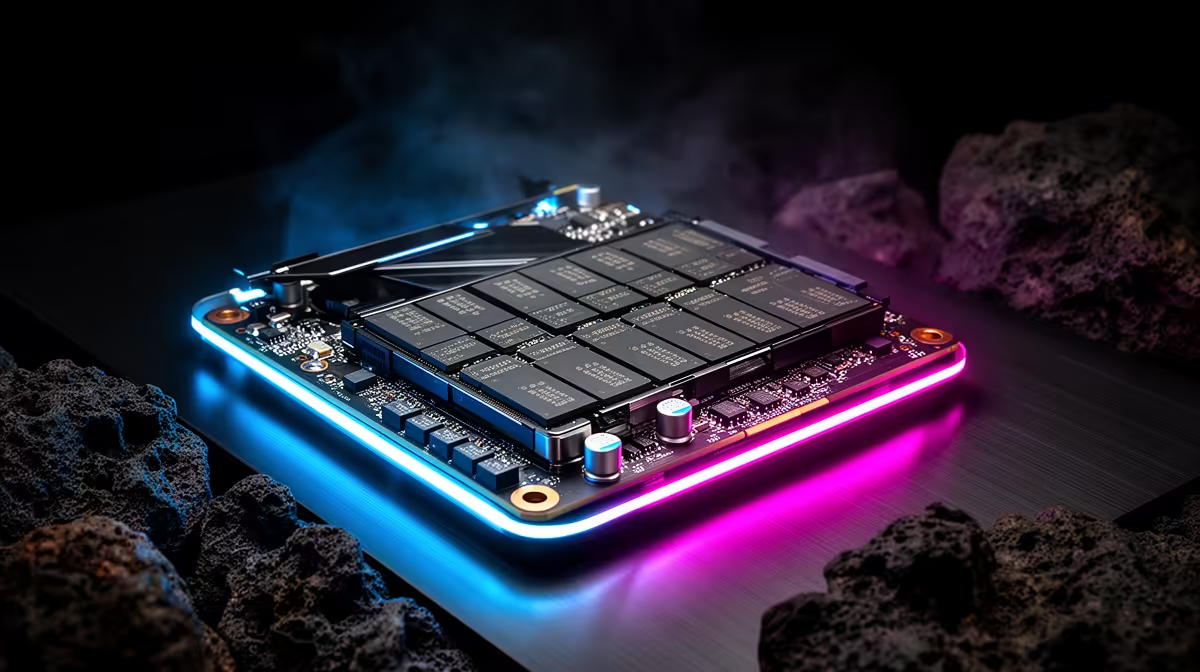
VRAM stands for Video Random Access Memory. It sits physically on the graphics card, separate from the system RAM on your motherboard, and it is far faster for the GPU to reach. Originally it held textures and frame buffers for games. For AI work it holds something different: the model's weights, plus the working data the GPU churns through while generating a response.
The key point is locality. The GPU can only compute on data that lives in its own VRAM. If a model is too big to fit, you either cannot run it on the GPU at all or you spill part of it into ordinary system RAM, where it crawls.
Why Capacity Is The Hard Limit
A model's parameters take up space measured in gigabytes. When you load a local LLM, those weights have to be copied into VRAM before the card can use them. There is no clever workaround for the laws of arithmetic: a model that needs 40GB of weights will not fit on a 24GB card in its full form.
This is why VRAM capacity, not raw speed, is the first number to check for AI. Two cards can have similar processing power, but the one with more memory can simply run bigger, more capable models. Quantisation (compressing the weights to use fewer bits) lets you squeeze larger models into less memory, which is how a 24GB card can stretch to a quantised 32B model, but the ceiling is still set by how much VRAM you have.
Rough VRAM Guide By Model Size
As a working rule of thumb for local LLMs in their commonly quantised forms:
- 8GB handles 7B and 8B models comfortably, which covers a lot of useful local assistants.
- 12GB to 16GB gives you headroom on those and reaches into 13B territory.
- 24GB unlocks 32B-class models and longer context windows.
- 48GB and up is where 70B-class models become practical without heavy compromise.
These bands shift with how aggressively a model is quantised, so treat them as guidance rather than guarantees. The AI PC range at Evetech groups builds chosen with local model inference in mind, so it is a useful place to compare VRAM configurations.
Picking A Card For AI In SA
For most people starting out, more VRAM beats a slightly faster core. A card with generous memory will keep being useful as models grow, while a fast card with thin memory ages quickly for AI. If you are choosing between configurations, see what other buyers in the local market are gravitating toward in the current PC best sellers, then match the VRAM to the largest model you realistically want to run.
Frequently Asked Questions
Is VRAM the same as system RAM?
No. System RAM sits on the motherboard and serves the CPU. VRAM is on the graphics card and serves the GPU, and it is much faster for the GPU to access. For running models on the GPU, only VRAM counts.
How much VRAM do I need to run a local LLM?
For 7B-class models, 8GB is enough. For 32B-class models you want 24GB. For 70B-class models, plan on 48GB or more. Quantisation can lower these needs at some cost to quality.
Can I run a model bigger than my VRAM?
Partly. You can offload some layers to system RAM, but performance drops sharply because the GPU has to wait on slower memory. For a smooth experience, keep the model inside VRAM.
Does more VRAM make games run faster too?
Not directly. Beyond what a game needs, extra VRAM does not boost frame rates. Its value for AI is different: more VRAM simply means you can load a larger model, and that limit is absolute.