


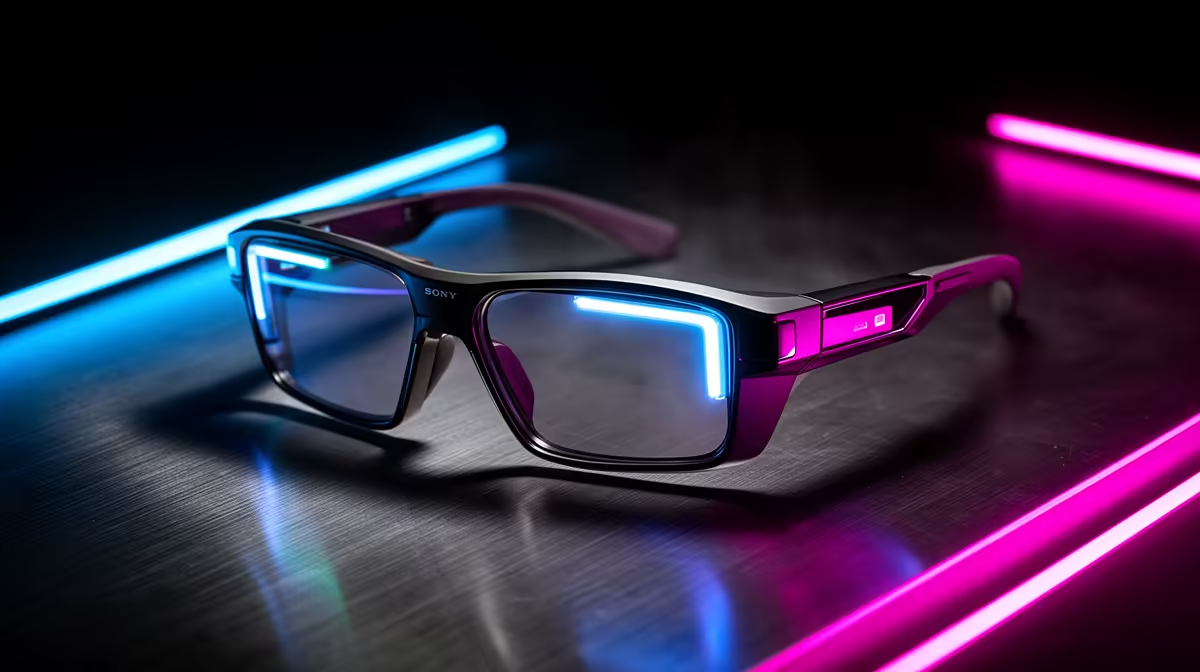
What matters most is the handful of features you touch every session, not the longest spec list. AR display glasses shine as a portable, cable-light second screen, not as a desktop monitor stand-in. For an expensive rig, a surge-protected multiplug and tidy cabling protect your investment more than any single accessory.
Quick Answer
AR glasses are best as a portable virtual monitor for travel and tidy desks, not a gaming-monitor replacement. A pair of display glasses (around 1080p per eye, 120Hz, ~80g) runs roughly R6,000-R12,000 at Evetech and pairs to a handheld, phone or laptop over USB-C DisplayPort.
What AR glasses are good for
Display glasses give a large floating screen, typically a 1080p-per-eye Micro-OLED panel at up to 120Hz, weighing 75-85g. That suits a clean desk (no monitor stand) and travel, turning a handheld or phone into a big private screen. They are not a true AR overlay or an esports display.
Connectivity and what drives them
Most glasses use one USB-C cable carrying DisplayPort video; confirm your device supports USB-C video out, or use a small dongle. For gaming, pair them with a Steam Deck OLED or ROG Ally X. Entry glasses near R6,000 give a sharp 1080p image; premium models at R10,000-R12,000 add brightness (nits) and field of view.
What matters most
What matters most in AR glasses is the handful of features you touch every session, not the longest spec list. Rank your needs first, then match the model to them. Paying for capabilities you will not use is the most common way buyers overspend.
Protecting an expensive setup
On an expensive rig, the real protection is a good surge-protected multiplug and tidy, strain-free cabling, not a single premium accessory. Route cables so nothing pulls on a port, and keep the gear on a clean power line. Spend on protecting what you already own before chasing the next upgrade.
FAQ
How do I protect this on an expensive rig?
Run it through a surge-protected multiplug and keep cabling strain-free. That protects AR glasses and the rest of the rig far more cheaply than any single premium upgrade.
Can AR glasses replace a gaming monitor?
For travel and tidy desks, yes as a 1080p 120Hz virtual screen; for competitive gaming, no. A 165Hz desktop monitor still wins on refresh rate and latency.
What do I need to connect AR glasses?
A device with USB-C DisplayPort video out: most modern laptops, many phones, and handhelds like the Steam Deck OLED. Some need a small adapter, so confirm USB-C video support first.
phone, laptop or handheld supports USB-C DisplayPort video before buying, and treat AR glasses as a portable second screen.











