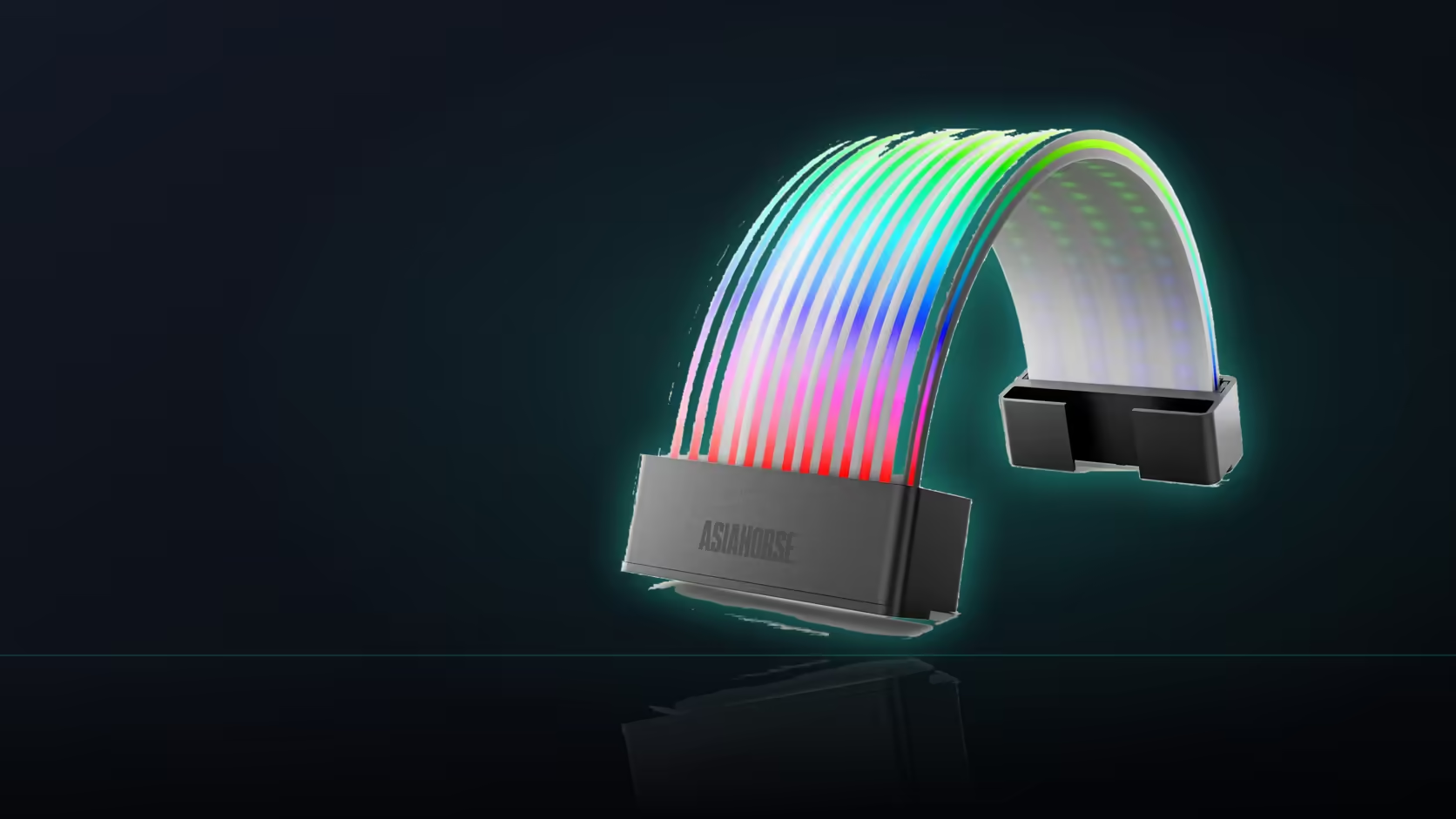
Flipping a single setting sounds like the whole story until you actually trace what moving from one control mode to another involves. On this Aurora Learn cable cover, the change touches wiring as much as it touches software.
Quick Answer
Switching Aurora Learn from remote control to board sync moves the lighting under the motherboard's own software, requiring a new connection from the controller to a 5V 3-pin header on the board, while the controller itself stays exactly where it was already fitted. What you gain from the R599 cover is one consistent scheme across the whole build; what you lose is direct access to the remote's own 124-plus preset library while that mode is active.
🔌 What physically changes during the switch
A connection is made from the controller to a 5V 3-pin header on the motherboard, and that new lead is the actual mechanism the sync mode relies on to receive instructions from the board's own software.
⚡ What stays exactly the same
The SATA power connection to the power supply remains in place regardless, since the controller still needs its own dedicated power supply whether it is driving the cover from stored presets or simply passing along board instructions.
📚 What happens to the stored presets
They stay saved inside the controller and are simply not driving the cover while sync mode is active, meaning switching back to the remote restores full access to the same library exactly as it was left.
🤝 Why anyone would actually choose to make this switch
Making this change lets the cover follow the same lighting scheme as other components elsewhere in the build, rather than running its own independent effect alongside fans and strips, such as anything sourced from a case lighting range, synced through the board.
🔓 What sync mode requires that not every build has
A free addressable header on the motherboard is required for this switch, which is exactly the reason a build might stick with the remote instead, since headers are frequently already committed elsewhere.
Frequently Asked Questions
What actually changes physically during this switch?
A connection is made from the controller to a 5V 3-pin header on the board, which is the route the sync mode relies on.
Does the SATA power lead get removed in the process?
No. The controller still needs its own power, so the SATA connection stays exactly in place regardless of which mode is active.
What happens to the stored presets once sync is active?
They remain saved in the controller and simply are not driving the cover, so switching back restores the full library unchanged.
Why would someone choose to make this switch at all?
So the cover follows the same lighting scheme as other components, rather than running its own separate effect alongside the rest of the build.
Is a free addressable header actually required for this?
Yes, which is the main reason a build might stay on the remote instead, since headers are commonly already fully committed.
Does the remote still respond once sync mode is active?
Control has moved to the board's software at that point, so the cover follows that instead of responding to the handheld remote.
Can the switch be reversed later without any issue?
Yes, the two modes are presented as alternatives for the same product, so moving between them remains a straightforward setup decision.
Thinking about switching Aurora Learn to board sync?
Check Evetech's power supply range to confirm your setup either way.