Most people shopping for a new chassis end up with a dozen browser tabs open and no clear way to compare them. Specs sheets list dimensions and fan counts, but rarely explain which numbers actually matter once parts go in. Narrowing the search to an atx mid-tower case helps, since that form factor covers the bulk of builds, and knowing which four figures to check first turns a confusing shortlist into a quick decision.
Quick Answer
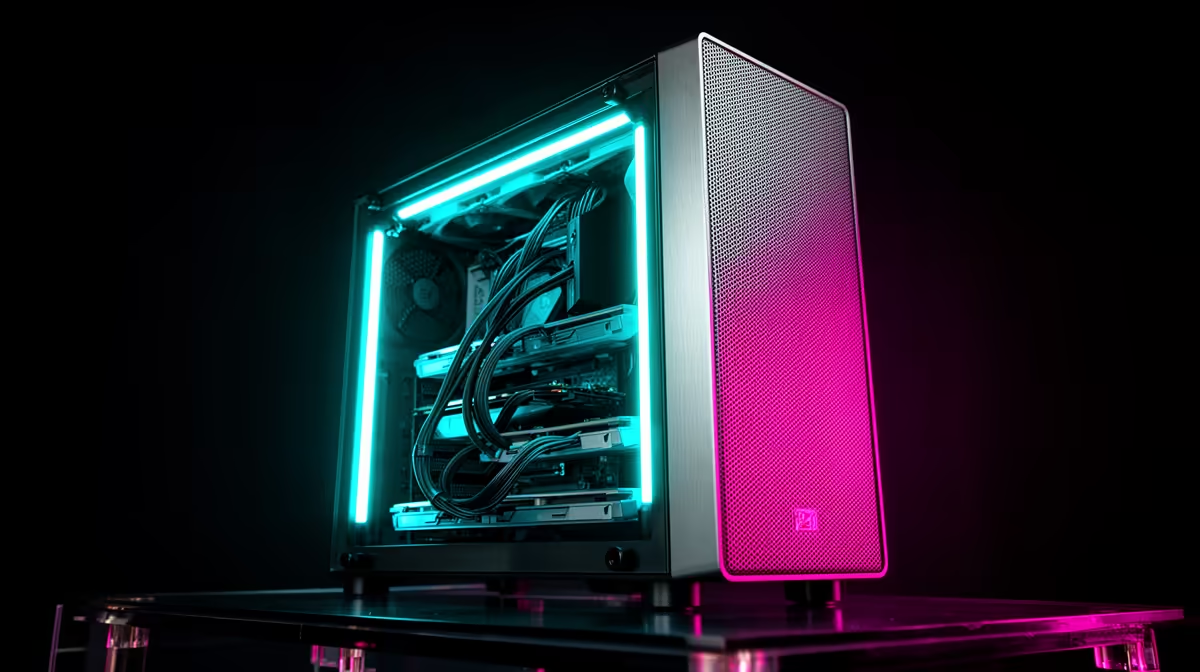
Four numbers decide most of it: GPU clearance, CPU cooler height, cable routing depth and how many fans ship pre-installed. The EINAREX Pulse P100 covers all four at R1,499, with 330mm of GPU room, 175mm of cooler clearance, 24mm for cables and 3 RGB fans already fitted.
📏 GPU Clearance Comes First
Nothing kills a build faster than a graphics card that will not sit flush against the side panel. Clearance figures are measured with the panel closed, so a case advertising 330mm of room genuinely fits cards up to that length rather than only with the panel removed. This is the first spec worth checking against whichever card is already owned or planned, since everything else in the case is easier to work around than a card that simply does not fit.
🧊 Cooler Height and Radiator Support
Tall air coolers need vertical room, and radiators need front or top mounting space, so both figures matter before locking in a CPU or cooling plan. A case supporting up to 175mm of cooler height covers the large majority of tower air coolers on the market, while 360mm of front radiator support handles most all-in-one liquid coolers sold today. The Pulse P100 covers both figures without forcing a choice between air and liquid cooling upfront.
🔌 Cable Depth and Fan Count
Cable routing space behind the motherboard tray decides how tidy the build looks and how easily the side panel closes without bulging. A 24mm gap is enough for most standard cables to sit flat, which matters more than it sounds once a power supply and several fan headers are all routed through the same space. Fan count matters too, since 3 RGB fans pre-installed on the Pulse P100 save a separate purchase and get airflow moving from day one.
Frequently Asked Questions
What is the single most important spec when buying a case?
GPU clearance is usually the deciding factor, since a card that does not fit makes every other spec irrelevant.
Do pre-installed fans matter if I plan to add my own later?
Pre-installed fans still count toward airflow and save an initial cost, even if extra fans get added afterwards.
Is 175mm of CPU cooler clearance enough for most builds?
Yes, 175mm covers the majority of tower-style air coolers sold for mainstream gaming builds.
Does cable routing space affect cooling performance?
Indirectly. Poorly routed cables can block airflow paths, so having 24mm of dedicated space helps keep cables out of the way.
Should I check ATX, Micro-ATX and Mini-ITX compatibility before buying?
Yes, confirming the case fits your motherboard's form factor avoids a mismatch, and the Pulse P100 supports all three.
Buyers wanting the exact figures in one place can check the Pulse P100's full listing before deciding. For comparison against similar chassis, EINAREX's case lineup shows how this model stacks up on price and features. Anyone wanting more airflow than the 3 fitted fans provide can also look at extra case fans to top up the build.
Ready to know what to check before buying?
Track down the Pulse P100 ATX case from the Evetech site at R1,499 this week. Run through clearance, fans and panel type before anything else.