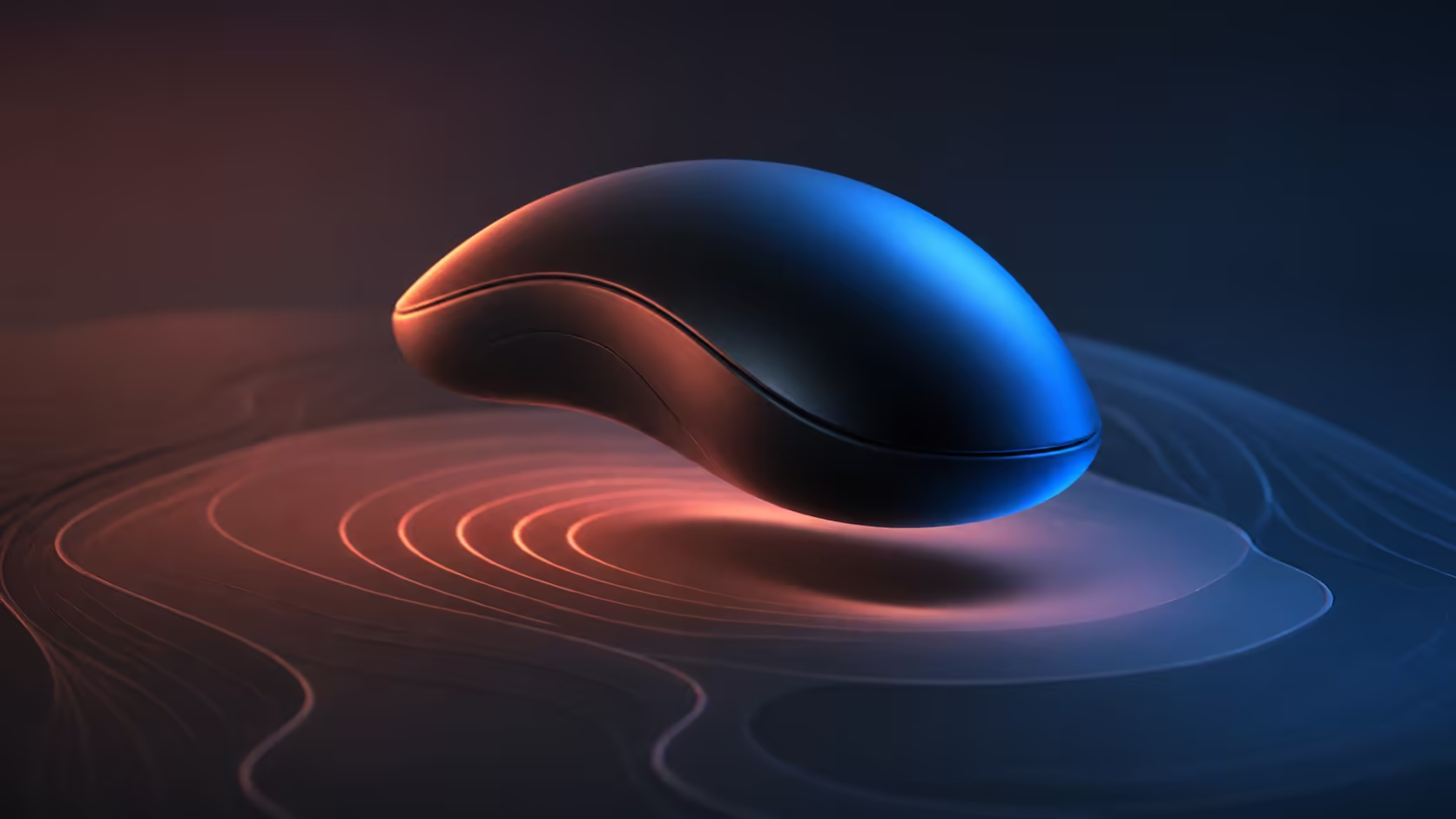
A large palm-grip mouse should support the hand without turning every lift into a squeeze. Choosing a large palm-grip wireless gaming mouse means checking shell length, rear support, thumb access, side pressure and the radio setup as one complete experience. Corsair's black IRONCLAW Wireless SE costs R1,699 and is shaped for larger hands.
Quick Answer
Look for broad palm support, natural button reach, stable tracking, a connection suited to gaming and enough battery life for the weekly routine. The R1,699 IRONCLAW Wireless SE offers a larger-hand palm shape, ten programmable buttons and tri-mode SLIPSTREAM, Bluetooth and USB-C.
✋ Start with neutral hand support
Rest the hand without gripping. The shell should meet the palm without raising the wrist, while the index and middle fingers reach the front clicks comfortably. Check whether the little finger has support and whether the thumb sits beside the side controls rather than stretching towards them.
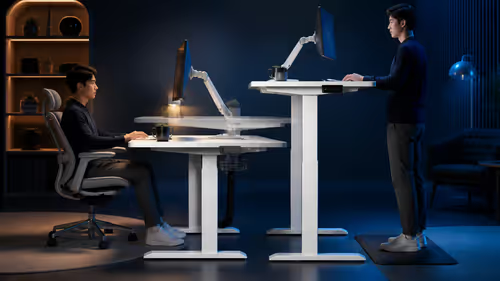
Desk height affects this test. Keep the forearm near level, relax the shoulder and use the pad position intended for daily play. Evetech's gaming mouse range provides different shapes to compare under the same posture.
👍 Test controls during movement
Press every important side button while sweeping the mouse. A shortcut is not useful if the palm slides or the pointer changes direction. Ten programmable controls provide options for MMO, MOBA and work, but leaving an awkward button empty is sensible.
IRONCLAW uses a MARKSMAN 26K optical sensor rated to 26,000 DPI. Choose a practical sensitivity that fits the pad and movement style; the maximum is adjustment headroom, not a default.
📡 Plan the wireless desk
SLIPSTREAM suits the main gaming route, Bluetooth can serve a secondary compatible device, and USB-C provides wired use and charging. Place the 2.4GHz receiver within a clear path and keep the cable accessible without dragging across the pad.
The wireless mouse page helps compare connection choice alongside physical fit. A good shell still needs a stable radio environment and a receiver that will not be lost during travel.
🔋 Match endurance to the week
Corsair rates the IRONCLAW Wireless SE for up to 285 hours. Actual charging intervals change with use, lighting, idle behaviour and connection mode. Record a normal week, then create a predictable top-up routine before long gaming sessions.
At R1,699, the mouse is part of Evetech's range under R2,000. Compare its palm support and ten-button reach with alternatives rather than using battery or DPI as the sole decision.
Use the shortlisted mouse for at least thirty minutes. Repeated lifting, scrolling and side-button use can reveal pressure that a quick static grip misses. Comfort after the session is the strongest large-hand feature.
Inspect the pad and cable space
A larger shell needs enough room for the movement style. Low-sensitivity arm aim may require a broad pad and clear space beside the keyboard. Measure the intended sweep before choosing a shape that fits the hand but collides with other desk equipment.
Wired fallback also changes the space. Route the USB-C cable from above or through a loose anchor so it cannot pull during a turn. Test the arrangement even if wireless will be used most of the time, because charging or diagnosis should not make the mouse unusable.
Surface friction influences fatigue. A worn or dirty pad can require extra force, encouraging the user to squeeze a heavier-feeling shell. Clean the pad, keep the sensor window clear and compare glide before blaming the grip design.
Review the fit after a week rather than remapping posture around discomfort. Persistent finger pressure or a raised wrist usually calls for another shape, while minor unfamiliarity may fade as button positions become automatic. Comfort should improve naturally, not through constant tension.
Frequently Asked Questions
What indicates that a mouse is too small?
Strong finger curl, palm overhang, little-finger pressure and constant grip repositioning can all signal insufficient support.
Are more buttons always better for large hands?
No. They help only when each button is distinct and reachable without twisting the thumb or shifting the palm.
Which wireless mode should be used for gaming?
SLIPSTREAM is the gaming-focused wireless route, while Bluetooth serves convenience and USB-C supplies a wired path.
How long is the IRONCLAW battery rated for?
It is rated for up to 285 hours, with the actual interval shaped by settings and use.
What does the larger-hand Corsair mouse cost?
The black IRONCLAW Wireless SE costs R1,699 and combines palm support with ten programmable controls.
Ready to judge a large mouse by the way it supports a complete session?
Compare Evetech wireless gaming mice with your normal desk posture, then test lift, reach and radio placement together.