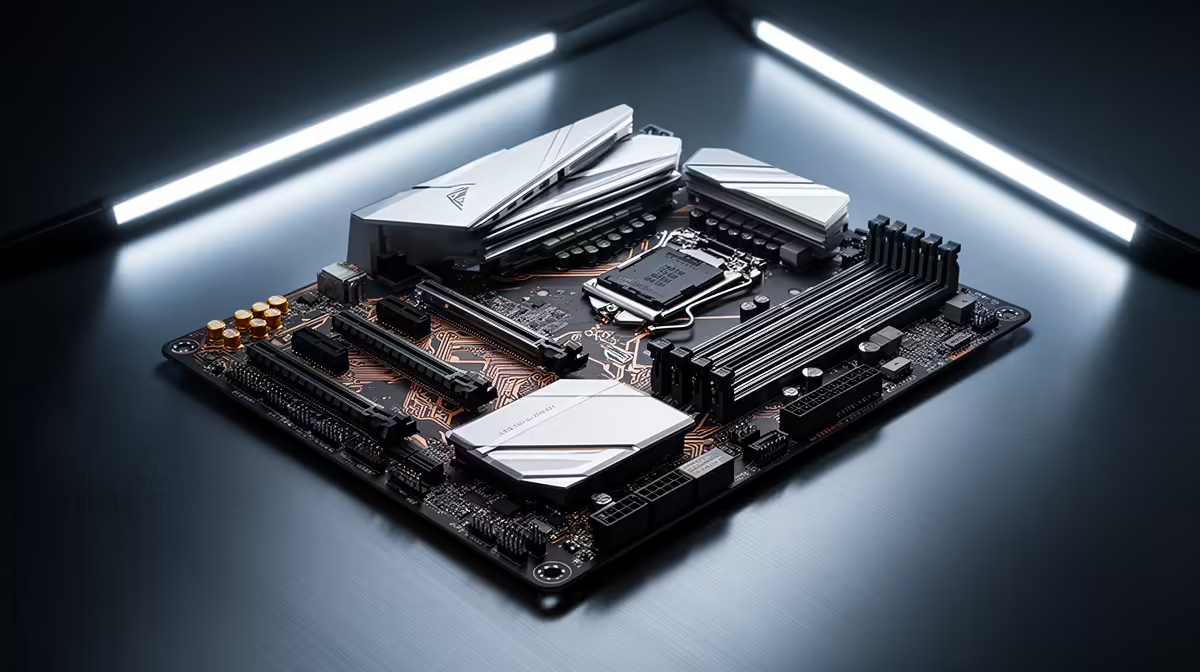
Streaming adds a second workload on top of gaming, and that second workload has its own list of demands your motherboard either meets or fights you on. Picking the right b860m motherboard for this dual purpose comes down to a shorter feature list than most spec sheets suggest.
Quick Answer
For combined gaming and streaming, prioritise fast NVMe storage, networking above Gigabit and enough high-speed USB for capture devices. The ASUS B860M MAX Gaming AX covers all three at R4,499 with triple M.2 slots, 2.5Gb Ethernet and 20Gbps USB-C.
Storage for game libraries and recordings
Game installs keep growing, and recorded footage or stream highlights add another layer of storage demand on top. Having multiple fast M.2 slots means you can dedicate one drive to your OS and games, and another to recordings, without either workload slowing the other down through shared drive bandwidth.
Why slot count beats a single fast drive
One extremely fast drive still becomes a bottleneck if games, recordings and OS files are all competing for the same read and write queue. Splitting the load across separate NVMe drives, as the ASUS B860M MAX Gaming AX allows with its triple M.2 layout, avoids that contention entirely.
Network for online play and uploads
Streaming uploads run alongside your game's own network traffic, and on a Gigabit connection those two can start competing for bandwidth during a busy moment. A 2.5Gb Ethernet port gives more headroom for simultaneous game traffic and stream upload without either one starving the other.
USB bandwidth for capture gear
Capture cards, audio interfaces and webcams all draw on USB bandwidth, and a single high-speed USB-C port rated at 20Gbps gives real headroom for demanding capture equipment without needing to spread devices across multiple slower ports. This board is built on the Intel B860 chipset, which supports this kind of high-bandwidth USB-C implementation.
Power delivery and protection features
Streaming setups often run for hours at a time under sustained load, so consistent power delivery and board protection features matter more than they do for short gaming sessions. Features like 5X Protection III guard the board against power fluctuations during those long runs, while ASUS Q-Design speeds up the initial build so you spend less time fiddling with cables and more time testing your streaming software. Compare this against the rest of the Intel motherboard lineup if you are weighing up a dedicated streaming and gaming build.
Frequently Asked Questions
Do I need multiple M.2 slots for streaming?
It helps considerably, since separating game files from recorded footage avoids one workload slowing down the other on a shared drive.
Is 2.5Gb Ethernet necessary for streaming?
It is not strictly required, but it gives useful headroom when game traffic and stream upload run at the same time.
What USB speed do I need for a capture card?
A high-speed USB-C port rated at 20Gbps, like the one on this board, comfortably handles most consumer capture devices without bottlenecking.
Does RGB lighting matter for a streaming setup?
Only cosmetically. Aura Sync support is a visual extra rather than something that affects streaming or gaming performance.
Is a Micro-ATX board suitable for a streaming PC?
Yes, provided it has the storage, networking and USB features needed, as form factor alone does not limit streaming capability.
Does a streaming PC need a different motherboard to a pure gaming PC?
Not necessarily a different board, but one with stronger storage, networking and USB provisions serves both workloads better than a bare-bones gaming board.
Ready to pick features that actually matter?
The ASUS B860M MAX Gaming AX lives in our Intel B860 motherboard range, set to supply the networking and storage headroom a gaming-and-streaming rig needs.