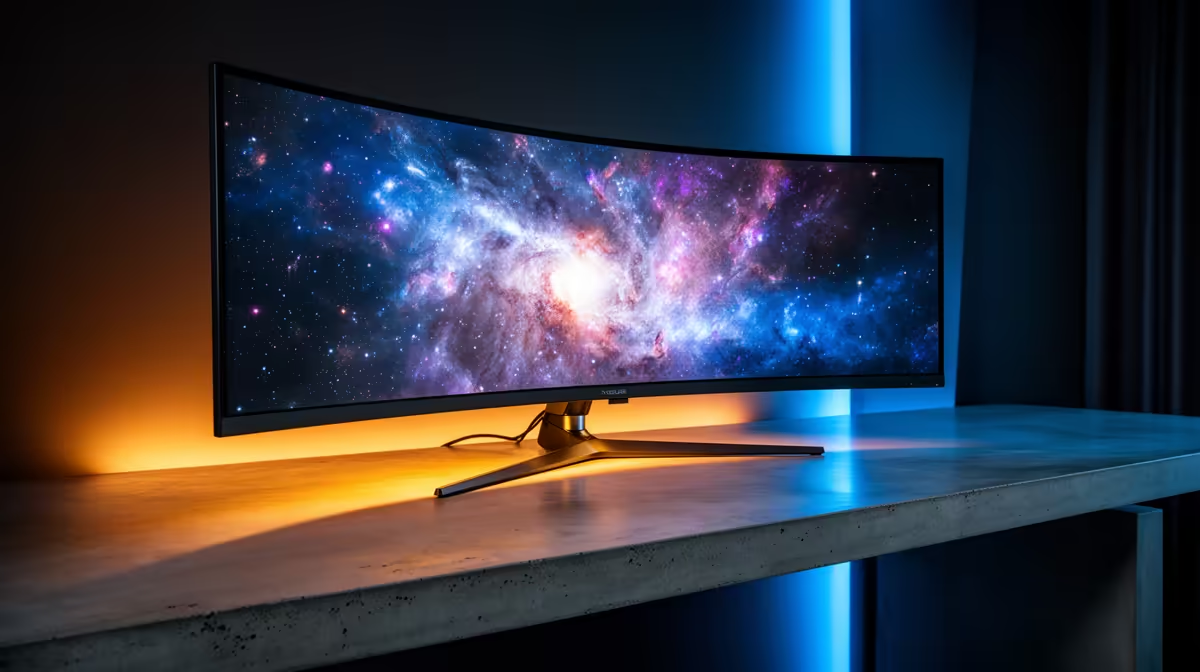
4K monitors still cost more in SA because driving four times the pixels needs better panels and electronics, and import pricing adds to the bill. Match the panel to how you actually game.
Quick Answer
4K monitors cost more in SA because the panels, scalers and connectors are pricier than 1440p, and import duties add to it. Expect R7,000 to R20,000; they shine for desktop sharpness and slower games, but 1440p high-refresh is better value for fast competitive play.
GPU Cost Comes Too
4K gaming demands a strong GPU, so the true cost is the monitor plus a capable card. Budget for both before committing to a 4K panel.
Refresh Versus Resolution
At a fixed budget you often choose between 4K detail and high-refresh smoothness. Competitive players usually take 1440p at high refresh, while solo and scenic gamers lean toward 4K sharpness.
When 4K Is Worth It
4K rewards desktop work and slower, scenic games with crisp detail. For fast competitive titles, a 1440p high-refresh panel gives smoother motion for the money.
Connectors And Cable Bandwidth
4K at high refresh needs DisplayPort or HDMI versions with enough bandwidth, so check the port spec and use the right cable. The wrong cable can cap refresh or colour depth on an otherwise capable panel.
Why 4K Carries A Premium
Four times the pixels of 1080p means costlier panels, scalers and higher-bandwidth connectors, and SA import pricing layers on top. That keeps 4K monitors around R7,000 to R20,000 here.
FAQ
Is a 4K monitor worth it for gaming?
For desktop sharpness and slower, scenic games, yes. For fast competitive play, a 1440p high-refresh panel gives smoother motion and better value than 4K.
Do I need a powerful GPU for 4K?
Yes. 4K gaming pushes a lot of pixels, so plan for a strong graphics card alongside the monitor. Budget for both, since a weak GPU cannot drive 4K at smooth frame rates.
What cable do I need for 4K gaming?
Use a DisplayPort or HDMI cable rated for enough bandwidth at your target refresh. The wrong cable can limit refresh or colour, so match it to the panel's port spec.
Buyer Tip
Before buying, list the games and work you do most, then pick the panel whose strengths line up; confirm your GPU and cable can drive it fully.