A polling rate sounds like a number for the keypad to worry about, but it is really a conversation between the keypad and the computer. The keypad reports its keys at the chosen rate, and the PC has to receive, process and act on every report. At 8000Hz that means a great many small messages every second, and whether the machine copes depends on what else it is doing. This guide explains why the rate matters, how to see the PC's side of the load, and how to choose a setting your computer runs cleanly.
Quick Answer
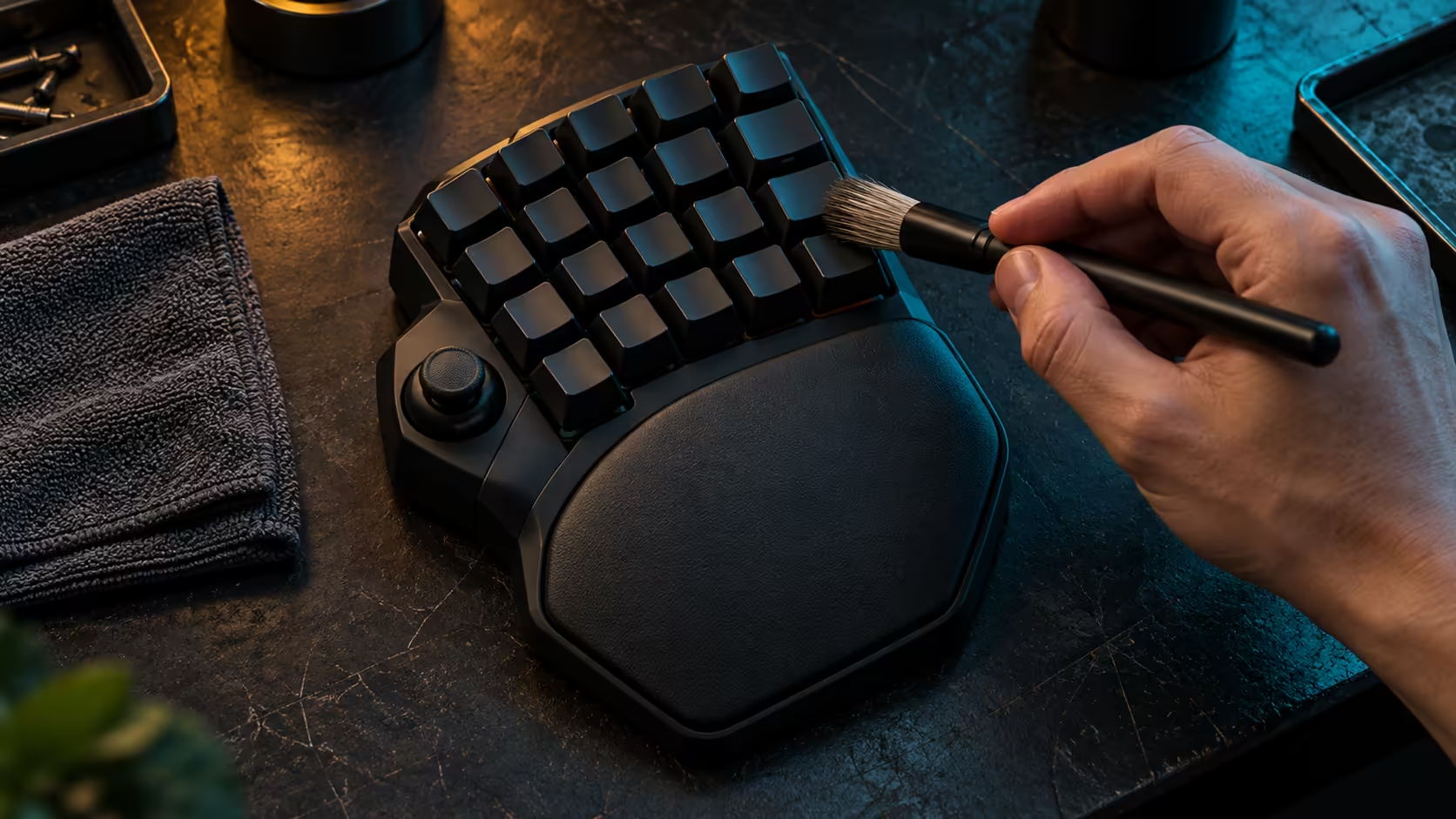
An 8000Hz polling rate matters when the keypad must report input very often and the PC keeps pace. At 8000Hz, reports arrive about every 0.125ms, compared with 1ms at 1000Hz, and this keypad goes up to 8000Hz. Its R4,799 price includes VAT. Check the PC's load at each rate before you commit, because a faster report rate only helps when the computer can use it.
📡 Counting the reports each second
At 1000Hz the keypad sends 1,000 reports every second. At 8000Hz it sends 8,000, which is eight times as many. Each report is small, but the PC handles every one, so the total work grows with the rate. The numbers are simple, and they explain why the setting is more than a marketing figure.
Those reports exist only while the keypad is active and the keys are being read. A keypad sitting idle on the desk is not sending 8,000 messages a second in any useful sense, so the effect is most noticeable during active play.
💻 Watching the PC's side of the load
Open Task Manager and go to the Performance tab, then watch the CPU graph for 60 seconds at your normal game settings. Note the average. Change the keypad to 1000Hz, play the same 60 seconds in the same scene, and note the average again. Then switch to 8000Hz and repeat the test.
If the CPU average rises sharply at 8000Hz, the PC is spending real effort on the extra reports, and a steadier rate may be the better choice. If the average barely moves, the machine has headroom, and the faster rate is safe to keep. Either result is useful, and both come from your own machine rather than from a spec sheet.
🧠 When the PC is the bottleneck
A machine that is already busy will feel the extra reports first. Background tasks, a browser with many tabs, or a download running in the same room can take up the spare capacity the faster rate needs. Close those before you judge the keypad, and then test again.
In many South African households one PC does several jobs: a student's assignments, a sibling's downloads and a gamer's session, all at once. In that setting a steady 1000Hz may serve better than an erratic 8000Hz, because the smaller, regular stream of reports is easier for a busy machine to handle.
🔍 Deciding which rate to keep
Choose the rate that gives you a steady CPU graph and a responsive keypad during real play. If 8000Hz keeps the CPU calm and your inputs feel right, keep it. If the graph jumps or the inputs stutter during a busy scene, go back to 1000Hz, which is still a sound, fast setting for most play.
Record the rate you chose and the date, so you know which setting you were running when a problem appeared. A simple note saves an hour of guessing later.
Frequently Asked Questions
What does 8000Hz polling actually change?
It sends reports about every 0.125ms rather than every 1ms. That helps only when the keypad is reporting input often and the PC can process every report.
How do I check whether my PC can handle 8000Hz?
Watch the CPU average in Task Manager for 60 seconds at 1000Hz and then at 8000Hz, in the same scene. A sharp rise at the higher rate suggests the PC is working harder than it needs to.
Is 1000Hz still a good setting?
Yes. It is a fast, steady rate that suits most play, and it is easier for a busy machine to handle than a faster one.
What does the keypad cost with 8000Hz polling?
At R4,799 including VAT, the Tartarus V2 Pro also supports up to 8000Hz. The rate is one setting among several, so pick it based on your own machine's load.
Mice with high report rates sit in the gaming mouse range, and the keypad is listed in the keyboard category.
Want a keypad your PC can run smoothly?
Browse our gaming keyboards and mice, then choose the setup that keeps your computer calm under load.