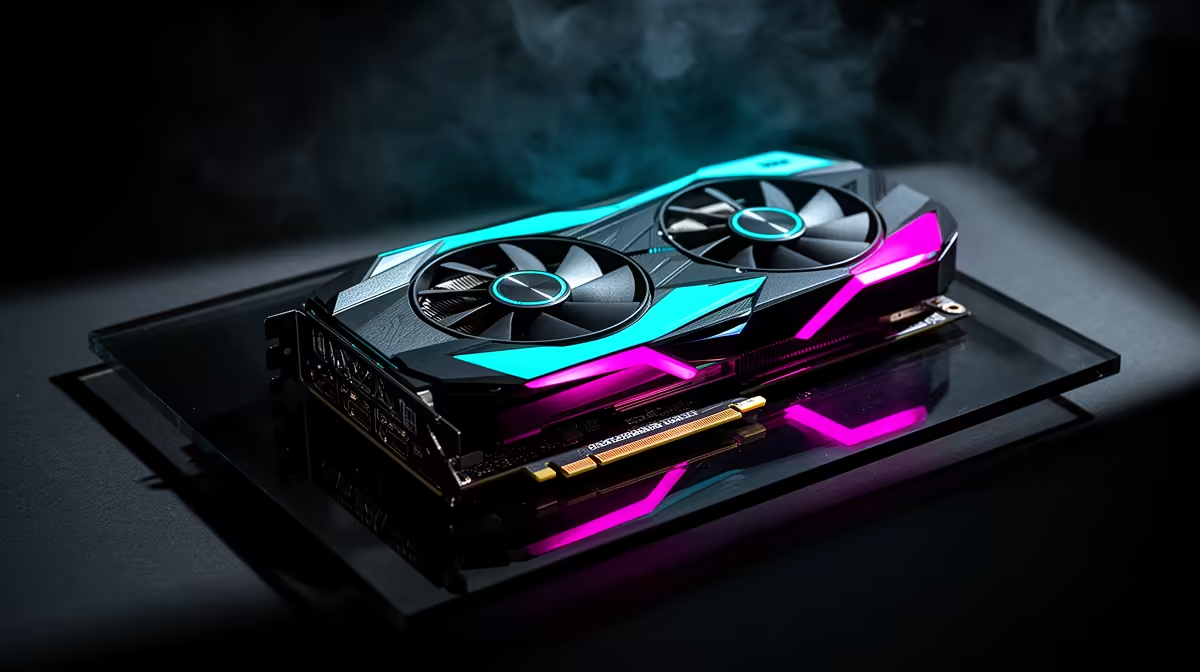
It is a common complaint on forums: a build has three or four fans spinning yet the graphics card still climbs into uncomfortable temperatures under load. Fan count alone does not guarantee cool running, since direction, clearance, and filter condition all play a part too. Fixing this often starts with the atx mid-tower case itself rather than the fans, and the EINAREX Pulse P100 shows what a properly balanced setup looks like at R1,499.
Quick Answer
A hot-running GPU with several fans installed is usually a clearance, airflow-direction, or dust-filter issue rather than a fan-count problem. This chassis avoids the clearance side of it by allowing up to 330mm of GPU room alongside three pre-installed RGB fans, priced at R1,499.
🌡️ Clearance Cramping Airflow Around the Card
When a graphics card sits too close to the front fans or the case wall, hot air recirculates around the cooler instead of being pushed clear. This is common in cases where GPU clearance is tight relative to the cards people actually install, forcing the card's own fans to pull in air the case fans just exhausted. Having 330mm of room here leaves enough space around the card for its own intake and exhaust to work as designed.
Checking Your Own Case's Clearance
Measuring the gap between an installed card and the front fan mounts, or the side panel if the card sits close to glass, quickly shows whether cramped clearance is contributing to heat buildup.
🔄 Fan Direction Matters More Than Fan Count
Case fans set up as all-intake or all-exhaust, rather than a mix of the two, can leave a build with no clear escape path for air, trapping heat regardless of how many units are spinning. A balanced setup usually means intake at the front and bottom with exhaust at the rear and top, creating one consistent path through the case. The three RGB units fitted here are arranged for exactly this kind of front-to-back flow rather than working against each other.
🧹 Dust Filters and a Restricted Front Intake
A clogged dust filter on the front intake can choke airflow just as effectively as having too few fans, since the fans end up working against a blocked path rather than pulling in fresh air. Regular cleaning of intake filters matters as much as fan count itself, particularly in a case with front-mounted fans feeding both the GPU area and the CPU cooler.
Frequently Asked Questions
Can too many case fans actually make GPU temperatures worse?
Yes, if all fans face the same direction and leave no clear exhaust path, adding more without balancing direction can trap heat rather than remove it.
Does GPU clearance affect temperature as much as fan count?
It can matter just as much, since cramped clearance forces the card to recirculate its own hot exhaust instead of venting it clear of the case.
How often should front intake filters be cleaned to avoid heat buildup?
Checking and cleaning intake filters every few weeks helps maintain consistent airflow, especially in dustier environments.
Are three pre-installed fans enough for a hot-running graphics card?
For most mid-range and many high-end cards, three well-placed fans combined with adequate GPU clearance is sufficient, provided airflow direction is balanced.
Anyone troubleshooting GPU temperatures should check the clearance and fan specs for this chassis against their own build before assuming more fans are the fix. If a case swap is on the table, EINAREX's case options are worth comparing for airflow-friendly layouts. For adding extra intake or exhaust to an existing build, case fans sold on their own can help rebalance airflow direction.
Ready to work out why your GPU still runs hot?
Swing by the Pulse P100 build on Evetech, no fuss at R1,499, straightforward. Check whether fan direction, not fan count, is the real issue.