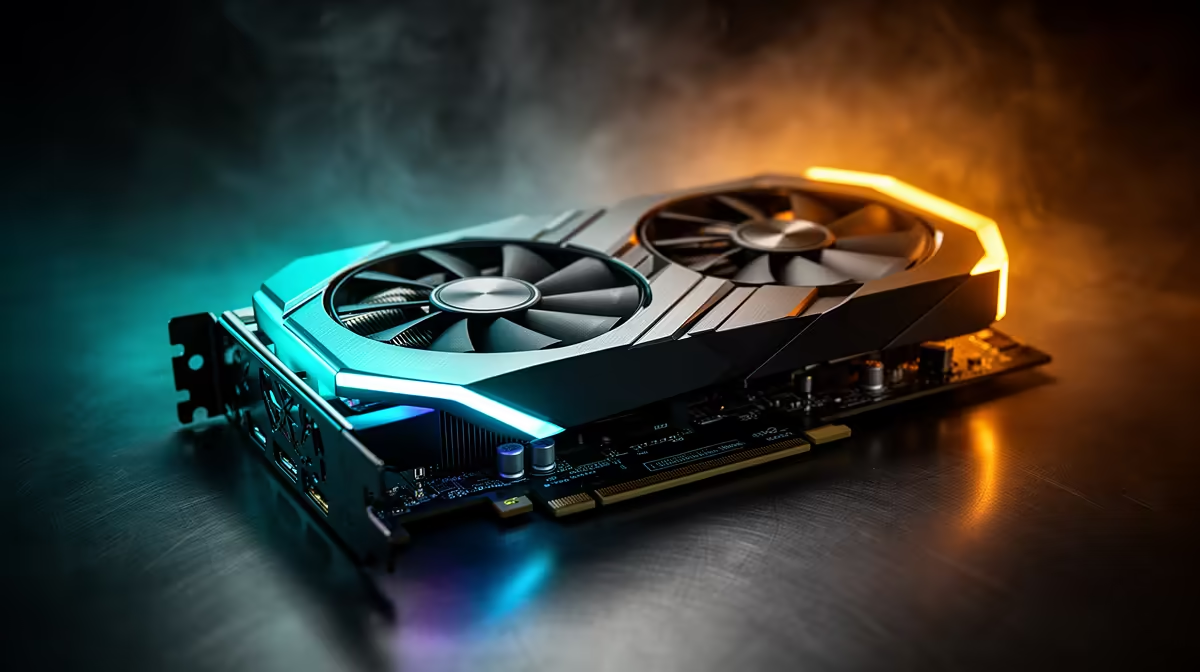
A render that crawls to a stop at ninety percent almost always comes down to memory, not raw core speed. Textures, cached geometry and denoiser buffers stack up until the pool runs dry, and the practical fix is a 24gb creator graphics card with enough headroom to hold an entire scene at once instead of swapping pieces in and out mid-job.
Quick Answer
Renders stall or crash when a scene's textures, geometry caches and lighting data exceed the card's onboard memory, forcing slow trips through system RAM instead of fast local access. The ASRock Pro B60 Creator carries 24GB of GDDR6 for R14,399, which covers most single-scene workloads that would choke an 8GB or 12GB card outright. A 192-bit bus keeps that extra capacity fed rather than sitting idle.
🧩 Where The Memory Actually Goes
Every render engine holds far more in memory than the final frame suggests. High-resolution textures get decompressed, geometry gets tessellated, and shadow or reflection passes each keep their own buffers open while the frame builds. Add a few 4K source images or a dense particle simulation and a scene that looked modest on disk can balloon well past what an entry-level card carries.
Denoising passes make this worse. AI-based denoisers hold reference frames in memory alongside the raw render data, and once that combined footprint creeps past the card's ceiling, the driver has to offload the overflow to system memory across a much slower path.
🖥️ Why A Bigger Pool Changes The Ceiling
This is where a 24GB GDDR6 buffer earns its keep. Instead of tracking which assets can stay resident and which must be streamed in and out, the whole scene simply sits in memory. Intel's Xe2-HPG architecture drives that pool at a 2400 MHz clock, so capacity and bandwidth move together rather than one bottlenecking the other.
The 192-bit memory bus on this card matters just as much as the 24GB figure. A wide pool with a narrow bus still chokes on data-heavy renders, so the pairing of both is what actually prevents the stutter.
⚙️ Signs You Have Already Hit The Wall
Out-of-memory errors mid-render, textures that load in blurry before sharpening, and sudden frame-rate collapse in the viewport are the usual tells. If a project runs fine until a particular scene or asset is added, that is memory exhaustion, not a processing shortfall.
Renders that finish but with visible artefacts, missing reflections or flattened lighting can also point to the engine silently dropping data it could not fit in the available pool.
🎬 Where This Card Fits A Render Pipeline
Beyond raw rendering, DirectX 12 Ultimate support and onboard XMX AI engines mean the same card handles video editing previews and AI-assisted upscaling without a second GPU in the machine. That versatility suits smaller studios and freelancers who cannot dedicate separate hardware to each stage of a pipeline.
For a closer look at the exact configuration, this ASRock listing covers the full spec sheet, while Evetech's workstation graphics category shows where it sits against other creator-focused options. Anyone comparing across the brand can also browse ASRock's wider graphics card range before deciding.
Frequently Asked Questions
What causes an out-of-memory error during rendering?
It happens when a scene's combined textures, geometry and cache data exceed the graphics card's available memory, forcing the render engine to fail or fall back to much slower system RAM.
Does more VRAM always mean faster renders?
Not on its own. Capacity prevents stalls and crashes, but render speed still depends on core clock, architecture and how well the software uses the card, which is why bandwidth and memory size need to scale together.
Is 24GB enough for most 3D and video projects?
For nearly all freelance and small-studio projects, yes. Only very large VFX-scale scenes with extensive 8K texture sets would realistically push past that ceiling.
Can this card handle video editing as well as 3D rendering?
Yes. Its DirectX 12 Ultimate support and XMX AI engines cover editing, colour work and AI-assisted effects alongside traditional render workloads.
Why does the memory bus width matter alongside capacity?
A wider bus moves data to and from the memory pool faster, so a large capacity paired with a narrow bus can still bottleneck on heavy scenes, which is why the 192-bit bus here matters as much as the 24GB figure.
Ready to stop out-of-memory errors mid-render?
Head to the Intel Pro B60 Creator GPU found in Evetech's workstation GPU shelf, selling at R14,399 and works to put out-of-memory errors during rendering behind you for good.