Quick Answer
PCIe 5.0 SSDs are still niche for gaming because most games do not gain enough load-time benefit to justify the extra heat and price. A good Gen 4 NVMe drive already feels fast for Windows, launches and large game libraries. PCIe 5.0 makes more sense for heavy workstation transfers than for a normal SA gaming PC.
Gaming gains are limited
Many titles load from mixed asset sizes and CPU work, so a drive with huge sequential numbers does not always cut loading screens dramatically. Moving from a hard drive to NVMe is the big leap; moving from Gen 4 to Gen 5 is much smaller. That is why 1TB or 2TB Gen 4 drives remain the practical buy.
Heat and motherboard checks
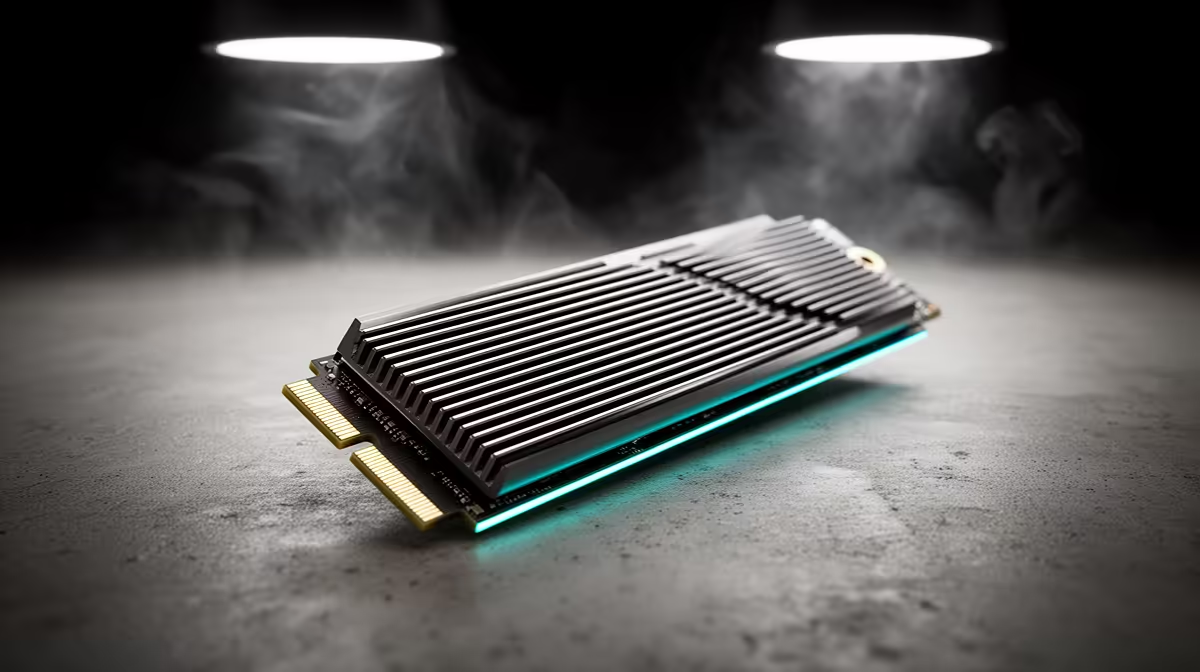
PCIe 5.0 drives can run hot and often need strong heatsinks. In a compact case or under a warm GPU, throttling can reduce the advantage. Check that the motherboard has the right M.2 slot and cooling before paying the premium.
When Gen 5 is valid
Choose PCIe 5.0 for editing, large file transfers, scratch disks or workstation tasks where the speed is used daily. For a gaming-first budget, spend the difference on GPU, RAM or a better monitor. The PC will feel more balanced.
FAQ
Will PCIe 5.0 improve FPS?
No. Storage speed affects loading and transfers, not normal game FPS.
Is Gen 4 NVMe enough?
Yes. A quality 1TB or 2TB Gen 4 SSD is the better value for most gamers.
Do PCIe 5.0 drives need heatsinks?
Usually yes. They can run hot under sustained transfers, so cooling should be planned.
SSD check
Buy capacity before peak speed; a full tiny SSD feels worse than a slightly slower 2TB drive.
Check the practical fit before you buy.
Compare the part against your monitor, desk space, cooling, storage and weekly games so the final setup feels balanced rather than just impressive on paper.
Final basket check: keep enough budget for the part that exposes the upgrade, usually the monitor, SSD, PSU, cooling or router. A stronger headline spec only helps when the supporting setup can show the improvement every week.