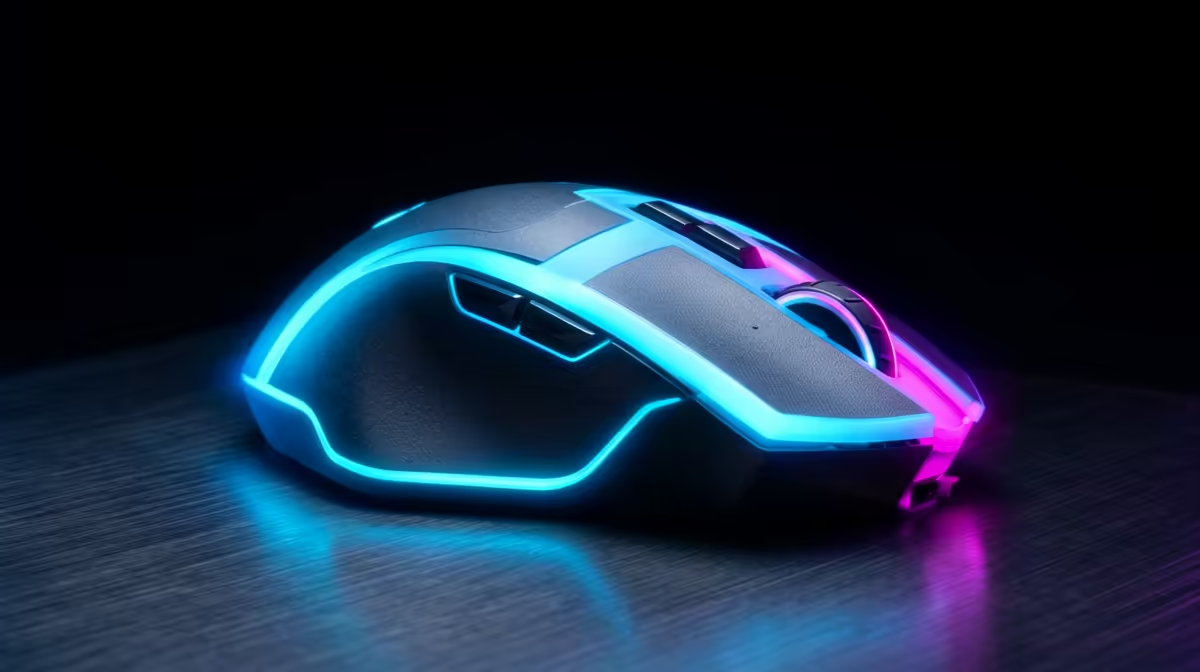
Most a wired versus wireless mouse questions come down to a handful of practical trade-offs, so here is the honest breakdown.
Quick Answer
Wireless mice are replacing wired ones in East London esports because modern 2.4GHz models add under 1ms of latency, weigh as little as 60g, and last 70 to 100 hours per charge. The cable drag is gone with no performance penalty. Competition-grade wireless mice start around R900.
Why East London players switched
Top sensors and dongles closed the latency gap, so pros now play wireless without compromise. Removing the cable frees wrist movement for fast flicks and tidies the desk. Lightweight shells reduce fatigue over long matches.
What to check before buying
Prioritise a low-latency 2.4GHz dongle (not Bluetooth for gaming), a weight that suits your grip, and a shape that fits your hand. Set polling to 1,000Hz for a stable feel. Battery life of 70-plus hours means weekly charging.
Where wired still fits
On a tight budget, a 60g wired mouse delivers the same in-game feel for less. It never runs flat, which suits buyers who forget to charge. The wireless premium buys convenience, not raw speed.
In practice, a balanced choice beats chasing the highest number on the box.
In practice, a balanced choice beats chasing the highest number on the box.
A little planning here saves money and a return trip later on.
Plan a touch of headroom so the build still feels good a couple of years on.
FAQ
Are wireless mice as fast as wired for esports?
Yes. Quality 2.4GHz mice add under 1ms, which is imperceptible. They match wired performance while removing cable drag.
How long does the battery last?
Most run 70 to 100 hours, so you charge weekly. Many allow play-while-charging over USB-C as a backup.
Is Bluetooth fine for competitive play?
No. Bluetooth adds too much latency. Use the bundled 2.4GHz dongle for gaming and keep Bluetooth for casual device pairing.
part to the games you actually play, not the spec sheet's biggest number.