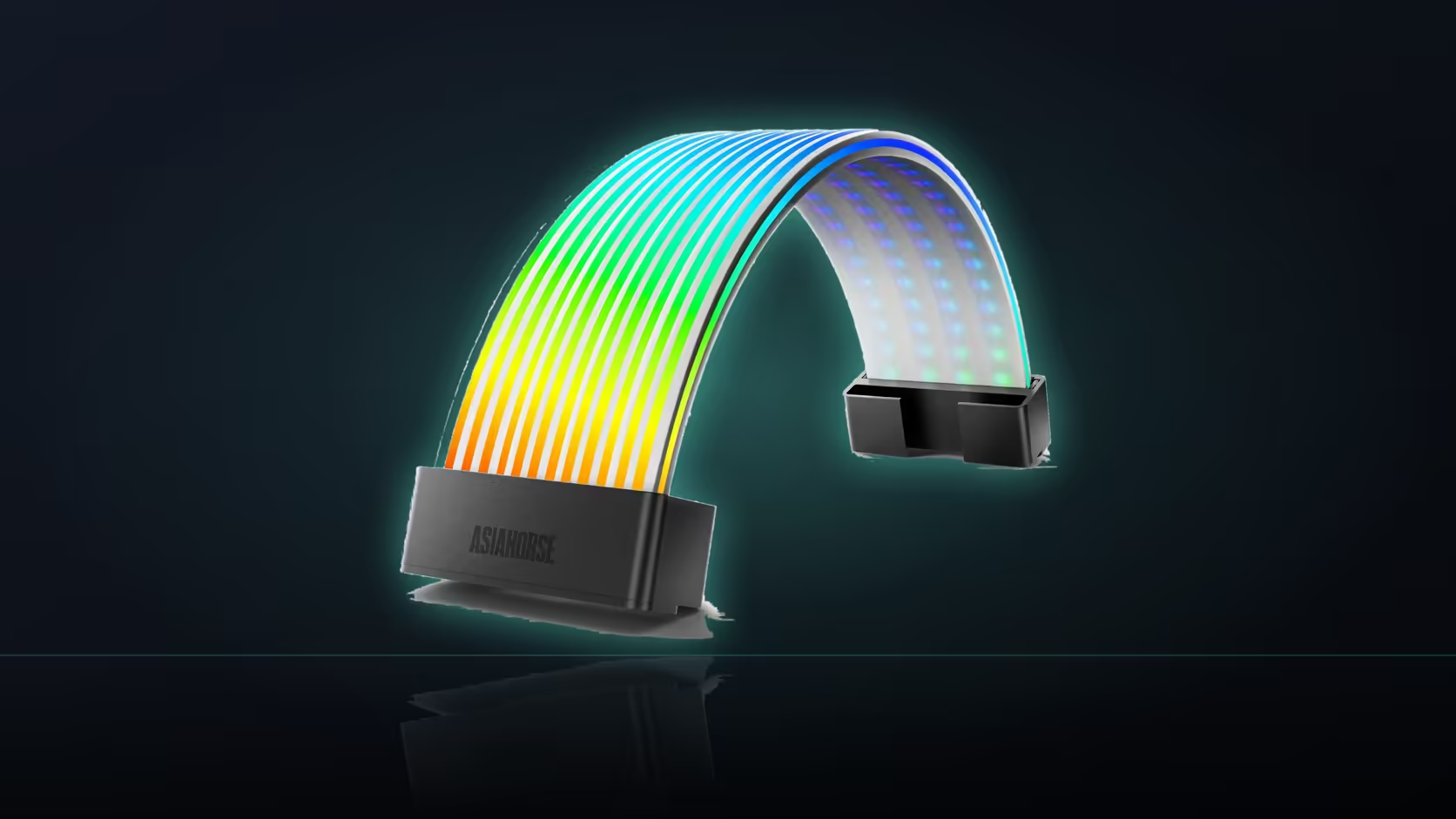
Three separate power leads rarely arrive at a graphics card sitting neatly parallel to each other, and getting the Aurora Learn ARGB PSU Cable Cover's graphics shell to close cleanly over that group depends entirely on tidying that arrangement before the shell ever touches the cables.
Quick Answer
The Aurora Learn graphics shell, priced at R599, is shaped for a three-plug run, so the three individual leads need grouping neatly and parallel before this 260mm shell will actually close over them. Three cables sitting at different angles simply will not fit inside that profile, no matter how carefully the shell is positioned. Bringing them into a flat, parallel arrangement first is genuinely what makes the fit work in practice.
🧵 What the shell expects to find underneath it
A grouped run of three leads lying parallel to each other is the specific arrangement the 260mm profile is shaped to enclose, rather than three cables taking independent paths toward the card.
🔀 What happens if the leads take different paths
The shell cannot close cleanly over cables that diverge from one another, so bringing them together along the section that will be covered is genuinely the necessary first step before attempting to fit it.
📐 Whether lead order matters for the fit itself
For fitting purposes, the leads simply need to lie flat beside each other, though keeping a consistent order does help the run look tidy on either side of the shell once it is in place. The controller behind the lighting is powered entirely separately, drawing from your power supply's own SATA capacity.
🪢 Do cable combs help or get in the way here?
Combs tend to raise the run rather than flatten it, so any comb positioned under the section the shell will cover should generally come off, even though combs can still help keep the leads tidy on either side outside that covered span.
📏 How much straight cable the shell genuinely needs
At least 260mm of straight, parallel cable is required, with enough working room around that section to manoeuvre the shell into place over it comfortably. Checking that clearance is worth doing at the same time as planning any case lighting mounted nearby, since both tend to compete for the same open space around the card.
🎮 Does a vertically mounted card change any of this?
Yes, a vertical mount changes the approach angle of all three leads, so the grouping has to be reassessed entirely against that different geometry rather than assumed to work the same way.
Frequently Asked Questions
What arrangement does the graphics shell actually expect underneath it?
A grouped run of three leads sitting parallel, which is the specific arrangement the 260mm profile is shaped to enclose cleanly.
What if the three leads currently take different paths to the card?
Then the shell cannot close properly, so bringing them together along the covered section is the necessary first step before fitting.
Does the order of the three leads matter for the actual fit?
For fit purposes they simply need to lie flat beside each other; a consistent order mainly helps the run look tidy either side.
Can this graphics shell cover just two leads instead of three?
It is described specifically for a three-plug run, so a narrower group may sit loosely and is worth testing before committing.
Do cable combs help with getting this shell to fit?
Combs raise the run rather than flatten it, so any comb under the covered section should generally come off before fitting.
How much straight cable does the shell genuinely require?
At least 260mm of parallel cable, plus enough working room around it to manoeuvre the shell into place comfortably.
Does a vertically mounted graphics card change this process?
Yes, it changes the approach angle of all three leads, so the grouping needs reassessing against that different geometry entirely.
Fitting the Aurora Learn graphics shell over three power leads?
Browse Evetech's graphics card range to check your cable arrangement before ordering.