Quick Answer
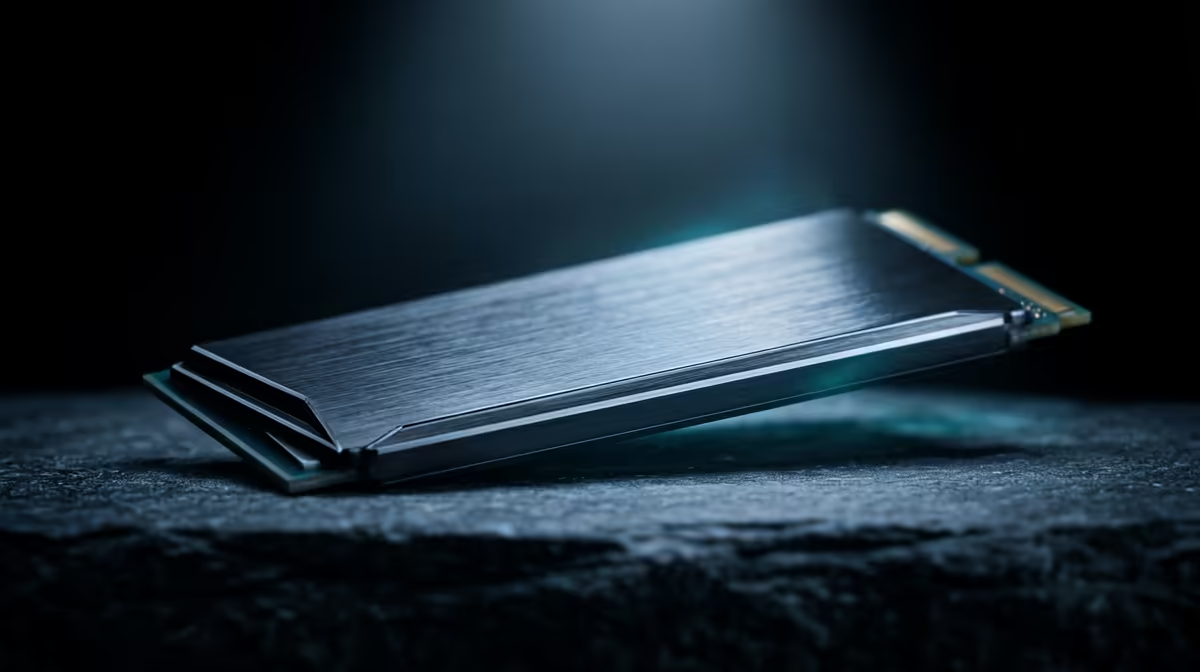
Single-sided M.2 NVMe drives are the safe choice for X870 builds — they fit under all M.2 heatsink designs without clearance issues. Double-sided drives (NAND chips on both sides of the PCB) are thicker and can conflict with some X870 board heatsink covers, particularly on compact M.2 slots near VRM heatsinks. For drives up to 2TB, single-sided options like the Samsung 990 Pro and WD Black SN850X are widely available at Evetech.
What Single-Sided vs Double-Sided Means for NVMe
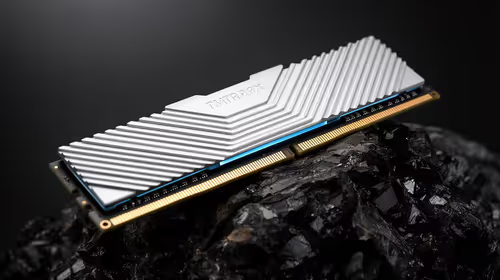
M.2 NVMe drives use NAND flash chips mounted on the PCB. Single-sided drives place all chips on one face — the component side — keeping the drive at standard 2.35mm thickness (type 2280 M-key). Double-sided drives spread chips across both faces, increasing thickness to 3.5mm or more. Most consumer drives up to 2TB are single-sided; 4TB and 8TB Gen 4/Gen 5 drives are increasingly double-sided due to the NAND density required.
On X870 boards, the M.2 slot connector handles both form factors identically — the physical connection is the same. The difference emerges with heatsink compatibility. X870 board heatsinks like those on the ASUS Prime X870-P use foam thermal pads that compress against the drive surface. Double-sided drives need thicker thermal pads or the heatsink may not seat flat, reducing thermal transfer.
X870 Heatsink Compatibility by Drive Thickness
Most X870 boards ship with single-sided-optimised heatsinks. Double-sided drives often require removing the board's M.2 heatsink and either using the drive's own heatsink (if included) or purchasing a third-party cooler. On boards with M.2 slots near PCIe reinforcement brackets — common on the MSI Pro X870-P WiFi — double-sided 4TB drives can physically conflict with adjacent slot hardware.
Before ordering a 4TB or larger NVMe for an X870 build, check the drive's datasheet for the component count per face. Samsung 990 EVO 4TB and WD Blue SN580 4TB are single-sided; some Crucial P3 Plus 4TB units are double-sided. The product listing or datasheet specifies this.
SA Buyer Guidance: Which to Choose
For gaming builds, stick to 1TB or 2TB drives — both are universally single-sided and heatsink-compatible. For storage-heavy builds needing 4TB in a single slot, verify heatsink clearance for your specific X870 board before purchasing. Evetech currently stocks the Samsung 990 Pro 2TB (R2,400) and WD Black SN850X 2TB (R2,600) — both single-sided and fully compatible with X870 heatsink designs.
FAQ
Do double-sided NVMe drives work in X870 M.2 slots?
Yes, electrically. The M.2 connector is the same regardless of drive thickness. The issue is heatsink fitment — double-sided drives are thicker and may not seat correctly under the board's stock heatsink. Remove the stock heatsink and use the drive's included cooler (if any) or a third-party M.2 heatsink.
How do I know if an NVMe drive is single or double-sided?
Check the manufacturer's product page or datasheet. Terms like "single-sided NAND" or "components on one side" indicate single-sided. Alternatively, check reviews or spec sheets for the drive's PCB thickness — under 2.5mm is almost always single-sided, over 3mm is likely double-sided.
Are Gen 5 NVMe drives available in double-sided 4TB configurations for X870?
Yes, and they are becoming more common as 4TB and 8TB Gen 5 options reach the SA market. These require heatsink attention on X870 boards. The Seagate FireCuda 530 4TB and some Crucial T705 4TB configurations are double-sided — verify heatsink clearance with your X870 board before installing.
a high-capacity NVMe on X870, check the board's M.2 slot clearance in the manual before ordering — if the slot shows less than 3.8mm clearance, confirm the drive is single-sided to avoid heatsink fitment problems that reduce thermal performance.