


Quick Answer
Gen 5 NVMe thermal throttling is a real risk on Z790 builds when airflow is weak or the drive sits under a hot GPU. A Crucial T705, Corsair MP700 Pro or MSI Spatium M570-class drive can need proper heatsink contact to hold speed. Budget around R4,500-R18,000 for premium 2TB-4TB Gen 5 storage, plus cooling if the board lacks it.
Why NVMe Heat Matters
Fast SSDs can pull enough power to heat up during large copies, game installs, exports and benchmark runs. When the controller reaches its thermal limit, speed drops to protect the drive. That drop may not reduce a 144Hz game once loaded, but it can make updates, file moves and project work feel much slower.
Motherboard Heatsink First
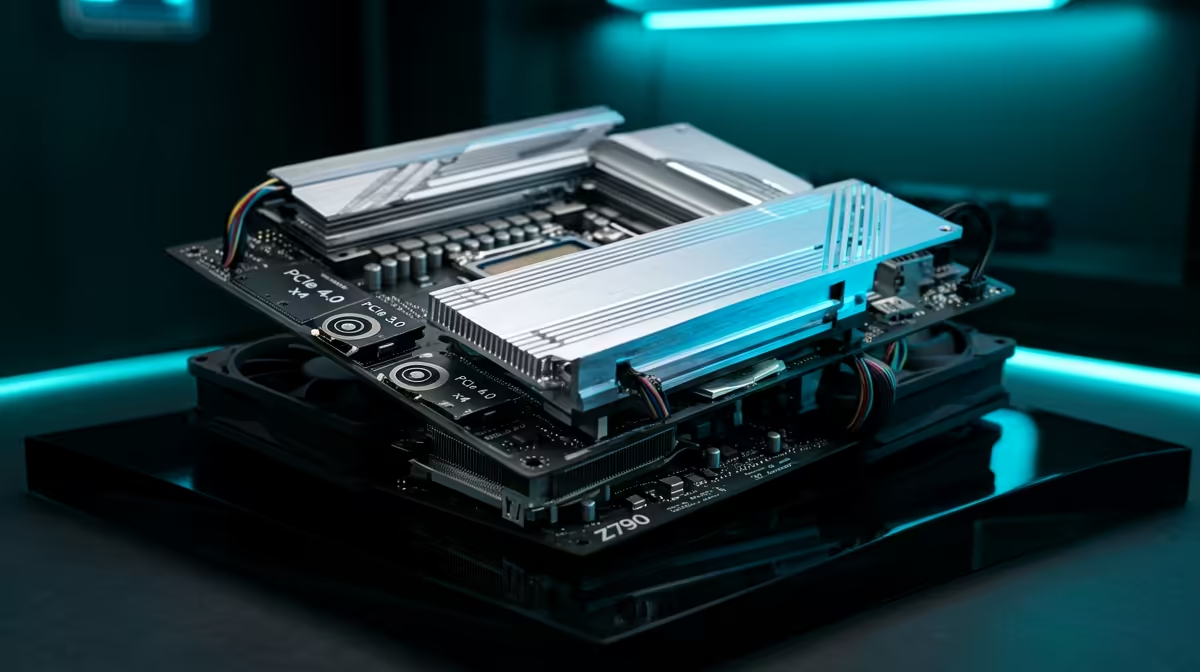
Boards such as MSI Z790 Tomahawk, ASUS TUF Gaming Z790-Plus or Gigabyte Z890 Aorus Elite usually include M.2 heatsinks with thermal pads. Remove any protective film, align the pad properly, and make sure the screw pressure is even. A badly seated premium heatsink can perform worse than a simple one with good contact, especially in a warm Gauteng or coastal room.
Height And Airflow Checks
Large GPUs can sit directly above the M.2 area, so tall aftermarket coolers may clash with the card or disturb airflow. Low-profile coolers are safer under triple-slot GPUs. If the case has weak front intake, improving case airflow can help the SSD, VRMs and GPU at the same time.
FAQ
Does an NVMe heatsink improve FPS?
No. It keeps storage speed stable during heavy reads and writes. FPS still comes from the graphics card, CPU and memory.
Is the stock motherboard heatsink enough?
Usually yes for Gen 4 and many Gen 5 drives if contact is good. Very hot Gen 5 drives may need stronger airflow or a better cooler.
What temperature is too high?
Many NVMe controllers start protecting themselves around the 70C-plus range. Treat repeated throttling during normal work as a cooling problem worth fixing.
Buyer Check
Check thermal-pad contact and GPU clearance before buying a taller M.2 cooler; fit matters as much as the cooler rating.










