


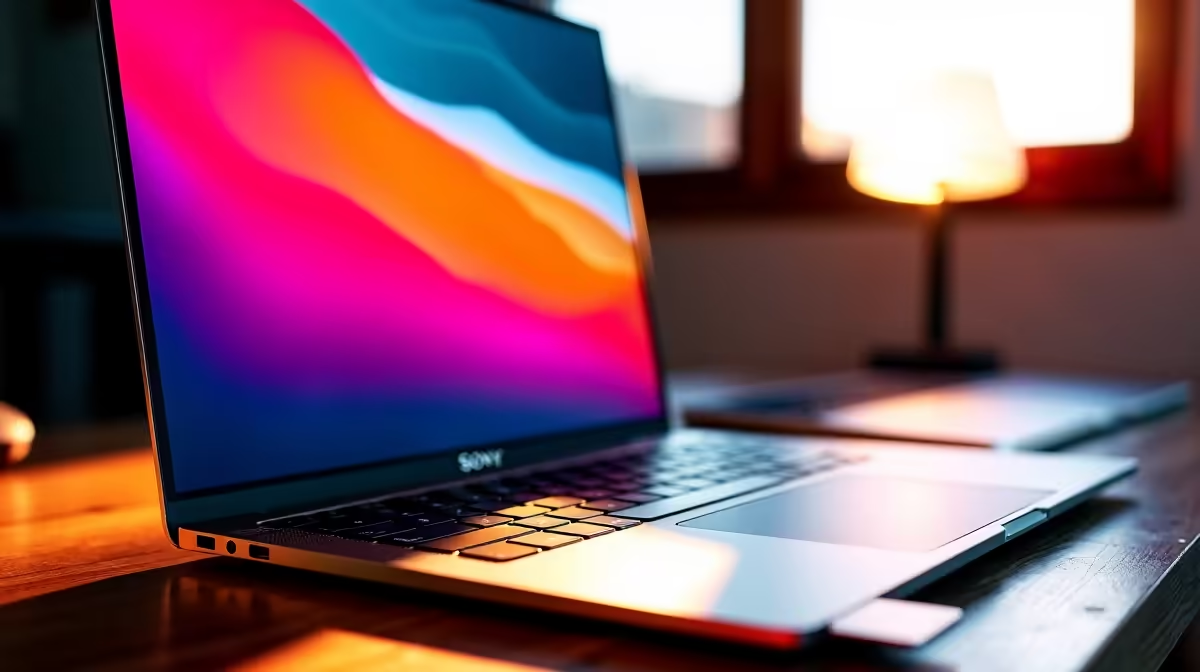
If you’re shopping for a MacBook in South Africa, the small specs matter more than the shiny logo. An 8GB unified RAM and 512GB SSD MacBook Neo 13 for work sounds modest, yet it can feel quick for emails, admin, notes, and everyday creative tasks. The real question is simple: will it still feel comfortable after a few tabs, Teams calls, and a spreadsheet or two? Let’s unpack it properly ⚡
8GB unified memory for everyday South African work
Unified memory on Apple laptops is shared across the system, so it is worth thinking about how you work, not just how many apps you open. For light office use, study, and web-based work, 8GB can be enough. If your day includes large browser sessions, design tools, or virtual meetings running at once, you may want more headroom.
That is where upgrading becomes more sensible. If you are comparing options, start with Evetech’s MacBook range under R30,000 and see what fits your budget first. You can also compare with the tighter budget view under R28,449 if you are trying to keep monthly spend under control.
512GB SSD storage and why it feels right
A 512GB SSD is a practical middle ground. It gives you space for work files, meeting recordings, downloads, and a decent photo library without constantly babysitting storage. That matters in South Africa, where many buyers want one laptop for work and personal use.
If you are storing video projects, game libraries, or lots of RAW images, 512GB can still fill quickly. In that case, compare against larger-memory configurations, like 16GB models with a 15.3-inch screen or 16GB options more broadly. More memory helps with multitasking, while SSD size helps with local file storage.
Upgrade Path Tip 🔧
If you are buying for the next three years, prioritise memory first, then storage. Apps and browser tabs usually eat RAM before they eat SSD space. If your files live in the cloud, 512GB can be plenty. If you edit locally, aim higher.
MacBook Neo 13 for work in South Africa: who should buy it?
For office users, students, and remote workers, this setup makes sense when portability and battery-friendly efficiency matter. It is especially appealing if you want a clean, quiet machine for documents, research, and meetings. If your workflow is heavier, such as coding environments, design suites, or multiple professional apps, consider stepping up.
You can also browse Apple M5 MacBook options if you want to compare newer performance tiers. And if you simply want to see the full picture, Evetech’s MacBook category is the best starting point for side-by-side browsing.
8GB unified RAM and 512GB SSD MacBook Neo 13 for work: smart buying tips
Before you click buy, ask yourself three things. First, do you work mostly in browsers and office apps? Second, do you keep files online or offline? Third, will this laptop need to last through a few busy years?
If the answer is yes to light work and cloud storage, the 8GB and 512GB combination can be a sensible pick. If the answer leans toward heavy multitasking, bigger projects, or long-term headroom, upgrade now rather than later. That is usually cheaper than replacing a laptop too soon.
Either way, the best value comes from matching the spec to the real workload... not the hype.
Ready to Find Your Perfect Match? The Mac vs Windows debate is complex, but for maximum power, choice, and value in South Africa, Windows is hard to beat. Explore our massive range of laptop specials and find the perfect machine to conquer your world.











