


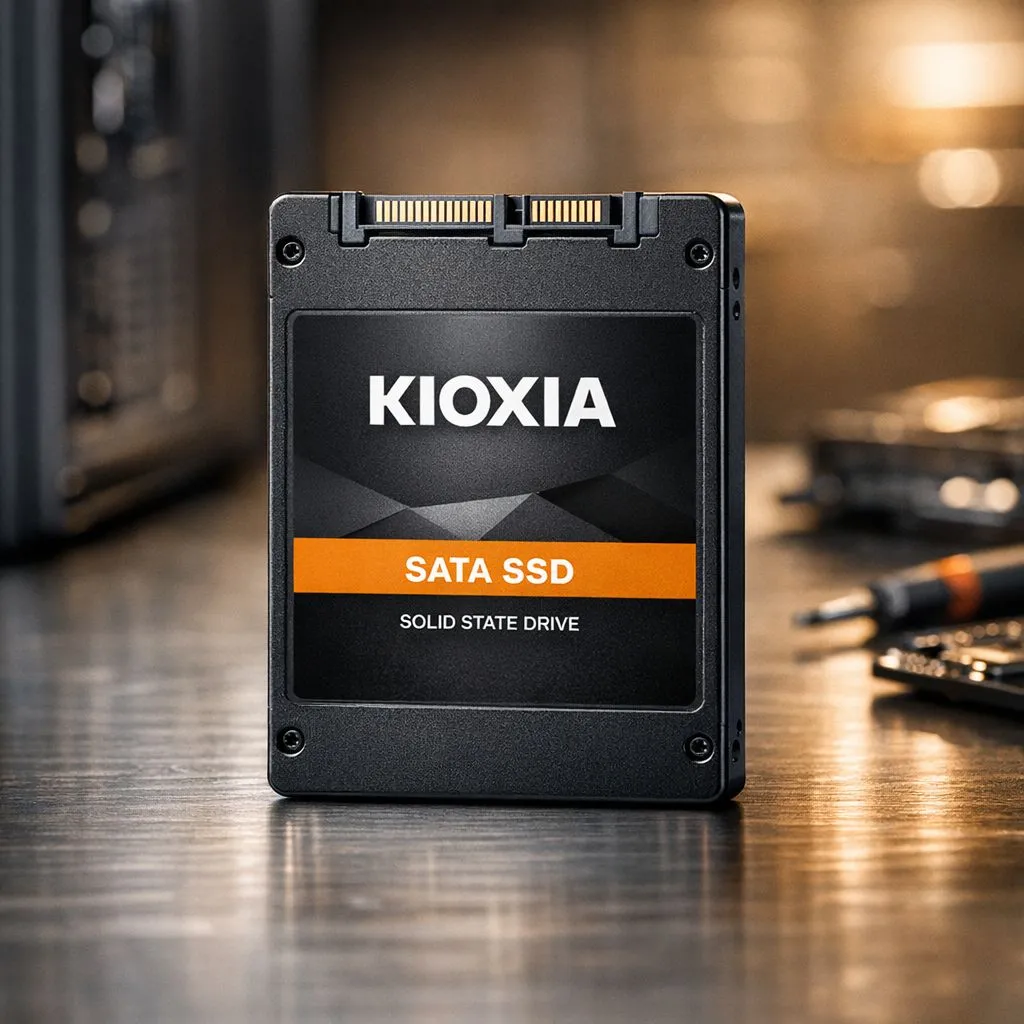
Is your office PC taking forever to boot? We have all been there... waiting for Excel to open while the kettle boils. A Kioxia SATA SSD upgrade is the most affordable way to breathe new life into ageing hardware. In South Africa, where every cent counts, swapping a mechanical drive for flash storage is a smart move for productivity. It is reliable, fast, and budget-friendly. 🚀
Instant Boot Times and Snappy Windows Performance
Nobody likes staring at a spinning loading icon while deadlines loom. When you buy solid state drives for your office fleet, you eliminate the biggest bottleneck in modern computing. A Kioxia drive transforms a sluggish two-minute boot into a fifteen-second breeze. It makes every application feel responsive... which keeps your team focused and less frustrated during those busy Monday mornings.
Enhanced Reliability for Critical Business Data
Old school hard drives use spinning platters that eventually fail due to wear or physical shock. SSDs use flash memory, making them far more durable against bumps or power cuts. If your team travels often, they might also need to buy external SSD options for secure backups on the go. While Kioxia is a top choice for internal builds, brands like Western Digital also offer fantastic alternatives for high-pressure office environments. ✨
Productivity Pro Tip ⚡
When upgrading your office PC, perform a clean Windows installation on your new SSD. This removes years of software clutter and registry errors. It ensures you get the full speed benefits of your new hardware right from the first boot.
Cost-Effective Scaling for Large Offices
Upgrading an entire department can get expensive. However, a Kioxia SATA SSD upgrade offers incredible value in ZAR compared to buying entirely new PCs. You can find great deals on Kingston or ADATA drives too. These SATA options are much cheaper than the latest Gen 5 (NVME) drives. Those high-end speeds are often overkill for standard office tasks like word processing or browsing.
Universal Compatibility with Older Hardware
The beauty of the SATA interface is its versatility. Whether you have a five-year-old desktop or a slightly dated laptop, a Kioxia drive will likely fit. If your motherboard is newer, you could look at PCI Express (NVME) options for even more speed. For those who need portable solutions, choosing an external form factor drive is also a great way to move large files between workstations. 🔧
Lower Power Consumption and Cooler Operation
SSDs use significantly less power than mechanical drives. This leads to better battery life for office laptops and lower electricity bills for large firms. Because they have no moving parts, they also run silent and cool. This helps maintain a quiet office atmosphere... perfect for deep work. If you need a simple way to carry your files home safely, remember to buy external SSD storage to keep your workflow mobile and efficient. ⚡
Ready to Find Your Perfect Match? A Kioxia SATA SSD upgrade is the fastest way to turn a slow office PC into a productivity powerhouse. For maximum power, choice, and value in South Africa, our range is hard to beat. Explore our massive range of solid state drives and find the perfect upgrade to conquer your workday.











