


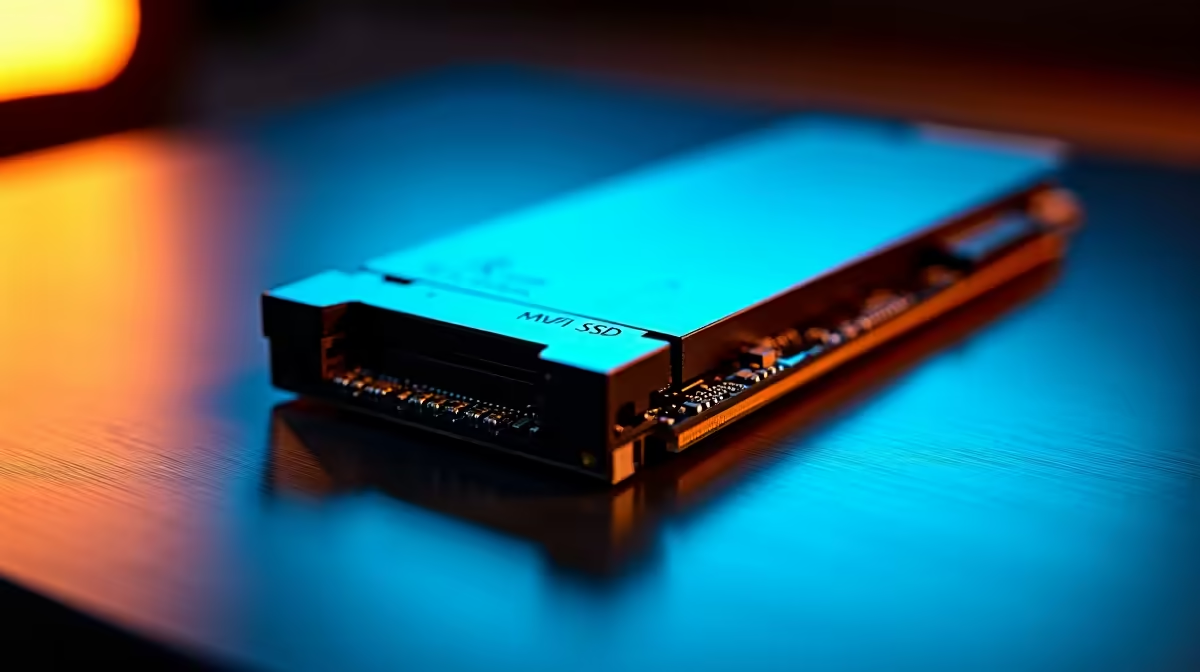
M.2 NVMe compatibility: quick guide
Can an M.2 NVMe SSD Work in Any Laptop or Desktop? Short answer: sometimes. Many modern desktops and laptops support M.2 NVMe drives, but compatibility depends on physical slot, interface, and firmware. If you’re in South Africa and want faster load times, checking your machine’s specs first saves trips to the shop and unnecessary ZAR spend. 🔧✨
M.2 NVMe — physical fits and sizes
M.2 drives come in lengths like 2230, 2242, 2260, 2280 and 22110. The numbers tell you width and length, so a 2280 is 22mm wide and 80mm long. Laptops often use shorter modules; many desktops accept full 2280 sticks. If your motherboard’s M.2 standoff positions don’t match, the drive won’t sit correctly. For a quick parts search, see Evetech’s SSD listings to compare form factors: https://www.evetech.co.za/PC-Components/buy-solid-state-drives-83
M.2 NVMe — interface and protocol
Not every M.2 socket speaks NVMe. Some slots only offer SATA over M.2. NVMe uses the PCIe lanes and delivers far higher speeds. Check your laptop or motherboard manual for “PCIe x4 NVMe” support. Evetech’s product pages often list whether an SSD is NVMe and the interface type, which helps match drive to machine: https://www.evetech.co.za/PC-Components/buy-solid-state-drives-83?brands=ADATA
M.2 NVMe — BIOS, keys and power
Some older BIOS versions require updates to boot from an NVMe drive. Laptops may also have keyed slots; M-key typically means NVMe, B-key often means SATA or limited lanes. If your system won’t see the drive, check BIOS updates and keying. Manufacturer compatibility notes are useful; Kingston’s product pages include compatibility details you can cross‑reference here: https://www.evetech.co.za/PC-Components/buy-solid-state-drives-83?brands=Kingston
Installation Tip ⚡
When upgrading a laptop, photograph the existing storage layout first. That image helps you and any technician confirm standoff positions, screws and connector orientation. Small details avoid big headaches later.
M.2 NVMe — performance, capacity and cost
NVMe delivers the best value for snappy OS performance and game load times, but capacity and endurance matter. For many gamers, 1TB or 2TB is the sweet spot. Evetech stocks CORSAIR options and performance tiers if you want sustained speeds under heavy load: https://www.evetech.co.za/PC-Components/buy-solid-state-drives-83?brands=CORSAIR
M.2 NVMe — real upgrade path advice
If your laptop lacks NVMe support, a SATA SSD or external NVMe enclosure can still be a big upgrade. Desktops are generally more flexible; check motherboard M.2 lane allocation if you use many PCIe cards. Looking for larger capacity? Browse 2TB M.2 NVMe models to compare endurance and price in ZAR: https://www.evetech.co.za/PC-Components/buy-solid-state-drives-83?attributes-capacity=2TB 🚀
Need help picking M.2 NVMe capacity or checking motherboard support? Our local team can advise on compatibility, warranties and pricing in ZAR before you buy today.
M.2 NVMe — final checklist before you buy
- Confirm physical length and standoff compatibility
- Verify socket supports PCIe NVMe (M-key)
- Check BIOS/UEFI support and update if needed
- Match capacity and endurance to your use case
Ready to Find Your Perfect Match? The Mac vs Windows debate is complex, but for maximum power, choice, and value in South Africa, Windows is hard to beat. Explore our massive range of laptop specials and find the perfect machine to conquer your world.











