


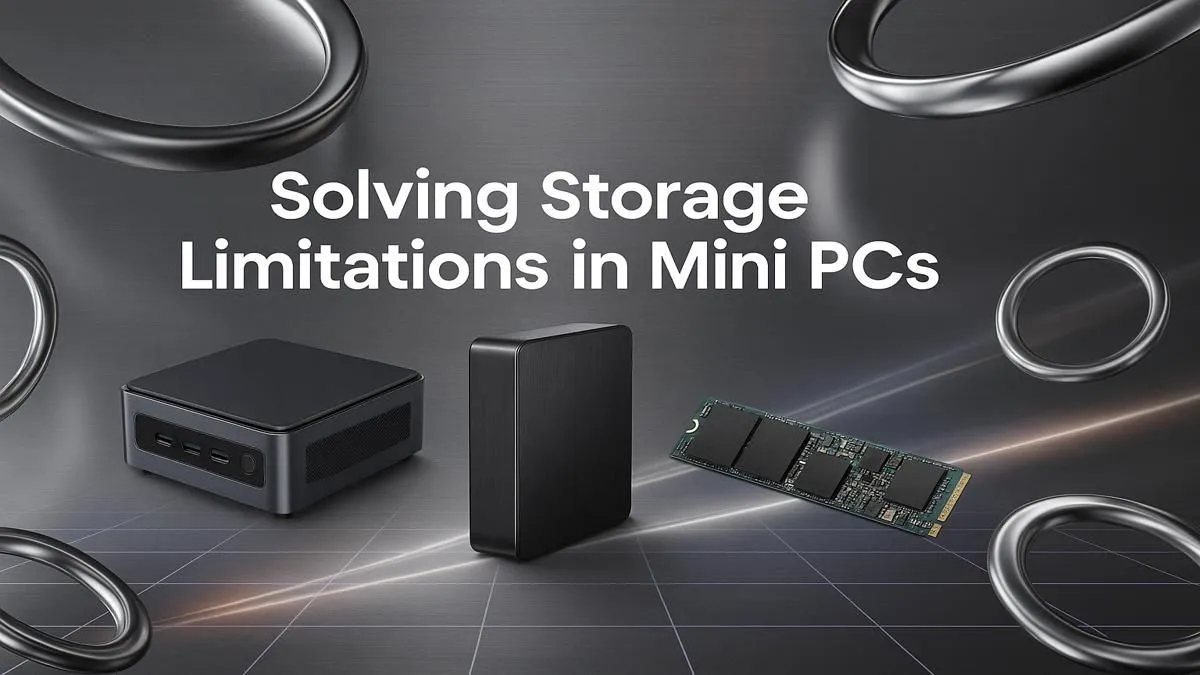
Love your Mini PC's tiny footprint but hate juggling files? You're not alone. That compact powerhouse is brilliant for a clean desk setup in Jozi or a media hub in Cape Town, but storage can fill up fast. The good news? A Mini PC storage upgrade is one of the easiest and most rewarding DIY projects you can tackle. Let's get you more space for games, media, and work... without the headache. 🚀
Why Consider a Storage Upgrade?
That little box on your desk is more capable than you think, but its biggest limitation is often storage space and speed. As games get bigger and 4K media becomes standard, that stock drive can feel cramped. A quick Mini PC storage upgrade doesn't just give you more gigabytes; it can fundamentally change your user experience.
Imagine faster boot times, games that load in a flash, and no more "Disk Space Low" warnings when you're in the middle of a project. For many users of powerful yet compact Mini PCs, this is the single most impactful improvement you can make, breathing new life into your machine.
Understanding Your Storage Options: SATA vs. NVMe
Before you buy a new drive, you need to know what your machine can handle. Most modern Mini PCs use one of two main types of SSDs (Solid State Drives). Popping open the case or checking your model's spec sheet online is the first, most crucial step.
2.5-inch SATA SSDs
This is the classic, rectangular SSD that has been the standard for years. It's reliable, widely available, and often more affordable for higher capacities. If your Mini PC has a 2.5-inch drive bay, a SATA SSD is a fantastic, cost-effective way to add a huge amount of space for your game library or media collection.
M.2 NVMe SSDs ✨
Think of these as the sports car of storage. M.2 drives look like a small stick of RAM and plug directly into the motherboard. NVMe (Non-Volatile Memory Express) is the protocol they use, offering blistering speeds far beyond what SATA can achieve. If your Mini PC has an M.2 slot, an NVMe SSD is the ultimate choice for your operating system and favourite applications, making everything feel incredibly responsive. You can explore our full range of Mini PCs to see which models come equipped with these speedy slots.
Cloning vs. Fresh Install 💾
Unsure whether to copy your old drive or start fresh? Cloning software (like Macrium Reflect Free or Clonezilla) creates an exact copy of your old drive onto the new one, saving you from reinstalling everything. A fresh Windows install, however, can clear out old junk files and often results in a snappier, cleaner system. For a primary OS drive upgrade, a fresh install is often worth the extra effort!
Your Step-by-Step Upgrade Guide 🔧
Ready to get hands-on? While every model is slightly different, the process for a Mini PC SSD upgrade is generally straightforward.
- Check Compatibility: We can't stress this enough! Open your Mini PC or find its manual online to confirm if you need a 2.5-inch SATA drive or an M.2 drive (and if that M.2 slot is SATA or the faster NVMe).
- Back Up Your Data: Before you touch a single screw, back up all your important files to an external drive or cloud service. Better safe than sorry!
- The Swap: Unplug your Mini PC and open the case (this is usually just a few screws on the bottom). Locate the old drive. If it's a 2.5-inch drive, you'll unplug its cables and unscrew it from its caddy. If it's an M.2, it's typically held in by a single screw. Gently remove the old drive and install the new one in its place.
- Reinstall & Restore: Put your Mini PC back together. You'll now need to either install a fresh copy of Windows from a USB stick or boot from your cloning software to copy your old system over.
The entire process is surprisingly quick, and the performance boost is instantly noticeable. It’s an accessible project even for beginners, and with many affordable Mini PCs under R22,000, you can build a seriously powerful yet tiny rig without breaking the bank.
Ready to Supercharge Your Setup? A Mini PC storage upgrade is a simple, effective way to get more from your machine. Whether you need space for the latest AAA titles or a faster drive for your workflow, the perfect solution is waiting. Explore our incredible range of powerful yet compact Mini PCs and find the base for your next great build.










