


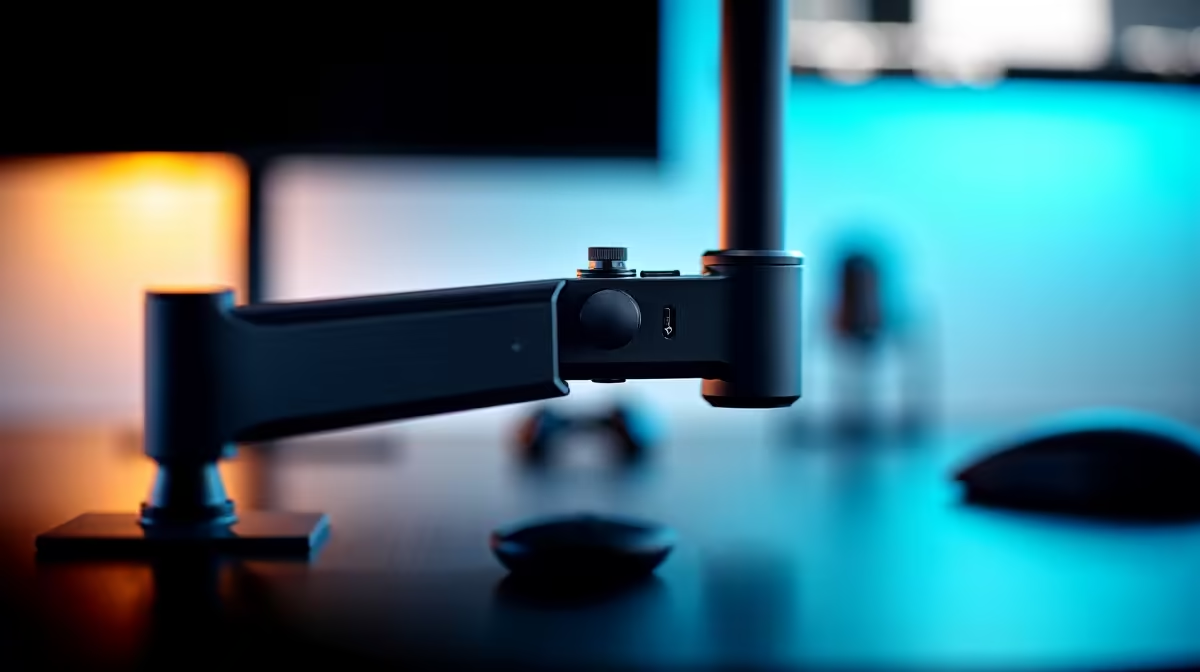
Is your monitor arm acting more like a wilting flower than a sturdy piece of tech? A sagging screen that won't stay put, or one that’s stubbornly stuck in position, can ruin your focus. Don't stress, it's usually not a faulty arm... it's just a simple fix. Getting your monitor arm tension adjustment right is the key to unlocking that perfect, ergonomic setup and reclaiming your desk space for that all-important mouse flick. Let's get it sorted.
Why Proper Monitor Arm Tension is a Big Deal
Think of monitor arm tension as a balancing act. The arm's internal mechanism, usually a gas spring or a mechanical coil, needs to perfectly counteract your monitor's weight. When the tension is dialled in, your screen floats effortlessly, staying exactly where you put it.
Get it right, and you get:
- Peak Ergonomics: Position your screen at the perfect eye level to reduce neck and back strain during those long gaming sessions or workdays.
- More Desk Space: A floating monitor frees up valuable real estate on your desk.
- Protected Gear: Correct tension prevents sudden drops that could damage your screen or the arm itself, safeguarding the investment you made when you snagged one of our best PC monitor deals.
A Step-by-Step Guide to Monitor Arm Tension Adjustment 🔧
Ready to tame that wobbly arm? It's easier than you think. Most arms use a similar adjustment method.
Step 1: Find the Adjustment Screw
First, you need to find the tension adjustment point. It's almost always a hex screw (you'll need an Allen key, which usually comes with the arm). Look for it in one of these common spots:
- On the main joint of the arm, often marked with "+" and "-" symbols.
- Near the VESA mount plate where the arm attaches to your monitor.
Step 2: Make Gradual Adjustments
With your Allen key ready, it's time to tweak. The key here is small, incremental turns. Don't go full force.
- If your monitor is sagging or drooping: You need to increase the tension. Turn the screw towards the "+" symbol (usually clockwise). This tightens the internal spring to better support the monitor's weight. This is especially important for heavier displays, like the latest 5K & 4K monitors, which demand more counterbalance.
- If your monitor is hard to push down or rises on its own: You need to decrease the tension. Turn the screw towards the "-" symbol (usually anti-clockwise). This loosens the mechanism, making the arm easier to move.
Move the arm after each quarter-turn to test the feel. Keep adjusting until the monitor holds its position without any help.
Check Your Specs! ⚖️
your arm won't hold your monitor no matter how much you tighten it, check the arm's maximum weight capacity. An ultrawide or one of the awesome new [curved monitors](https: www.evetech.co.za buy-curved-monitors x 1588) might be heavier than your old arm can handle. Always match your arm's weight limit to your monitor's weight (without the stand!).
Troubleshooting Common Issues
Sometimes, things don't go as planned. Here are a couple of quick fixes for common headaches when adjusting monitor arm tension.
- "The screw is turning, but nothing is happening!" You might need to turn it more than you think. Some mechanisms require several full rotations before you notice a change, especially when going from the minimum to the maximum setting. Keep going, but do it gradually.
- "My setup still feels off." Perfect tension is just one part of the puzzle. Ensure your monitor is at the correct height (the top of the screen should be at or slightly below eye level) and that you have enough slack in your cables so they don't pull on the screen when you move it. A great setup considers everything from all gaming monitors down to the smallest details. Even a simple setup with one of today's versatile portable monitors benefits from proper adjustment.
Ultimately, a well-adjusted monitor arm is a foundational piece of a clean and comfortable PC setup. It’s one of those small tweaks that makes a massive difference to your daily comfort and focus. Once you have the arm sorted, you can complete your dream battle station with the right monitor accessories to keep things tidy and efficient. ✨
Ready to Perfect Your Setup? A flawless monitor setup is the window to your digital world. From stunning high-refresh-rate displays to ergonomic arms that save your neck, getting it right is crucial. Explore our massive range of PC monitors and find the perfect screen to conquer your world.











