


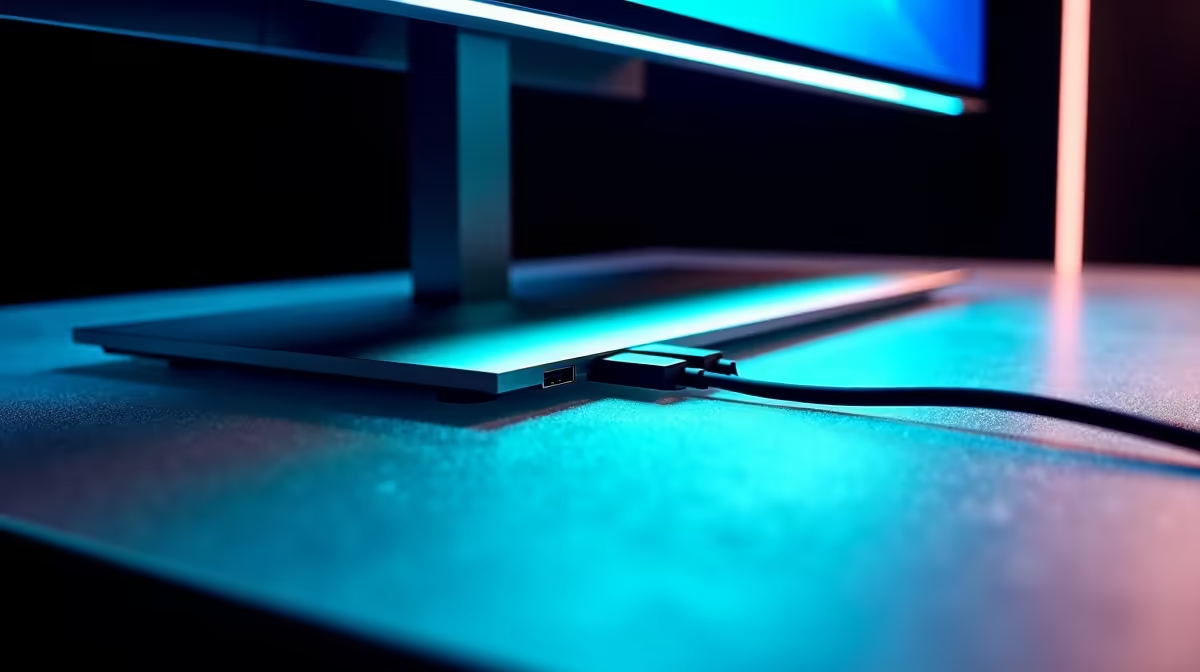
Tired of that spaghetti monster of cables behind your desk? In South Africa, a clean gaming or work setup isn't just about looking good… it's about focus. What if your screen could do more than just display pixels? A monitor with a USB hub is the single best upgrade for decluttering your space, centralising your peripherals, and creating a sleek, efficient battle station. Let's untangle this powerful solution. ✨
What is a USB Hub Monitor, Really?
Simply put, it's a high-quality display with a built-in docking station. Instead of plugging your keyboard, mouse, webcam, and headset into a separate hub or fumbling for ports on your PC tower, you plug them directly into easily accessible ports on your monitor. This transforms your screen into the central command of your setup, streamlining connections and reducing cable clutter instantly. It's a core feature to look for across many modern PC monitors.
The Core Benefits of a Monitor with a USB Hub
The primary advantage is obvious: fewer cables. But the benefits go deeper than just aesthetics, especially for power users and gamers who demand efficiency.
One Cable to Rule Them All ⚡
Many modern monitors with a USB hub feature a USB-C port with Power Delivery (PD). This means a single USB-C cable from your laptop can handle video output, data transfer for all connected peripherals, and charge your laptop simultaneously. No more bulky power bricks. This is especially useful if you're using one of the latest portable monitors to expand your workspace on the go.
A Desk You Can Be Proud Of
Imagine a setup where only one or two cables run from your monitor to your PC or laptop. That's the reality a monitor with a built-in USB hub offers. Your desk stays clean, organised, and ready for action, whether you're dropping into your favourite MMO or finalising a presentation. This clean aesthetic is a major reason gamers are choosing them from our wide range of all gaming monitors.
How to Choose the Perfect USB Hub Monitor
Not all hub monitors are created equal. Here’s what to look for to ensure you get the right one for your needs in Mzansi.
Check the Ports
Look at the number and type of ports. Do you need multiple USB-A ports for older gear? Is a high-speed USB-C port essential for fast data transfers from an external SSD? The latest USB 3.2 Gen 2 ports offer speeds up to 10Gbps, which is ideal for video editors and content creators working with massive files on stunning high-resolution 4K monitors.
Speed Demon Tip 🚀
Always check the USB specification! A monitor might have USB-C, but you'll want to confirm it supports DisplayPort Alternate Mode for video and Power Delivery (PD) for charging. Look for wattage ratings like 65W or 90W PD to ensure it can power your specific laptop.
Ergonomics and Accessibility
Think about where the ports are located. Ports on the side or bottom edge of the bezel are far easier to access than those tucked away on the back. This small detail makes a huge difference in daily use, especially on immersive curved monitors where reaching the back can be a mission. You can also perfect your setup's positioning with various stands and mounts from our selection of monitor accessories.
Is It Worth the Investment?
So, is a monitor with a USB hub the right call for you? While they can sometimes cost a bit more than their port-less counterparts, the value is undeniable. When you factor in the cost of a separate, high-quality powered USB hub or docking station (which can easily run you over R1,000), the integrated solution often comes out on top. It's a cleaner, more reliable, and elegant way to manage your digital life.
The convenience of a single-cable setup and a permanently tidy desk is a massive quality-of-life improvement. For a streamlined, modern workspace, it's an investment that pays for itself in productivity and peace of mind. You can often find a fantastic USB hub monitor among the best PC monitor deals in South Africa.
Ready to Declutter Your Desk? A clean setup is a fast setup. A monitor with a built-in USB hub is the smartest upgrade you can make for a more organised, efficient, and powerful workspace. Explore Evetech's massive range of PC monitors and find the perfect central hub for your gaming and productivity needs.











