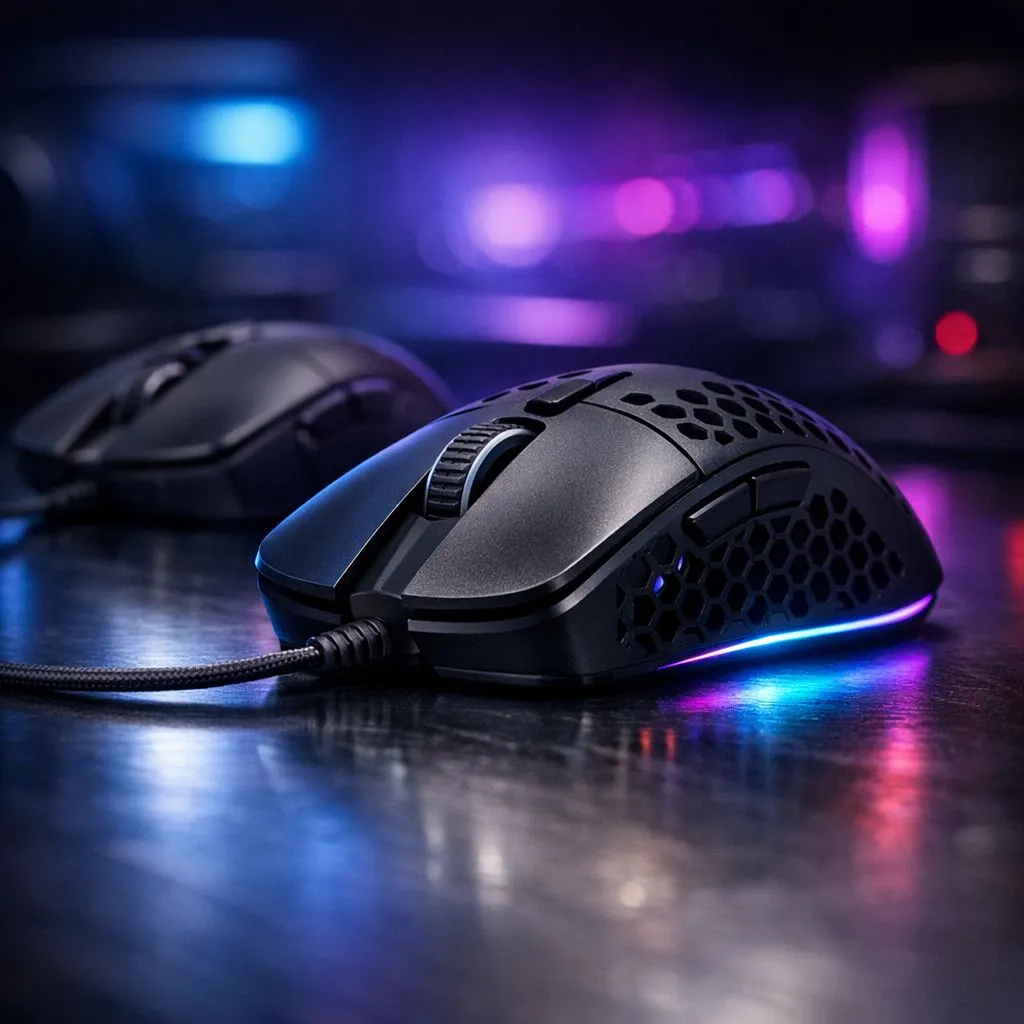
Master the Shift to a Lighter Setup
Swapping your trusty heavy mouse for a featherweight model is a shock to the system. You expect better flicks, but suddenly your crosshair is flying past heads in Valorant or Apex Legends. It feels like learning to drive a sports car after years in a bakkie. Making the transition to lightweight gaming mouse without losing accuracy requires more than just a new peripheral... it takes a strategy to recalibrate your muscle memory. 🚀
Why the Weight Matters for Your Aim
Lower weight means lower inertia. You can start your movement faster and, more importantly, stop it with less effort. When you browse the massive variety of gaming mouse options available today, you will notice the industry is obsessed with the sub-60g range. This shift reduces wrist fatigue during those long weekend grinds. However, that lack of "heft" can make your aim feel floaty at first.
Recalibrating Your Muscle Memory
Your brain is used to pushing against a certain amount of resistance. When that resistance disappears, you tend to overshoot your targets. To counter this, many pros suggest slightly lowering your in-game sensitivity. Finding the best gaming mouse deals is only half the battle... the other half is spending time in an aim trainer to get used to the new physics of your setup.
Sensitivity Adjustment Pro Tip ⚡
When moving to a significantly lighter mouse, try lowering your DPI or in-game sensitivity by 10% to 15%. This compensates for the reduced friction and helps you regain that "locked-in" feeling while your arm adjusts to the new weight.
Choosing Between Wired and Wireless
The debate used to be about latency, but today it is all about the cord. A heavy cable can add "fake weight" and drag to your mouse. Choosing a high-performance wireless mouse eliminates cable snag entirely, which is vital for lightweight enthusiasts. If you prefer a traditional setup, modern wired mouse designs now feature ultra-flexible paracord cables that feel almost invisible. 🔧
Don't Ignore Your Surface
If your new mouse feels too fast, the problem might be your desk mat. A "speed" pad combined with a 50g mouse can feel like sliding on ice. You might need to look at mouse accessories like control-oriented cloth pads. These provide the necessary friction to help you stop your flick exactly where it needs to be. Accuracy is a balance between the weight in your hand and the texture under the sensor. ✨
Ready to Level Up Your Aim?
The transition to a lightweight mouse is the quickest way to improve your reaction speed and comfort. Whether you want the latest ultra-light tech or a reliable classic, we have the gear to help you dominate. Explore our massive range of gaming mouse deals and find your new secret weapon today.