


Turn your laptop into a desktop workstation — Quick win for SA gamers 🔧
If you’re in South Africa and tired of switching between a cramped laptop and a proper desktop experience, this guide helps you turn your laptop into a desktop workstation with minimal spend and maximum gain. Think larger screen, full‑size keyboard, cleaner desk and faster multitasking — all without buying a new tower. Read on for gear picks, straightforward setup steps and local tips that actually save time and rand.
Turn your laptop into a desktop workstation: Essential gear to buy first
Start with the three things that change the experience overnight: monitor, docking hub, and a keyboard + mouse. A dedicated monitor gives you screen real estate for gaming, editing or spreadsheets. Browse Evetech’s monitor accessories to find stands, cables and hubs that match your setup and budget for South African buyers: https://www.evetech.co.za/PC-Components/buy-monitor-accessories-368. For budget docks and USB expansion, check Orico brand options listed at Evetech — these are compact and useful for single‑cable setups: https://www.evetech.co.za/PC-Components/buy-monitor-accessories-368?brands=Orico ⚡
Turn your laptop into a desktop workstation: Choosing docks and adapters
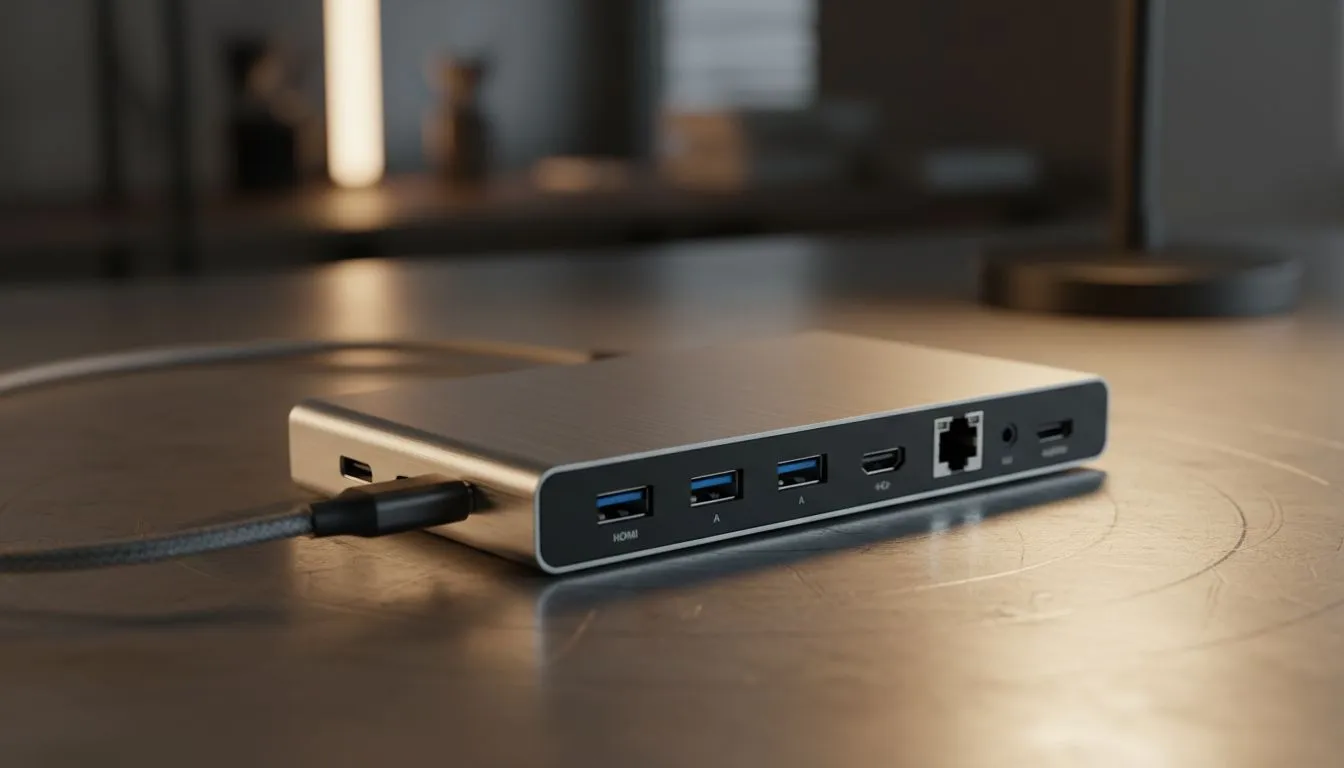
If your laptop has USB‑C with DisplayPort Alt Mode, you can run external displays while charging. Otherwise, look for a Thunderbolt or multiport docking station. WINX has practical docking options for a range of laptops — useful if you need multiple displays or ethernet: https://www.evetech.co.za/PC-Components/buy-monitor-accessories-368?brands=WINX. Tip: pick a dock with at least one HDMI and one DisplayPort output so you can mix monitors and ultrawides.
Connectivity Tip ⚡
Use a single USB‑C dock where possible. It reduces cable clutter, charges your laptop and drives two monitors. If your laptop lacks USB‑C, a powered USB hub plus a dedicated HDMI adapter is a solid fallback.
Turn your laptop into a desktop workstation: Picking the right monitor in SA
For gamers, 144Hz and 1ms panels are ideal; for creators, colour accuracy matters more. You don’t need to break the bank — there are reliable monitors under R3,338 if you’re budget constrained; Evetech’s filters help you compare models and prices: https://www.evetech.co.za/PC-Components/buy-monitor-accessories-368?max-price=3338. When comparing specs, prioritise panel type (IPS for colours, VA for contrast), refresh rate and adaptive sync support.
Turn your laptop into a desktop workstation: Layout, peripherals and software tweaks
- Keyboard and mouse: choose what feels good. Mechanical keyboards make long sessions easier; wired mice avoid input lag.
- Mounts and arms: a VESA arm clears desk space and improves ergonomics. Evetech lists compatible stands on the accessories page above.
- Windows tips: create a single virtual desktop per task and use PowerToys FancyZones for window snapping. On macOS, set up Spaces and a hot‑corner for quick desktop access.
- Network: plug into ethernet for stable multiplayer or cloud backups.
Turn your laptop into a desktop workstation: Final checks and real‑world tip 🚀
Before you finalize, test the single‑cable flow: power, display and peripherals should all work when you dock. If you’re moving between home and office, label cables or use a small dock you can carry. Small investments in a good dock and monitor often extend a laptop’s useful life by years.
Ready to Find Your Perfect Match? The Mac vs Windows debate is complex, but for maximum power, choice, and value in South Africa, Windows is hard to beat. Explore our massive range of laptop specials and find the perfect machine to conquer your world.











