


Upgrade Console Storage Without Opening Your System — Quick hook for SA gamers 🔧
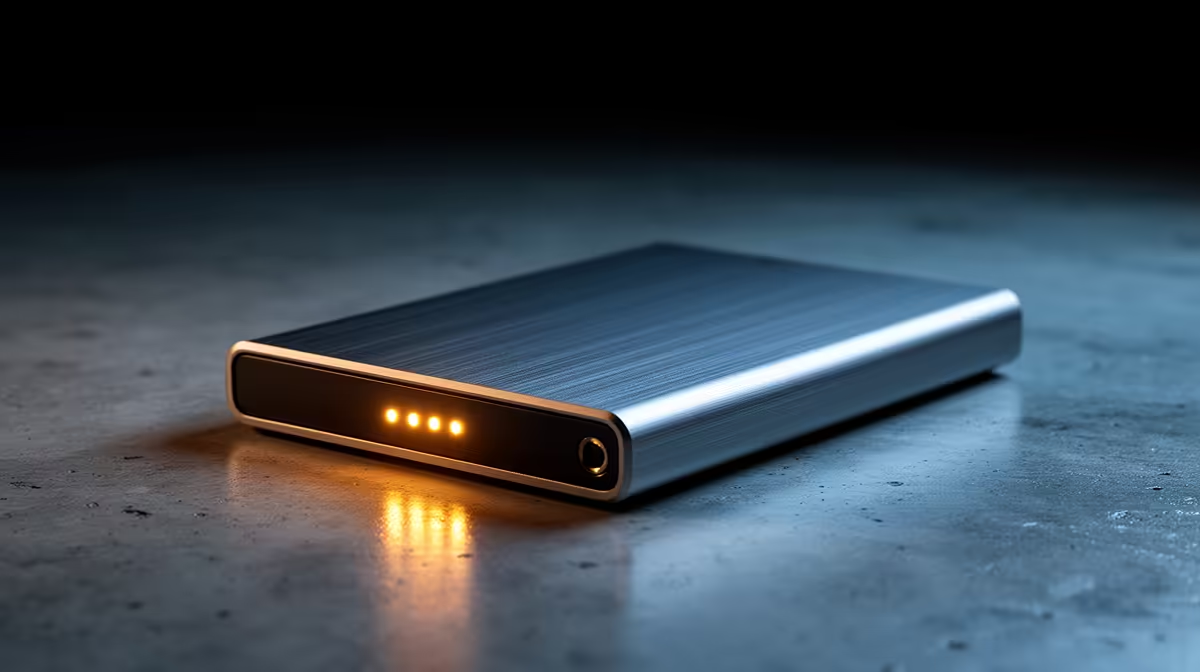
Thinking of more install space for your PS5 or Xbox without voiding warranties? Upgrade Console Storage Without Opening Your System is easier than you think — plug in a compact external enclosure and off you go. For local shoppers who prefer trusted brands, Orico external enclosures are a solid first stop for reliable, bus‑powered units. https://www.evetech.co.za/PC-Components/buy-enclosures-372?brands=Orico
Upgrade Console Storage Without Opening Your System — Why external enclosures work ⚡
External drive enclosures let you add SSD or HDD capacity without cracking open your console. They keep the internal warranty intact and let you swap drives between devices. If price matters, you can find quality enclosures from R499 at Evetech — great for budget builds or a fast upgrade when you don’t want to wait for a manufacturer upgrade cycle. Browse current models and specs here: https://www.evetech.co.za/PC-Components/buy-enclosures-372?min-price=499
Console Storage Tip ✨
Want a balance of speed and capacity? Use a SATA SSD in a USB 3.1 Gen 1 enclosure for faster load times than an HDD, but keep an HDD for bulk media storage. Always check your console’s external drive format and file‑system recommendations before moving games.
Upgrade Console Storage Without Opening Your System — How to choose the right enclosure
Pick an enclosure by drive size (2.5‑inch for most SSDs, 3.5‑inch for desktop HDDs), interface (USB 3.x for console performance) and power needs. If you’re in a small apartment, a bus‑powered 2.5‑inch case keeps cables tidy. For a compact SSD setup, look for aluminium housings for better heat dissipation. Want to compare a wide selection and detailed specs? Evetech’s enclosure hub has options for every budget and form factor: https://www.evetech.co.za/PC-Components/buy-enclosures-372
Quick setup, real results — micro‑story from a Cape Town gamer 🚀
I upgraded a friend’s PS5 with an external SSD enclosure on a Friday evening. We cloned a few games, connected via the console’s USB port, and the next day they had space for the new AAA release. No screwdriver, no drama, just a tidy external case and a spare SSD.
Final buying tips for South Africans
- Match the enclosure size to your drive and the console’s USB port.
- Prefer USB 3.x for faster transfers.
- Factor in local warranty and support when picking brand and seller.
- Keep receipts and test the drive before putting valuable installs on it.
Ready to Find Your Perfect Match? The Mac vs Windows debate is complex, but for maximum power, choice, and value in South Africa, Windows is hard to beat. Explore our massive range of laptop specials and find the perfect machine to conquer your world.











