


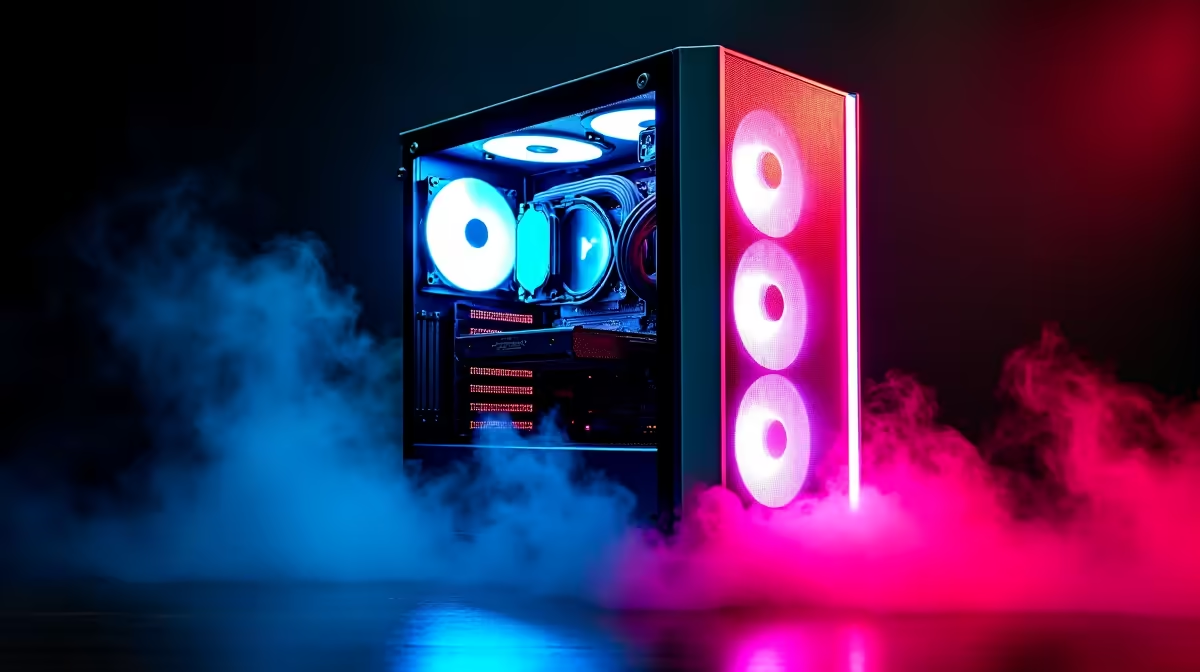
Let's be honest, building a top-tier gaming rig in Mzansi can feel like a boss battle for your bank account. The latest GPUs and CPUs come with price tags that make you sweat. But what if there was a smarter way? The market for used PC components in South Africa is booming, and savvy builders are taking notice. This isn't about being cheap; it's about being strategic—getting maximum performance for your Rand. 🚀
Why the Surge in Used PC Components in South Africa?
The answer is simple: value. For many gamers, the performance jump between the very latest hardware and a component from one or two generations ago is minimal, but the price difference is massive. Finding quality second-hand PC parts means you can potentially afford a Core i7-level experience on a Core i5 budget. This trend allows more South Africans to access high-performance gaming, moving from 1080p to 1440p or finally hitting a stable 144 FPS in their favourite esports title.
The key to navigating the world of used PC components in South Africa is knowing what to look for and, crucially, what to avoid. A smart purchase can save you thousands, while a bad one can become an expensive paperweight.
The Savvy Shopper’s Guide: What to Buy Used vs. New
Not all components are created equal when it comes to buying second-hand. Some parts are incredibly durable with no moving elements, while others have a finite lifespan or are notoriously difficult to test for hidden faults. Here’s a quick breakdown.
The "Usually Safe" Buys 🤔
These components have a low failure rate and are often a safe bet when buying used, provided you can see them working.
- Processors (CPUs): A CPU is essentially a rock that thinks. With no moving parts, they either work or they don't. It's rare for them to degrade over time. A used Ryzen 5 5600X or an Intel Core i5-12400F can be a fantastic deal, but it's always wise to compare the price against brand new CPU processors to ensure you're getting real value.
- RAM Modules: Like CPUs, RAM sticks are very reliable. As long as they pass a memory test (like MemTest86), you're generally good to go. You can often find great deals on kits of 16GB or 32GB DDR4 gaming RAM modules from gamers upgrading to DDR5.
- Cases & Coolers: A fresh computer case is mostly about aesthetics and airflow. Scratches don't affect performance. Similarly, a high-quality air CPU cooler is just a heatsink and a fan—as long as the fan spins, it works.
The "Buyer Beware" Buys
Tread carefully here. These parts offer huge savings but carry higher risks.
- Graphics Cards (GPUs): The holy grail of used parts. You can save a fortune, but the risk of buying a card previously used for cryptocurrency mining is real. These cards have often run 24/7 under heavy load, which can shorten their lifespan. For peace of mind and a full warranty, nothing beats the security of browsing the latest graphics cards yourself.
- Motherboards: A motherboard is complex. A single faulty capacitor, a bent pin in the CPU socket, or a dead RAM slot can be a nightmare to diagnose. Unless you can test every single port and feature, you're taking a gamble. Often, investing in one of today's affordable and feature-rich new motherboards is the safer long-term play.
Compatibility Check! 🔧
When buying a used CPU and motherboard separately, always verify compatibility. A B450 motherboard might need a specific BIOS update to work with a Ryzen 5000 series CPU. Check the motherboard manufacturer's website for the CPU support list before you buy to avoid a major headache.
The "Almost Always Buy New" Buys ✅
For these parts, the risk and limited lifespan of used models just aren't worth the small savings.
- Power Supply Units (PSUs): Never, ever skimp on the PSU. It's the heart of your PC. A failing used PSU can die gracefully... or it can take your expensive GPU, motherboard, and CPU with it. The warranty and reliability of a new Corsair power supply is non-negotiable for a serious build.
- Storage (SSDs & HDDs): Storage drives have a finite number of read/write cycles. You have no idea how much life a used drive has left. With the price of solid-state storage constantly dropping, buying a brand-new SSD is an easy choice for speed, reliability, and a fresh warranty.
The Hybrid Build: Your Smartest Upgrade Path
The true "smart gamer's shift" isn't about buying everything second-hand. It's about building a hybrid PC. You score a great deal on a used CPU and RAM, but pair them with a new, reliable motherboard and PSU. You find a bargain on a case, but install a lightning-fast new NVMe drive as your boot disk. When installing that used CPU, make sure you apply some new, high-quality thermal solutions for the best performance.
This balanced approach gives you the best of both worlds: cost savings on durable parts and rock-solid reliability where it matters most. For those who want to skip the guesswork, our professionally assembled Intel and AMD-based upgrade bundles offer a perfect, stress-free middle ground with guaranteed compatibility.
Ready to Build Smarter? The allure of a bargain is strong, but the foundation of a great gaming PC is reliability. The smartest shift is knowing when to invest in new, warrantied parts for peace of mind. Build your dream rig on a solid base that won't let you down. Browse Our Guaranteed PC Components and lock in performance you can trust.









