


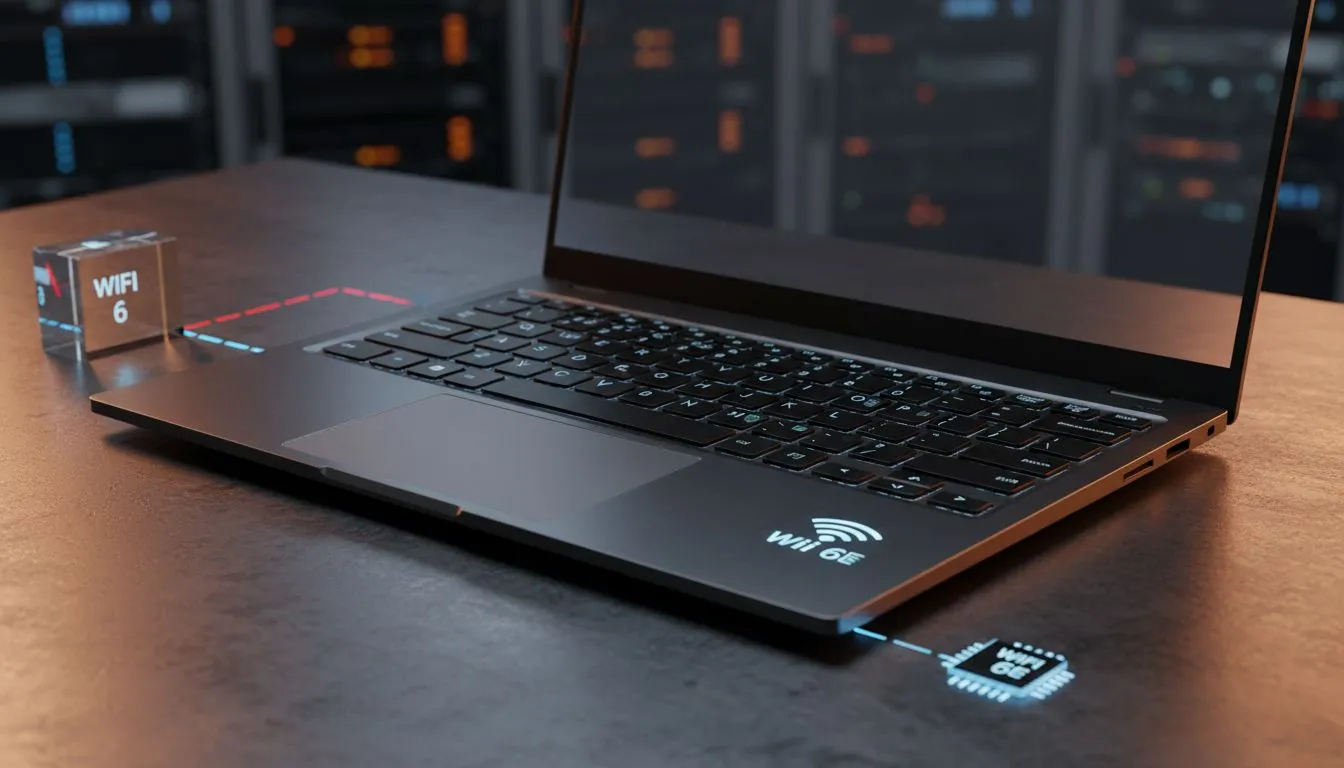
The Real Difference in WiFi 6 vs WiFi 5
Tired of your connection dropping just as the circle closes in Warzone? We’ve all been there. While South African fibre speeds are climbing, your hardware might be the bottleneck. Choosing between wifi 6 vs wifi 5 is the difference between a smooth victory and a frustrating lag-spike. If you want a future-proof setup, understanding why your next laptop needs faster wireless is essential for any serious local gamer. ⚡
WiFi 5 (802.11ac) was a massive leap forward when it launched... but it wasn't designed for the dozens of devices we use today. WiFi 6 (802.11ax) is built for high-density environments. It uses a technology called OFDMA to pack data more efficiently. This means your laptop doesn't have to wait in a digital queue behind your smart TV or your sibling’s phone. When browsing Intel laptops on special, checking for WiFi 6 support is a top priority for longevity.
Why Your Next Laptop Needs Faster Wireless Now
It isn't just about raw throughput... it’s about stability. In South Africa, many of us live in high-density estates or complexes. Signal interference from your neighbour's router can tank your performance. WiFi 6 handles this congestion much better than older standards. Our latest Ryzen laptop deals often feature these updated wireless cards to ensure you stay connected even when the airwaves are crowded.
Router Compatibility ⚡
Remember that WiFi 6 is backwards compatible. Your new laptop will work perfectly with an old router, but you won't see the true speed benefits until you upgrade your router to a WiFi 6 model too. If you are still using the basic router your ISP gave you three years ago, it is likely holding your new hardware back.
Better Efficiency and Battery Life
A hidden benefit of the newer standard is Target Wake Time (TWT). This allows the laptop and the router to schedule check-ins... letting the wireless card sleep in between transmissions. This small change can noticeably improve battery life during long work or study sessions. You can find this tech across our best gaming laptop deals currently in stock.
Even if you are shopping on a budget and looking to buy gaming laptops under R20k, you shouldn't settle for old wireless tech. Many entry-level machines now include WiFi 6 as a standard feature to ensure they remain relevant for years to come. 🚀
High Performance for Competitive Play
For those pushing high frame rates on GeForce RTX gaming laptops on special, every millisecond counts. WiFi 6 offers lower latency, which is the holy grail for competitive shooters like Counter-Strike or Valorant. By optimising how data is sent and received, your wireless connection starts to feel as reliable as a wired ethernet cable. ✨
Ready to Find Your Perfect Match? The wifi 6 vs wifi 5 debate is simple... for the best performance in South Africa, the newer standard is the way to go. Explore our massive range of laptop specials and find the perfect machine to conquer your world.











