


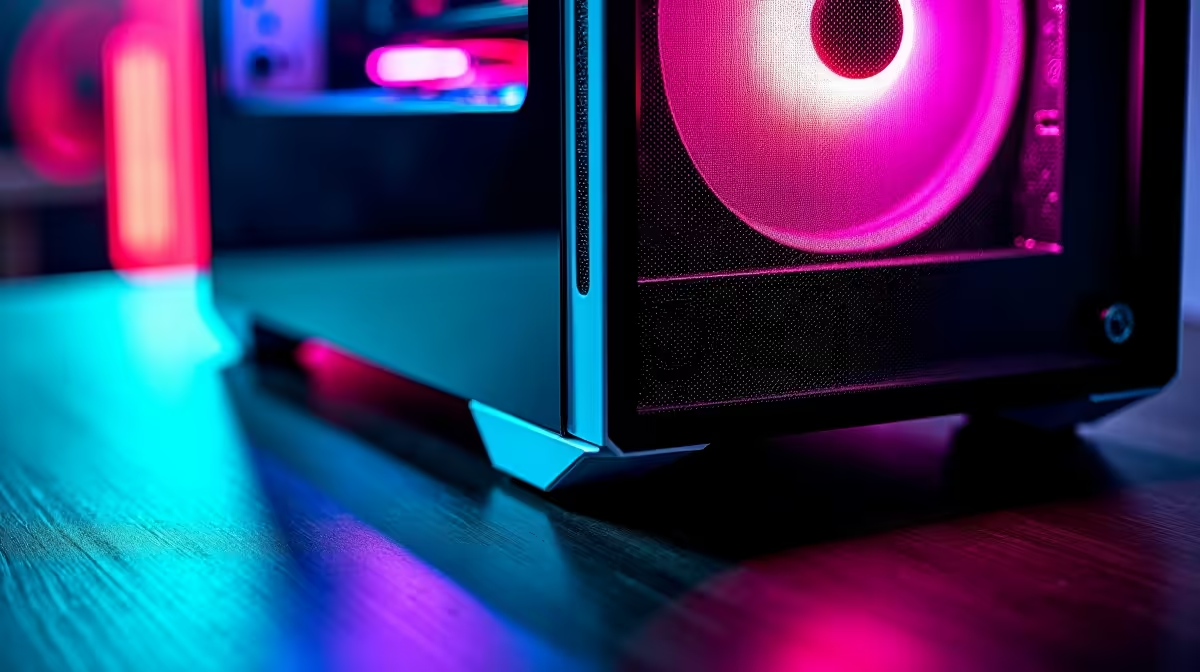
So, you've dropped some serious ZAR on a new AI-powered PC. That machine is a beast for creative work and gaming, but even beasts need looking after... especially in our often dusty South African climate. Neglecting basic AI PC maintenance is like buying a supercar and never changing the oil. It’s the fastest way to throttle performance and shorten its lifespan. This guide will walk you through everything you need to keep your rig running at peak power. 🚀
The 'Why' Behind AI PC Care
AI isn't like normal computing. Training models, running Stable Diffusion, or enabling DLSS 3 Frame Generation puts a massive, sustained load on your GPU and CPU. This creates heat... a lot of it. Dust is heat's best friend. A layer of dust on your components acts like a winter blanket, trapping heat and forcing your system to slow down (a process called thermal throttling) to protect itself.
This means lower frame rates in games and longer render times for creative work. Proper AI PC maintenance ensures your investment continues to deliver the performance you paid for, whether it's for gaming or on demanding high-performance workstation PCs.
Your Step-by-Step Physical Cleaning Guide 🔧
Let's get hands-on. A physical clean is the most effective part of AI PC maintenance. Don't be intimidated; it's easier than you think. Aim to do this every 3-6 months, or more often if you live in a particularly dusty area or have pets.
Essential Cleaning Tools
- Can of compressed air: Your primary weapon against dust.
- Microfibre cloths: For wiping down surfaces without leaving lint.
- Isopropyl alcohol (90%+): For cleaning stubborn grime (use sparingly).
- Small, soft brush (optional): A soft-bristle paintbrush can help dislodge stubborn dust.
The Process: Safely Cleaning Your AI PC
- Power Down Completely: Shut down your PC, switch off the power supply unit (PSU) at the back, and unplug it from the wall. Safety first!
- Open the Case: Move to a well-ventilated area (outside is great) and remove the side panel.
- Blast the Dust: Using short, controlled bursts of compressed air, blow dust out of the case. Start from the top and work your way down. Focus on heatsinks and fan blades (CPU, GPU, case fans). Important: Gently hold fan blades with a finger to stop them from spinning freely, which can damage the fan motor. This is vital for the powerful coolers found on modern NVIDIA GeForce gaming PCs.
- Wipe Down: Use a dry microfibre cloth to wipe down the inside of the case, cables, and other flat surfaces.
- Clean the Filters: Most modern cases have removable dust filters. Slide them out, give them a good clean, and make sure they're completely dry before putting them back.
Filter Focus Tip ⚡
Your PC's dust filters are its first line of defence. Forgetting them is a common mistake. Make it a monthly habit to quickly pull them out and wipe or rinse them. A clean filter dramatically improves airflow and makes the deeper clean inside the case much easier and less frequent.
Digital AI PC Maintenance: Optimising from the Inside
A clean PC isn't just about the hardware. Keeping your software environment tidy is a key part of your AI PC care routine. This ensures you're getting every drop of performance from your components. After all, what good is a clean machine if the software is clogged up?
Keep Your Drivers Updated
This is non-negotiable for AI. GPU manufacturers constantly release driver updates that include specific optimisations for AI applications and the latest games. Use GeForce Experience or AMD Software: Adrenalin Edition to stay current. This simple step can unlock significant performance gains on cutting-edge AMD Radeon gaming PCs.
Tidy Your Operating System
- Windows Updates: Install Windows updates to get the latest security patches and performance improvements.
- Manage Startup Apps: Too many programs launching at startup can slow your PC down. Press
Ctrl+Shift+Escto open Task Manager, go to the "Startup" tab, and disable anything you don't need running immediately. - Disk Cleanup: Run the built-in Windows Disk Cleanup utility to clear out temporary files and other digital clutter.
Ready for Unthrottled Power? ✨ Great AI PC maintenance keeps your machine running like new. But if your 'new' is a few years old, you might be missing out on the latest AI-driven features. If it's time for an upgrade, why not build your dream machine? Use our Custom PC Builder to configure the perfect AI-powered rig for your needs and budget.







