


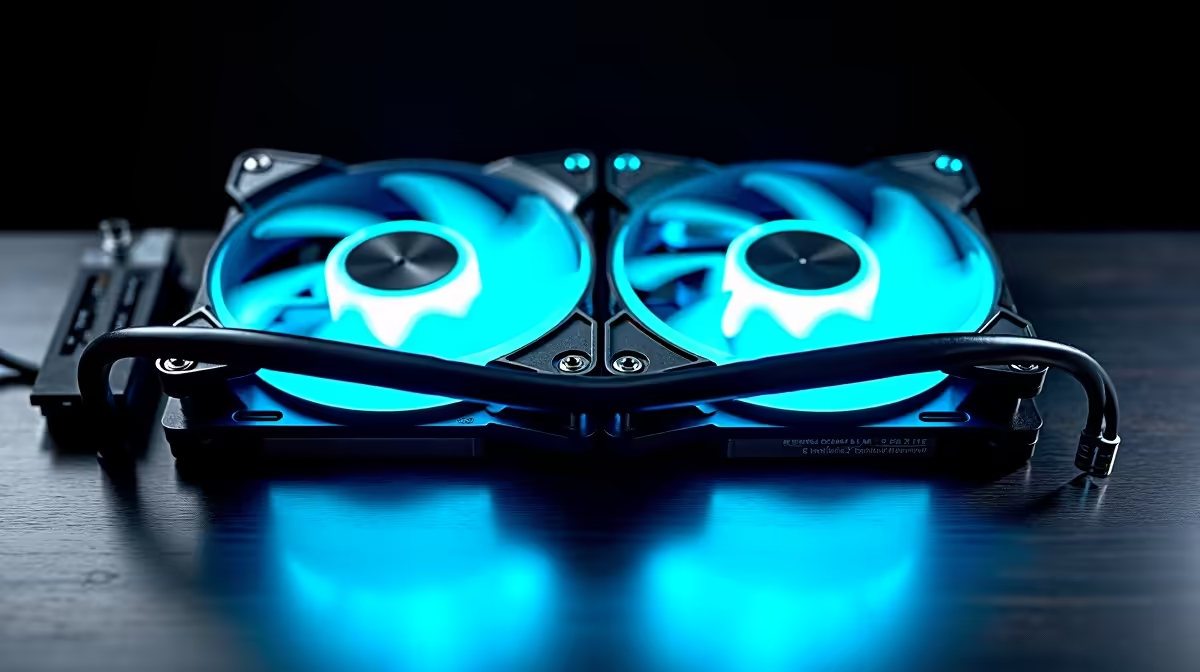
Your new rig is a beast, ready to crush the latest titles and chew through AI workloads. But with great power comes great heat... and that's where many builds in South Africa fall short. Traditional cooling just sets a fan curve and hopes for the best. What if your cooling could think for itself? Welcome to the era of AI PC cooling, the essential upgrade for keeping your high-end components from throttling and running at their absolute best. 🚀
Understanding AI PC Cooling: More Than Just Fans
Let's clear something up: "AI PC cooling" doesn't mean a tiny robot is living in your heatsink. Instead, it refers to a sophisticated, software-driven ecosystem that intelligently manages your PC's thermals. Think of it as the brain for your build's cooling system.
Unlike basic fans that react purely to CPU temperature, an intelligent cooling solution pulls data from multiple sensors—CPU, GPU, motherboard, and even ambient air temperature. It uses this data to predict thermal loads, dynamically adjusting fan speeds and AIO pump RPMs not just to cool things down, but to do it efficiently and quietly. It's the difference between a sledgehammer and a scalpel. 🔧
The Case for Smarter Cooling in Modern Rigs
So, why does your next build need this level of intelligence? As components become more powerful, managing the heat they produce is critical for performance and longevity.
Thermal throttling is the silent killer of high frame rates. When your CPU or GPU gets too hot, it automatically reduces its speed to protect itself, causing stutters and lag. An effective AI PC cooling system anticipates these heat spikes during intense battles or high-fidelity exploration, ensuring you get every last drop of performance from today's powerful NVIDIA GeForce gaming PCs.
For professionals, the benefits are even clearer. AI model training, complex 3D rendering, and 8K video exports are marathon tasks, not sprints. These sustained workloads generate immense heat over long periods. Smart, predictive cooling is essential to keep custom-built workstation PCs stable and running at peak efficiency for hours on end, preventing crashes and saving valuable time.
Quiet Operation Pro Tip 🤫
One of the biggest perks of an AI PC cooling setup is acoustic control. Instead of fans screaming at full blast the moment you open a program, the system makes subtle, predictive adjustments. This means your PC can stay virtually silent during light tasks like browsing or writing, only ramping up smoothly when the workload genuinely demands it.
Choosing Your AI PC Cooling Solution
When looking for the best cooling solution for your AI PC, you'll generally find two main categories, both revolving around a central software hub like Corsair's iCUE or NZXT's CAM.
Smart Air Coolers
While less common, some premium air coolers integrate with software suites to offer a degree of intelligent control. They are a solid step up from standard coolers, offering better performance and acoustic management for mid-range builds that don't require the absolute peak thermal performance of liquid cooling.
Intelligent AIO Liquid Coolers
This is where AI PC cooling truly shines. ✨ All-In-One (AIO) liquid coolers equipped with digital hubs and sensors provide the most granular control. They can monitor the temperature of the coolant itself, allowing the system to make incredibly precise adjustments to both fan and pump speeds. This level of responsive cooling is ideal for taming the immense heat from flagship processors, whether you're building one of our high-performance AMD Radeon gaming PCs or a top-tier Intel rig.
Ultimately, investing in an AI-enhanced cooling solution is about more than just lower temperatures. It's about unlocking the full potential of your hardware, ensuring stability, and creating a quieter, more pleasant computing experience.
Ready to Build a Smarter, Cooler PC? Don't let thermal throttling bottleneck your dream machine. An AI PC cooling solution is the key to unlocking peak performance. Start designing your perfectly optimised rig with Evetech's powerful and easy-to-use tool. Build Your Custom PC Today









