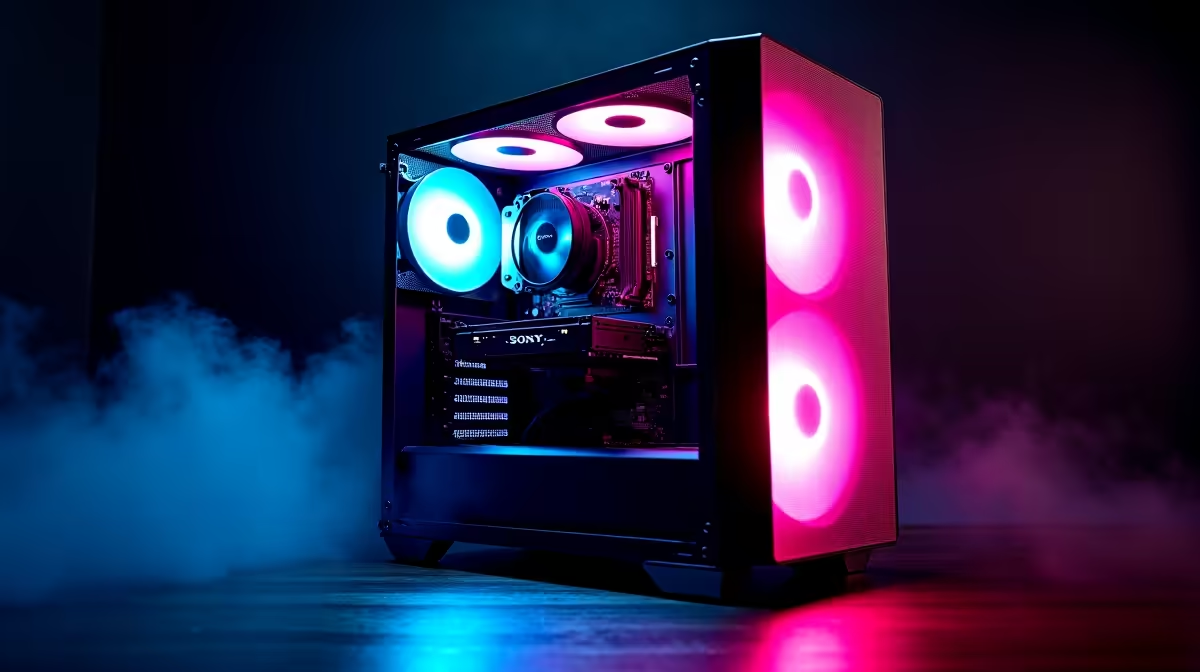
Keen to dive into the AI revolution right here in South Africa? Tools like DeepSeek are putting incredible power in our hands, but they need the right hardware. Forget confusing server specs... the machine you need is probably closer to what you think. The best PC for DeepSeek might just be a powerful gaming rig, ready to code, create, and conquer. Let's break down what you need to build your ultimate AI machine without breaking the bank. 🚀
Why Your Gaming PC is Your AI Superpower
You might think you need a specialised, ultra-expensive machine for AI development, but here's the secret: the same hardware that delivers silky-smooth frame rates in Helldivers 2 is brilliant for running large language models (LLMs). The magic lies in the Graphics Processing Unit (GPU). Modern GPUs are parallel processing beasts, designed to handle thousands of calculations simultaneously—perfect for both rendering complex game worlds and training AI models.
This means your quest for the perfect AI build doesn't have to start from scratch. That high-end gaming rig you've been eyeing has all the core ingredients. By understanding which components matter most, you can find one of the best gaming PC deals that doubles as a formidable AI workstation.
Core Components for the Best PC for DeepSeek
While the GPU does the heavy lifting, a balanced system is key for a smooth experience. Let's look at the parts that create a powerful and efficient PC for DeepSeek.
The GPU: VRAM is King ✨
This is the most critical component. When running a model like DeepSeek locally, the entire model needs to be loaded into your GPU's video memory (VRAM). If you don't have enough VRAM, performance plummets.
- NVIDIA: Thanks to its mature CUDA platform, NVIDIA is the undisputed leader in the consumer AI space. A system from our range of NVIDIA GeForce gaming PCs with an RTX 30- or 40-series card (like the RTX 4070 or higher) is a fantastic choice.
- AMD: Team Red is catching up fast. With growing software support, modern AMD Radeon gaming PCs offer an excellent price-to-performance ratio, especially if you need a card with a generous amount of VRAM.
- Intel: While newer to the scene, Intel Arc gaming PCs are an interesting option for tinkerers, offering solid hardware that is rapidly improving with software updates.
VRAM Check ⚡
When choosing a GPU for AI, VRAM is more important than raw speed. Large Language Models (LLMs) like DeepSeek need to be loaded into the GPU's memory. For serious local AI work, aim for at least 12GB of VRAM. An NVIDIA RTX 4070 or AMD RX 7800 XT is a fantastic starting point for enthusiasts.
CPU and RAM: The Unsung Heroes
While your GPU crunches the AI numbers, the CPU and system RAM manage everything else. A sluggish processor will bottleneck your whole workflow, from preparing data to managing the operating system.
You don't need the absolute top-of-the-line model, but a modern multi-core processor is essential. A solid mid-range option from our Intel PC deals or our extensive AMD Ryzen PC deals will be more than enough. For RAM, 32GB is a comfortable starting point, ensuring you can multitask without your system grinding to a halt.
Choosing Your AI Build in South Africa
So, you know what you need... how do you get it? You have a few great options, depending on your budget and technical comfort level.
For those who want a guaranteed, plug-and-play solution, exploring pre-built PC deals is the easiest path. These systems are professionally assembled and tested, taking all the guesswork out of the equation. For users who need maximum power for both professional work and AI exploration, our high-performance workstation PCs are optimised for demanding tasks.
But what if you're on a tighter budget? Don't worry, you can still build a capable PC for DeepSeek. By focusing your budget on a GPU with plenty of VRAM (even if it's a last-generation model), you can find excellent value in our range of budget gaming PCs, providing a powerful entry point into the world of local AI. 🔧
Ready to Build Your AI Future?
The world of AI is moving fast, but you don't need a data centre to get started. A powerful gaming PC is your ticket to the revolution. Explore our massive range of custom and pre-built PCs and find the perfect machine to run DeepSeek and beyond.