


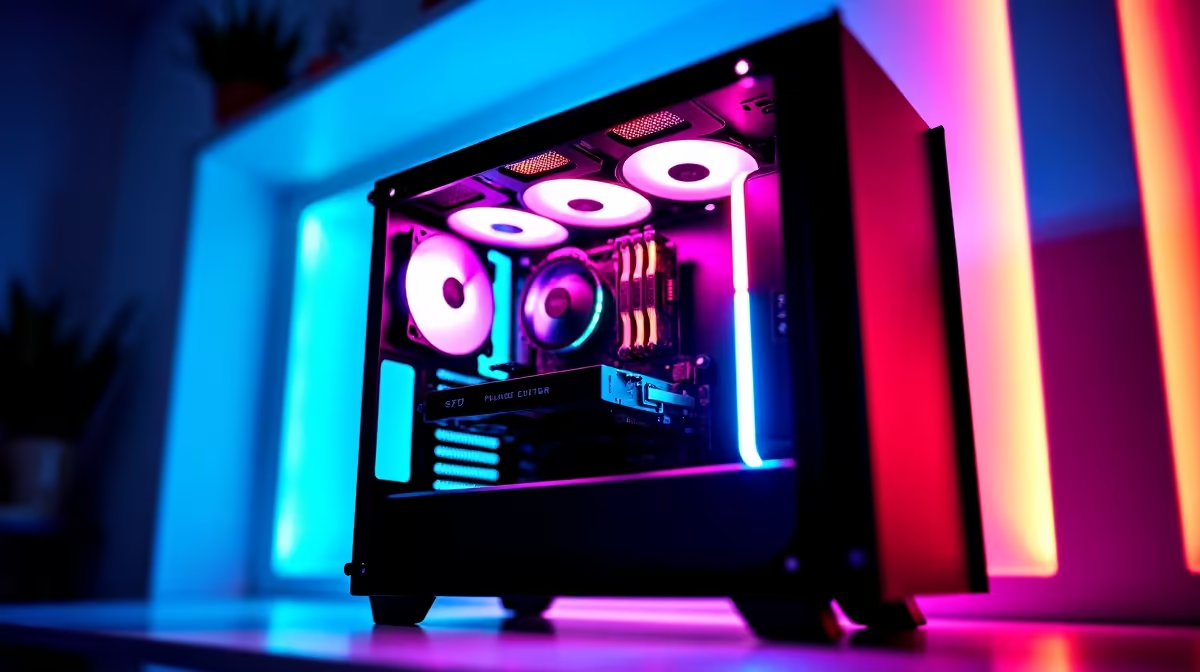
So, you've heard the buzz around DeepSeek. This powerful AI is making waves, offering incredible coding and language capabilities right on your own machine. But to unleash its full potential here in South Africa, you need the right hardware. Forget cloud costs and latency... we’re talking raw local power. This guide dives into finding the best value PC for DeepSeek, ensuring you get maximum performance without emptying your wallet. Let's find your perfect build. 🚀
Key Components for a DeepSeek PC
Before jumping into specific builds, let's quickly cover what hardware actually matters for running large language models (LLMs) like DeepSeek. It’s a bit different from a standard gaming setup.
VRAM is King 👑
The single most important component is your graphics card's Video RAM (VRAM). The AI model itself gets loaded into VRAM to run. The more VRAM you have, the larger and more complex the models you can run efficiently. For DeepSeek's models, 12GB of VRAM is a great starting point, but 16GB or more is ideal for heavier use. NVIDIA GPUs with their CUDA technology are the industry standard for AI, offering the best compatibility and performance.
CPU, RAM, and Storage
While the GPU does the heavy lifting, your other components can't be slouches.
- CPU (Processor): A modern multi-core processor (like an Intel Core i5 or AMD Ryzen 5 from the last few generations) is crucial for preparing data and managing the overall system smoothly.
- System RAM: 32GB of fast DDR4 or DDR5 RAM is the recommended minimum. This prevents system bottlenecks when your PC is juggling the OS, the AI model, and your applications.
- Storage: A fast NVMe SSD is a must. It dramatically speeds up loading the models, which can be massive files (tens of gigabytes), saving you precious time.
Finding the Best Value PC for DeepSeek in South Africa
Now for the exciting part: the builds. We’ve broken down the options based on different needs and budgets, helping you find the perfect PC for DeepSeek in South Africa.
The Smart Starter Build
If you're a developer, student, or hobbyist eager to experiment with local AI without a massive initial investment, this is your sweet spot. The goal here is maximum VRAM for your Rand. A build centered around a GPU like the NVIDIA GeForce RTX 3060 12GB or RTX 4060 Ti 16GB offers an incredible price-to-performance ratio. These cards provide enough VRAM to run sophisticated models, making them the cornerstone of an affordable DeepSeek PC. You can find excellent, ready-to-go configurations in our range of NVIDIA GeForce gaming PCs.
Check Your VRAM Usage 🔧
Once your PC is set up, you can easily monitor your GPU's VRAM usage. On Windows with an NVIDIA card, open Command Prompt and type nvidia-smi -l 1. This command updates every second, showing you exactly how much VRAM your DeepSeek model is consuming. It's a fantastic tool for optimising performance.
The Prosumer Powerhouse
Ready to tackle more demanding AI tasks or want a machine that’s also a top-tier gaming rig? This tier is for you. Here, you'll be looking at GPUs like the NVIDIA GeForce RTX 4070 SUPER or RTX 4080 SUPER. These cards not only offer more VRAM but also significantly faster processing cores, which reduces the time it takes for the AI to generate a response. Paired with a powerful CPU, this build delivers a fluid, responsive experience for both coding and content creation. While many of our AMD Radeon gaming PCs offer incredible CPU performance for multitasking, for a dedicated AI workflow, pairing that strong processor with a high-VRAM NVIDIA card via our custom PC builder is often the optimal path.
The Professional's Choice: A Dedicated Workstation
For those running AI models for commercial purposes, research, or mission-critical applications, stability and reliability are paramount. This is where a workstation build shines. These machines are engineered for sustained, 24/7 workloads with components like ECC (Error-Correcting Code) RAM and enterprise-grade power supplies. A workstation equipped with a high-end NVIDIA RTX card (or even a professional Ada series GPU) is the ultimate PC for DeepSeek, providing peace of mind and uncompromising performance. For these demanding scenarios, exploring our professional workstation PCs is the smartest move. ✨
Ready to Build Your AI Powerhouse? Choosing the right components for an AI rig can feel complex, but the power to run models like DeepSeek locally is worth it. Our team of experts is here to help you configure the perfect PC for your budget and goals. Explore our wide range of customisable PCs and start your AI journey today.










