


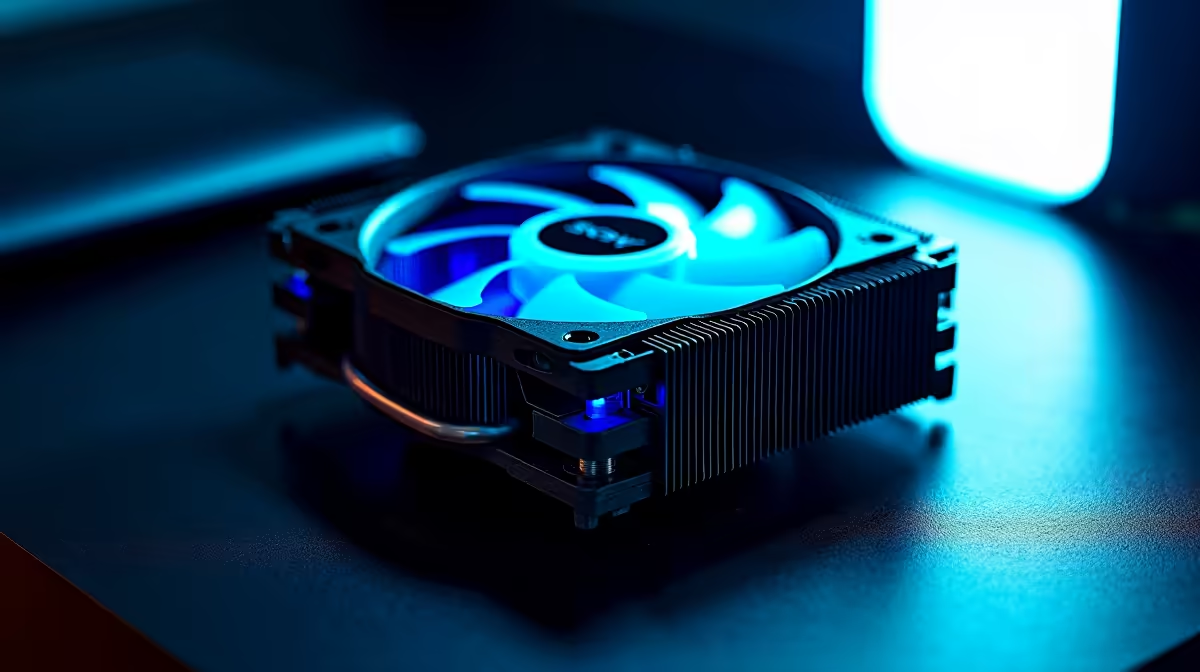
Struggling with throttling just as you're about to clutch the round? In South Africa, our summer heat and power interruptions can turn a high-end rig into a space heater. Standard fans just aren't cutting it anymore. What if your PC could intelligently predict and neutralise heat before it even impacts your frames? Enter DeepSeek Performance Cooling, the next step in thermal management designed to keep your machine frosty, even when the pressure is on. ❄️
Why Your PC's Cooling Is More Important Than Ever
Modern components are power-hungry beasts. The latest CPUs and GPUs push incredible performance boundaries, but they generate serious heat. When your PC's temperature skyrockets, thermal throttling kicks in—your system deliberately slows down to prevent damage. For gamers, this means stuttering, lag, and frustrating frame drops. This is especially true for those running the latest NVIDIA GeForce gaming PCs, where taming the thermal output is key to unlocking maximum power.
Unpacking DeepSeek Performance Cooling Technology
So, what exactly makes DeepSeek Performance Cooling different? It's not just another AIO or a bigger heatsink. Think of it as an intelligent thermal ecosystem. Using a network of micro-sensors and predictive AI algorithms, DeepSeek anticipates thermal spikes based on your workload. It dynamically adjusts fan speeds, pump pressure, and even coolant flow before your components get hot. This proactive approach is far more efficient than the reactive cooling in most systems today, ensuring peak performance is always on tap.
Check Your Temps Like a Pro 🔧
Download a free tool like HWMonitor or MSI Afterburner. Keep an eye on your CPU and GPU temperatures while gaming or under load. For most modern components, staying below 85°C is a good rule of thumb to avoid long-term performance degradation and ensure component longevity.
The Real-World Benefits for South African Rigs
The theory is great, but what does this advanced cooling mean for your daily grind in SA?
- Maximum Framerates: By eliminating thermal throttling, your components can maintain their maximum boost clocks for longer. The result? Smoother, more consistent FPS in demanding titles. This is a massive advantage for both casual players and competitive esports athletes using powerful AMD Radeon gaming rigs.
- Whisper-Quiet Operation: Because DeepSeek cooling is predictive, it doesn't need to blast fans at 100% the moment things get warm. It uses precise, subtle adjustments, leading to a much quieter gaming or work environment. No more jet engine takeoffs during a tense match. 🤫
- Increased Component Lifespan: Heat is the enemy of electronics. By maintaining lower and more stable temperatures, a DeepSeek Performance Cooling solution helps reduce wear and tear on your valuable CPU, GPU, and motherboard, potentially extending the life of your investment.
Is a DeepSeek Solution Right for Your Build?
While elite gamers will see immediate benefits, they aren't the only ones who should consider this level of thermal control. If you're running complex simulations, editing 4K video, or training AI models, your system is under constant, heavy load. For these demanding tasks, consistent performance is critical. That's why we're seeing advanced cooling solutions become a standard requirement in high-performance workstation PCs built for serious creative and scientific work. If your PC is your livelihood, superior cooling isn't a luxury... it's a necessity. 🚀
Ready to Build a PC That Stays Frosty? Don't let heat be the bottleneck in your system. A powerful PC deserves a powerful cooling solution to match. Explore our wide range of custom-built PCs and configure a machine that runs cool, quiet, and incredibly fast.









