


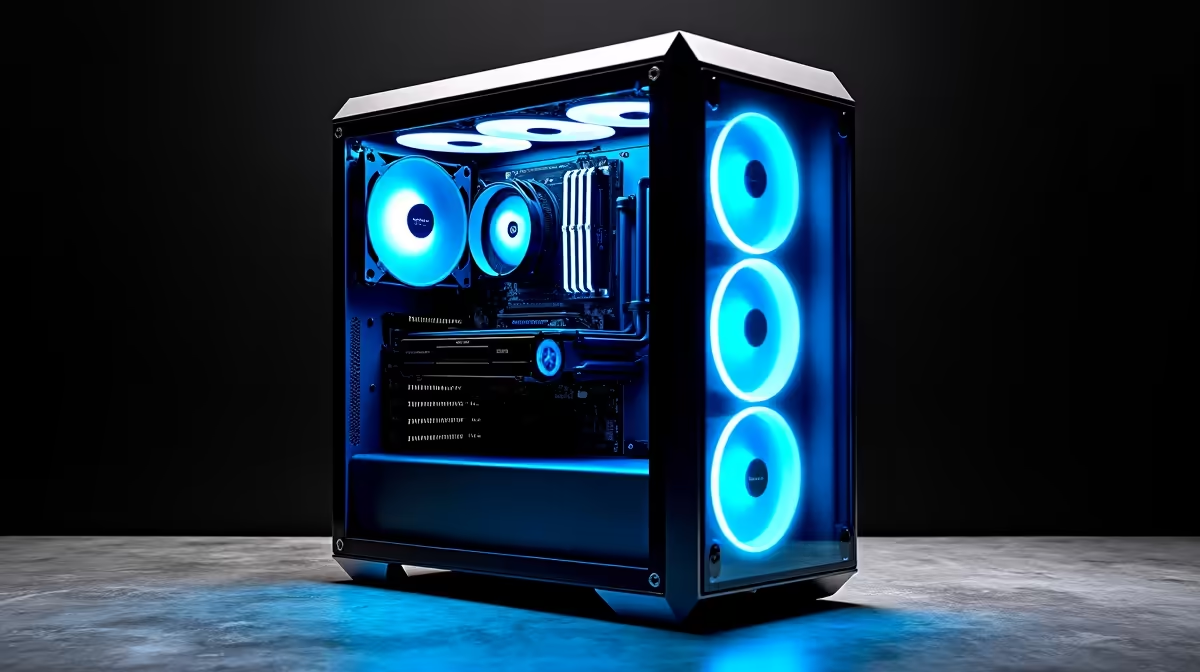
So, you’ve seen what AI can do… from generating jaw-dropping art to writing code that actually works. Now, you want in on the action. But trying to train a model on your old gaming rig feels like trying to win the Comrades in flip-flops. It’s slow, frustrating, and just not built for the job. Engineering the ultimate PC for AI development isn’t just about raw power; it’s about smart, specialised choices. Let’s build your blueprint.
The Core Components of a PC for AI Development
Forget everything you think you know about standard PC builds. While there's overlap with high-end gaming, an AI development PC has a different set of priorities. It's a specialised machine, a number-crunching beast designed for the marathon of model training, not just the sprint of a gaming session. 🧠
The GPU: The Heart of Your AI Machine
This is the single most important component. AI, particularly deep learning, relies on parallel processing—performing thousands of calculations simultaneously. This is exactly what a Graphics Processing Unit (GPU) was designed for.
- NVIDIA is King: For now, NVIDIA holds the crown in the AI space thanks to its CUDA platform. CUDA (Compute Unified Device Architecture) is a programming model that gives developers direct access to the GPU's computational power. Combined with cuDNN libraries and Tensor Cores found in their RTX cards, you get massively accelerated performance for deep learning tasks. If you're serious about AI, exploring NVIDIA GeForce-powered PCs is your first step.
- AMD is Rising: Team Red isn't sitting on the sidelines. AMD's ROCm (Radeon Open Compute) platform is a growing open-source alternative to CUDA. While the ecosystem is less mature, the raw performance-per-rand of their latest cards makes AMD Radeon gaming PCs a compelling option for those willing to tinker.
- Intel's New Challenger: Don't forget the newest player. While still building their software ecosystem, Intel Arc gaming PCs offer an interesting budget-friendly entry point for experimenting with AI inference and lighter workloads.
The CPU: The Master Controller
While the GPU does the heavy lifting, the CPU is the project manager. It handles data preprocessing, loading datasets, managing your operating system, and all the tasks that happen before and after your model trains. A weak CPU will bottleneck your powerful GPU, leaving it waiting for data. Look for high core counts and strong single-thread performance. Both Intel PC deals and the latest AMD Ryzen PC deals offer fantastic options that can keep your entire system running smoothly.
RAM and Storage: Your Workspace and Library
RAM: AI models and their datasets can be enormous. 16GB of RAM is the absolute bare minimum, but you’ll feel the pinch quickly. We recommend 32GB as a comfortable starting point and 64GB or more for serious work.
Storage: Speed is everything. You'll be loading huge files constantly. A fast NVMe SSD is non-negotiable for your operating system and primary projects. A larger, secondary SSD or HDD can be used for archiving old datasets.
Pro AI Workflow Tip ⚡
For developers on Windows, the Windows Subsystem for Linux (WSL) is a must-have. It lets you run a genuine Linux environment directly on Windows, without the overhead of a virtual machine. This gives you easy access to the powerful command-line tools and software environments common in AI development, while still keeping your familiar Windows desktop.
Assembling Your Ultimate AI Build
Now that you know the key parts, how do you put them together? You have a couple of great options here in South Africa.
The Pre-Built Advantage 🔧
For many, a pre-configured system is the smartest path. You get a balanced, tested machine with a single warranty, ready to go out of the box. This removes the headache of component compatibility and build issues, letting you focus on what matters: your code. Evetech offers a massive selection, from powerful pre-built PC deals that strike a balance between price and performance, to more accessible budget gaming PCs that can serve as a fantastic starting point for your AI journey.
The No-Compromise Workstation
When your AI projects are mission-critical or you're running a business, stepping up to a dedicated workstation is the way to go. These machines are built with professional-grade components, certified drivers, and are designed for 24/7 stability under heavy load. Think of it as the difference between a high-performance street car and a purpose-built F1 machine. For the ultimate PC for AI development, exploring purpose-built Workstation PCs ensures maximum reliability and performance.
Ultimately, the best PC for AI development is one that matches your ambition and budget. Whether you're a student learning the ropes or a professional deploying complex models, the right hardware is your launchpad. The good news? Many of the best gaming PC deals available today have the muscle to double as formidable AI learning machines. 🚀
Ready to Engineer Your AI Future? Building the perfect PC for AI development is about making smart choices. From powerful GPUs to reliable components, the right machine will accelerate your journey from idea to innovation. Explore our range of high-performance Workstation PCs and find the perfect rig to power your code.











