


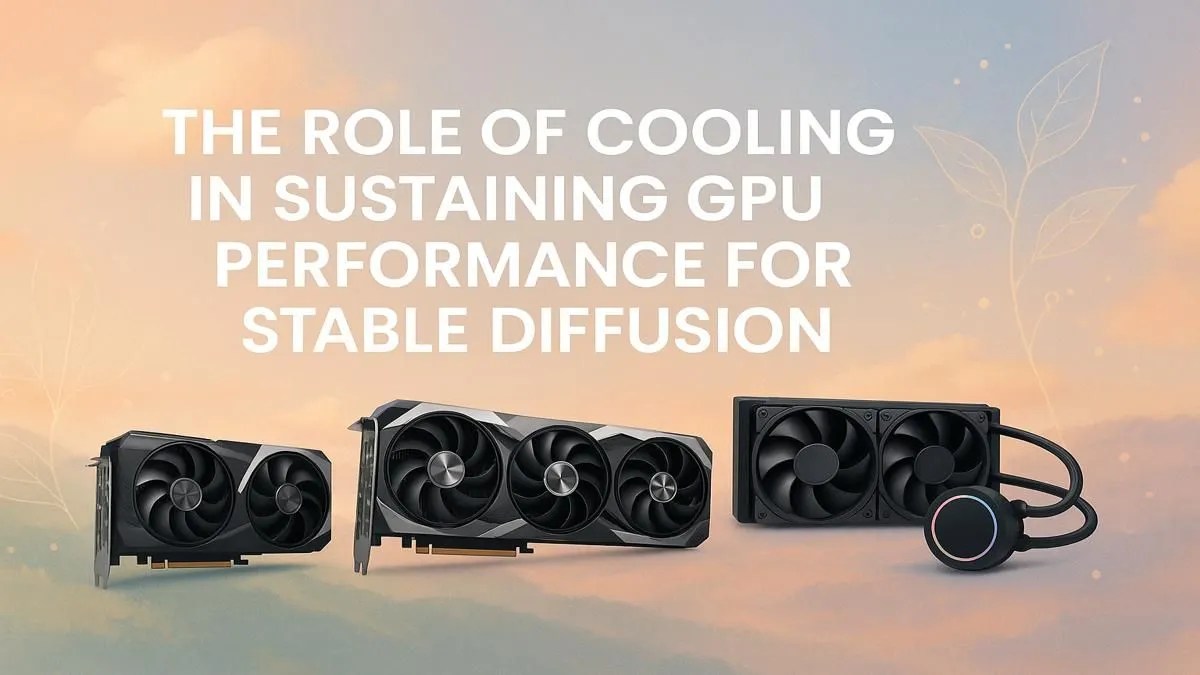
You’ve spent hours crafting the perfect prompt, iterating on your vision, and you’re so close to that masterpiece. But then it happens... your PC fans spin up like a jet engine, and your image generation speed plummets. Sound familiar? That’s your GPU gasping for air under the intense, sustained load of AI. Proper GPU cooling for Stable Diffusion isn’t just a luxury; it’s essential for maintaining peak creative momentum and protecting your hardware investment.
Why Stable Diffusion Puts Your GPU on Blast
Unlike gaming, which has peaks and troughs of intensity, running Stable Diffusion is like a marathon sprint for your graphics card. It slams the GPU core and VRAM with a relentless, 100% load for minutes or even hours at a time. This constant demand generates a massive amount of heat.
When a GPU gets too hot, it engages a safety mechanism called thermal throttling. It automatically reduces its clock speed to cool down, which directly slashes your performance. An image that took 30 seconds to generate might now take a minute or more. Effective GPU cooling for Stable Diffusion is the only way to prevent this performance bottleneck and keep your creative workflow smooth. 🚀
Core Strategies for AI Performance Cooling
Before you even think about complex solutions, mastering the basics is crucial. The best cooling setup ensures your GPU can breathe, especially during those long AI rendering sessions.
It Starts with Airflow
Your PC case is the foundation of your cooling system. A case with poor airflow will trap hot air, creating an oven that suffocates your components. Ensure you have:
- A Mesh Front Panel: Allows for maximum cool air intake.
- Smart Fan Placement: A standard setup involves intake fans at the front and bottom, with exhaust fans at the rear and top. This creates a clear path for air to travel through the case, collecting heat from components like your GPU and exiting efficiently.
A well-ventilated chassis is the first and most important step in optimising your GPU cooling for Stable Diffusion.
Air vs. Liquid Cooling for AI Workloads
For sustained AI tasks, the debate between air and liquid cooling takes on a new dimension.
- High-End Air Coolers: Modern air coolers with large heatsinks and multiple heat pipes are incredibly effective. They are reliable and can handle the thermal load of most consumer powerful NVIDIA GeForce cards, which are the go-to for Stable Diffusion thanks to their CUDA core advantage.
- AIO Liquid Coolers: An All-In-One (AIO) liquid cooler for your GPU can offer a distinct advantage by moving heat directly out of the case via its radiator. This prevents the GPU's exhaust from heating up other components, leading to a cooler system overall—a massive plus for maintaining stable AI performance.
Monitor Your Temps Like a Pro 🔧
Download a free tool like HWiNFO64 or GPU-Z. Don't just watch the main GPU temperature; keep an eye on the "GPU Hotspot" and "Memory Junction" temperatures. For AI workloads, VRAM temperatures can often be the first to cause throttling. Keeping these below 95°C is a good rule of thumb for longevity and stable performance.
Advanced Tweaks for a Cooler, Quieter Workflow
Once your physical airflow is sorted, you can dive into software adjustments to further refine your cooling. These tweaks can lower temperatures and noise without a significant performance hit.
A popular technique is undervolting. This involves using a tool like MSI Afterburner to reduce the voltage supplied to your GPU at a given clock speed. Less voltage means less power consumption and, therefore, less heat. It often allows your GPU to maintain its peak boost clock for longer, making it a fantastic optimisation for AI image generation. While NVIDIA currently dominates the AI space, many of the latest AMD Radeon GPUs also benefit greatly from undervolting and custom fan curves to manage their thermal output during intensive tasks.
Taking it to the Next Level: Workstation Power
If you're running AI models 24/7 or working with massive datasets, you might find that even the best consumer hardware struggles to keep up. This is where professional hardware shines.
Cards designed for data centres and creative professionals, like NVIDIA's RTX Ada Generation, are built for this kind of punishment. These professional workstation graphics cards often feature blower-style coolers that exhaust all heat directly out the back of the PC. While louder, this design is superior for multi-GPU setups and small cases, ensuring each card gets fresh, cool air. Combined with massive VRAM pools, they are the ultimate tool for serious AI development. ✨
Ultimately, the best GPU cooling for Stable Diffusion is a holistic approach. It combines a good case, the right type of cooler for your needs, and smart software tweaks. If you find your current card is constantly hitting its thermal limits despite your best efforts, it might be time to consider upgrading your graphics card to a model with a more robust and efficient thermal design.
Ready to Unleash Your AI Creativity? A hot, throttling GPU is the biggest bottleneck to your creative flow. Stop waiting and start creating with a graphics card that can handle the heat. Explore our massive range of high-performance GPUs and find the perfect engine for your AI ambitions.











