


So, you're diving into the world of AI. Maybe you're training a local model, generating incredible art with Stable Diffusion, or just experimenting with the latest tech. But you've hit a snag... everything feels slow. It's not always your GPU or CPU. The silent bottleneck holding you back could be your network. ✨ For South African tech enthusiasts, optimizing your network for AI is no longer a luxury; it's the key to unlocking truly responsive performance.
Why AI Demands a Rock-Solid Network
Artificial intelligence, especially when run locally, is incredibly data-hungry. We're not talking about streaming a 4K movie; we're talking about moving massive multi-gigabyte model files and datasets between your storage and your PC's memory. Every delay, every dropped packet, translates into wasted time and stuttering performance.
Think of it like this: your powerful GPU is a Formula 1 engine, but it's useless if the fuel (your data) is coming through a tiny straw. Optimizing your network for AI ensures that the engine gets all the fuel it needs, instantly. This is especially true for complex tasks that require dedicated hardware, often found in high-performance Workstation PCs designed for sustained, heavy workloads.
Your Guide to Faster Data Transfer for Local AI
Getting your network AI-ready doesn't have to be a complicated mission. A few strategic tweaks can make a massive difference. Let's break down the most effective steps for achieving faster data transfer and a smoother AI experience.
Upgrade Your Core Hardware
Your router and network card are the foundations of your local network. An old router can cripple the performance of even the most powerful PC.
- Router: Look for a modern router supporting at least Wi-Fi 6 (802.11ax) and, crucially, Gigabit Ethernet ports (1Gbps or higher).
- Network Card (NIC): Most modern motherboards have a 1Gbps or 2.5Gbps Ethernet port built-in. If you're using an older machine, a dedicated PCIe network card is a cheap and effective upgrade. Many excellent pre-built PC deals already come with modern, high-speed networking onboard.
- Cabling: Ditch that old, frayed Cat5 cable. For guaranteed Gigabit speeds, use at least a Cat5e, or preferably a Cat6 or Cat6a Ethernet cable.
Tweak Your Software and Settings
Sometimes, the biggest gains come from software adjustments. Before you spend a cent, check these settings:
- Update Drivers: Ensure your motherboard's network drivers are up to date. Manufacturers often release updates that improve stability and performance.
- Enable Jumbo Frames: In your network adapter's advanced settings, you can enable "Jumbo Frames" by increasing the MTU (Maximum Transmission Unit) size, typically to 9000. This allows more data in each packet, reducing overhead for large file transfers on your local network. 🔧
Whether you're running on team green with powerful NVIDIA GeForce gaming PCs or team red with the latest AMD Radeon gaming PCs, these software tweaks apply universally and can significantly boost local data throughput.
Pro Tip for Data Management ⚡
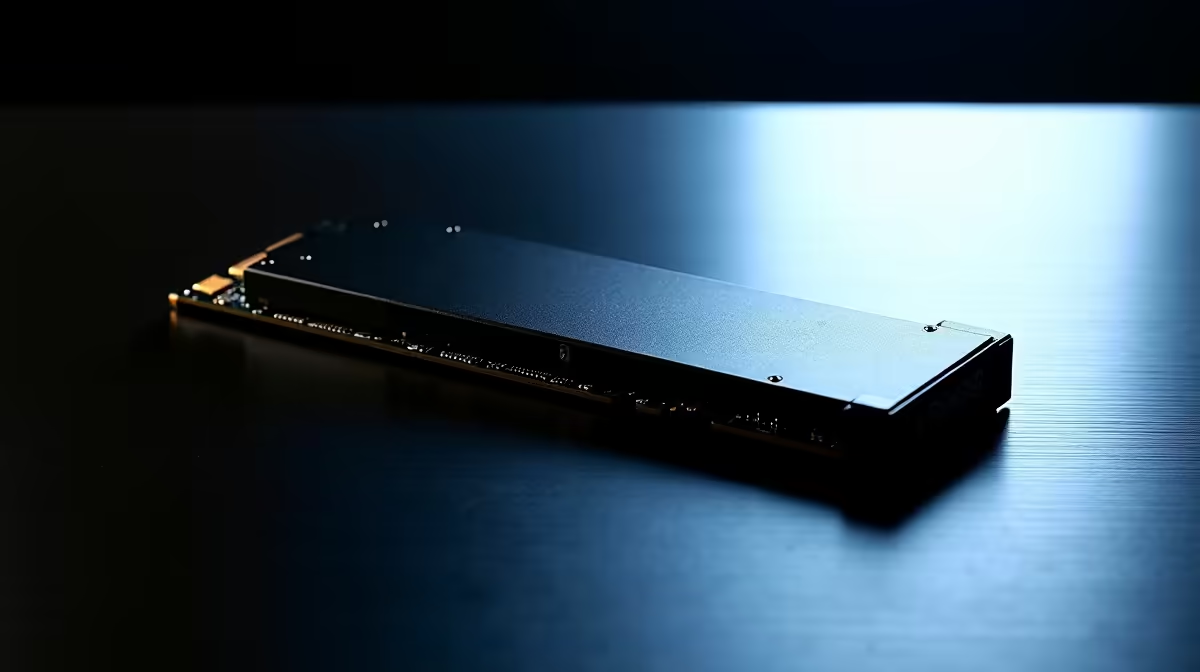
Use a dedicated high-speed NVMe SSD for your active AI projects and datasets. A fast network is only one part of the equation. If your data is stored on a slow mechanical hard drive, your PC won't be able to read it fast enough to feed the GPU, creating a storage bottleneck.
The Wired vs. Wi-Fi Debate for AI
For any serious AI work, the debate is over: wired is king. A direct Ethernet connection provides a stable, low-latency, full-speed link that Wi-Fi simply cannot guarantee. Interference from neighbours' networks, microwaves, or even just walls can cause packet loss and speed fluctuations on Wi-Fi.
While Wi-Fi 6 is a huge improvement, a simple Ethernet cable is the most reliable way to ensure your machine gets the data it needs without interruption. Even if you're starting out with one of our fantastic budget gaming PCs, plugging in that cable is the single biggest network optimisation you can make.
Building the Ultimate AI-Ready Ecosystem 🚀
A fast network is a critical piece of the puzzle, but it works as part of a larger system. To truly excel at AI tasks, your entire PC needs to be balanced. A powerful CPU is essential for data preparation and managing complex pipelines. Both the latest Intel PC deals and the newest AMD Ryzen PC deals offer incredible multi-core performance perfect for AI workloads.
Your GPU, of course, does the heavy lifting for model training and inference. Alongside the established players, new options like the ones found in Intel Arc gaming PCs are also entering the ring, providing more choice for builders.
Ultimately, network optimization for AI is about removing every possible bottleneck between your data and your processor. By combining a fast, wired network with a powerful, well-balanced PC, you create an ecosystem where ideas can flow freely. For a system that brings all these elements together seamlessly, check out our curated list of the best gaming PC deals available in South Africa.
Ready to Unleash AI's Full Potential? Optimizing your network is a crucial step, but it all starts with a powerful core. An AI-ready PC is your gateway to the future of creativity and innovation. Explore our range of high-performance Workstation PCs and build the perfect machine to conquer your AI ambitions.









