


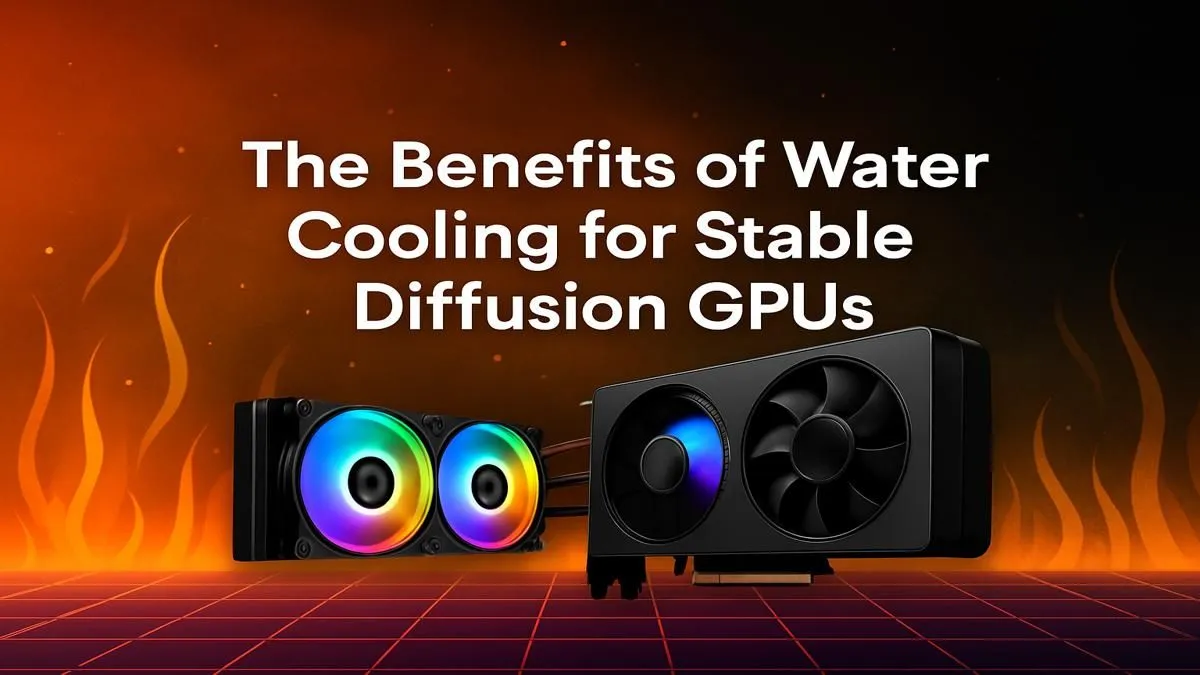
So, you’ve dived into the incredible world of Stable Diffusion, turning text prompts into stunning AI art. It’s amazing... until your PC case starts feeling like a braai and your image generations slow to a crawl. What’s the culprit? Your GPU is overheating. For serious AI work, standard fans often don’t cut it. Effective Stable Diffusion GPU cooling isn’t just a luxury; it’s essential for unlocking consistent, high-speed performance. 🌡️
Why Stable Diffusion Pushes Your GPU to its Limits
Unlike gaming, which has peaks and troughs in demand, running Stable Diffusion is like a marathon sprint for your graphics card. It slams your GPU with a sustained 100% load, heating up not just the main processor but the VRAM as well. When temperatures climb too high, your card automatically "throttles"—it reduces its speed to protect itself.
This thermal throttling is the enemy of creativity. It means:
- Slower Generations: An image that took 30 seconds to create now takes a minute or more.
- Inconsistent Performance: Your workflow is constantly interrupted by performance drops.
- Reduced Lifespan: Consistently running a GPU at its thermal limit can shorten its lifespan.
For anyone serious about AI art, managing this heat is the first and most critical step to a smooth workflow, regardless of which of the latest graphics cards you own.
Air vs. Water: The AI Cooling Showdown
Choosing the right cooling solution for your Stable Diffusion rig is crucial. While traditional air coolers are popular, they have limitations when faced with the relentless heat from AI workloads.
Standard Air Cooling
Your typical GPU air cooler uses fans to blow air across a metal heatsink. It’s a reliable method for gaming and everyday tasks. However, during long Stable Diffusion sessions, the heatsink can become saturated with heat. The fans spin up to maximum RPM, creating a lot of noise, and they might still struggle to keep temperatures below the throttling point. The hot air is also often dumped directly into your PC case, raising the ambient temperature for all your components.
The Water-Cooling Advantage 💧
This is where GPU water cooling for AI truly shines. A water-cooling loop circulates liquid through a water block attached to your GPU, absorbing heat far more efficiently than air. The heated liquid then travels to a radiator, where fans dissipate the heat away from your core components.
This system provides superior Stable Diffusion GPU cooling because it moves thermal energy away from the GPU much faster. This results in significantly lower and more stable core temperatures, even after hours of continuous 100% usage on powerful NVIDIA GeForce cards or their AMD Radeon alternatives.
Check Your Temps! ⚡
Use a free tool like MSI Afterburner or HWMonitor to watch your GPU's temperature while running Stable Diffusion. If you see it consistently hitting 85°C or higher, it's definitely thermal throttling. This is your sign that your current cooling solution isn't keeping up with your creative ambitions.
The Real-World Benefits of Water Cooling for Stable Diffusion
Upgrading your GPU cooling isn't just about lower numbers on a monitoring tool. It delivers tangible benefits that you'll feel in every single AI generation.
A water-cooled GPU can maintain its maximum boost clock speed indefinitely. This means faster processing of each step in the diffusion process, shaving precious seconds or even minutes off complex image creations. For professionals or serious hobbyists using professional workstation GPUs for massive batches, this time saving adds up dramatically.
Ultimately, water cooling provides the thermal headroom your hardware needs to perform at its peak, ensuring your creative flow is never interrupted by a struggling, overheating GPU. It’s the key to turning your powerful PC into a truly optimised AI creation powerhouse. 🚀
Ready to Stop Throttling and Start Creating? A hot GPU is a slow GPU. Whether you're building a new AI rig or upgrading your current one, superior cooling is non-negotiable. Explore our massive range of PC components and find the perfect cooling solution to unleash your creative power.










