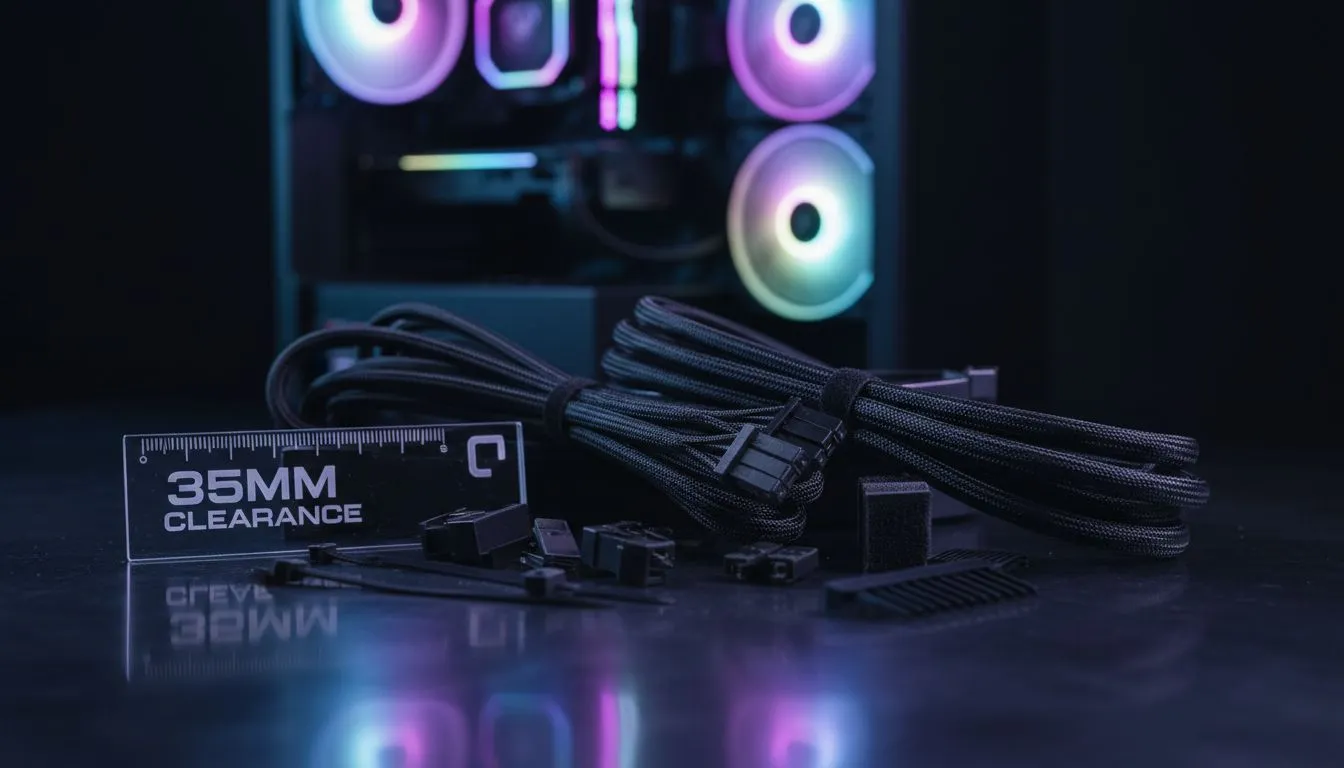
Building your first PC in SA is a rite of passage. But nothing kills the excitement faster than a side panel that won't close because of a "rat's nest" of wires. If you want a clean, professional-looking setup without the stress, focusing on 35mm clearance cable management for first-time builders is the best move you can make. It transforms a frustrating afternoon into a victory 🔧.
Why Cable Clearance is the Secret to a Cool PC
When you are staring at a pile of power supply cables, it is easy to feel overwhelmed. Most entry-level chassis only offer about 10mm to 15mm of space behind the motherboard tray. This leads to crushed wires and poor airflow. By choosing a case with 35mm clearance cable management for first-time builders, you give yourself a massive margin for error.
Finding the right foundation starts with browsing the latest computer cases to see which models prioritise internal volume. That extra depth allows you to overlap the thick 24-pin ATX cable and PCIe power leads without creating a bulge. It is not just about looks... it is about making sure your components can breathe properly.
Top Case Choices for Easy Routing
Not all towers are created equal. Some brands specifically design their interior layouts to help beginners hide their shame... we mean, their cables. Brands like Fractal Design PC cases are legendary for providing deep channels and pre-installed Velcro straps. These features make it incredibly simple to tie down bundles in seconds.
If you want flair without the fuss, Gamdias gaming cases often include dedicated routing holes with rubber grommets. These grommets hide the "behind the scenes" mess while letting the colourful parts of your build shine through the glass.
Cable Routing Pro Tip ⚡
Always route your largest cables first... specifically the 24-pin motherboard connector. Once the "big" wires are flat against the tray, use the 35mm depth to tuck away smaller fan and RGB headers on top of them. This prevents the dreaded back-panel bulge and keeps everything accessible for future upgrades.
Building on a Budget Without the Mess
You do not need to spend a fortune to get a builder-friendly experience in South Africa. Many modern designs offer "basements" or PSU shrouds that let you stuff excess lengths of cable out of sight. You can find excellent affordable gaming cases under R1500 that still offer enough clearance for a tidy finish.
Remember to use your zip ties or twist ties sparingly until you are sure everything works. There is nothing worse than cutting ten ties because you forgot to plug in one SATA cable ✨. Take your time, use the depth provided by the chassis, and your first build will look like it was done by a pro.
Ready to Build Your Dream Rig?
Don't let cable clutter ruin your first build experience. From high-airflow mesh to premium tempered glass, we have the perfect housing for your new components. Explore our massive range of computer cases and start your building journey with the best gear in South Africa.