Building an Intel rig in South Africa can feel overwhelming. You stare at a list of specs and wonder what it all means. You just want your PC to run fast and stay cool without burning through your hard-earned ZAR. Let us break down motherboard power stages, cooling, and AI tuning for Intel builds into plain English... so you can upgrade with absolute confidence.
Making Sense of Motherboard Power Stages ⚡
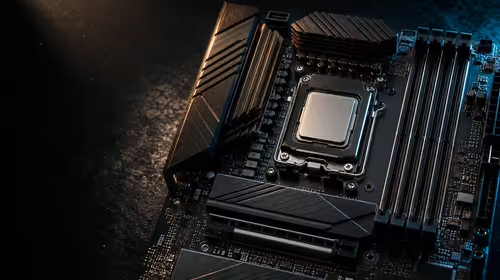
Think of power stages as the engine management system for your processor. They take the raw power from your supply and deliver clean voltage to the CPU. If you are running a high-end Intel chip... you need robust power delivery.
Voltage delivery must be precise. Even a slight drop in voltage can cause a blue screen. Weak power stages lead to thermal throttling and frustrating system crashes. When browsing reliable motherboards, you should always look for a high phase count.
A 14+2 power stage design means your processor gets incredibly stable power. This stability is crucial during heavy gaming sessions or intense rendering workloads. Clean power acts as a buffer and extends the lifespan of your components.
Thermal Design and VRM Cooling ❄️
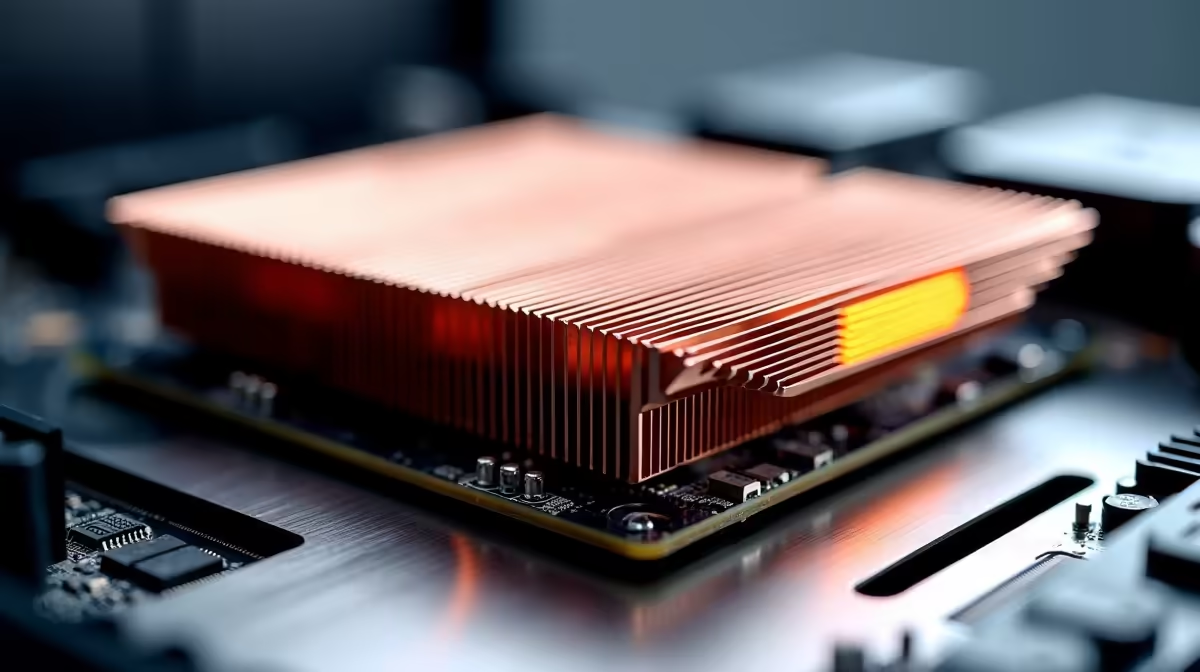
Delivering all that electrical power generates serious heat. If your Voltage Regulator Modules (VRMs) overheat... your CPU slows down to protect itself. Premium boards feature massive alloy heatsinks and high-conductivity thermal pads.
Top brands have perfected this cooling tech across all their platforms. You will find incredible thermal designs on premium ASUS Intel motherboards. Interestingly... the exact same robust cooling principles apply if you ever explore ASUS AMD motherboards for a different build.
Proper cooling ensures your system maintains peak boost clocks. It is especially vital to keep those VRMs chilled during intense South African summer days.
The Magic of AI Tuning and Overclocking 🚀
Gone are the days of spending hours tweaking complicated BIOS settings. Modern boards use AI to optimise performance automatically. AI Overclocking profiles your CPU and cooling system to predict the optimal settings.
It pushes your processor to its safe limits without any manual guesswork. The AI constantly monitors system temperatures and adjusts clock speeds on the fly. AI cooling is another fantastic feature. It balances fan speeds to keep your rig whisper quiet during light tasks. When you launch a demanding game... the fans ramp up intelligently.
Performance Pro Tip 🔧
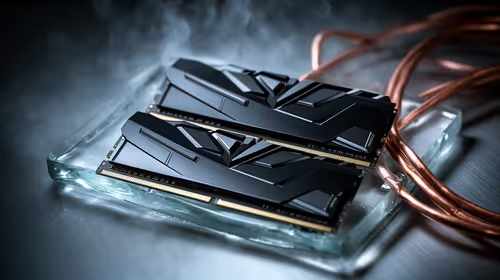
To get the absolute most out of AI tuning, you need fast RAM. AI overclocking scales beautifully when paired with high-speed memory. Make sure you enable XMP in your BIOS to unlock your RAM's full potential and eliminate bottlenecks.
You must feed your tuned CPU with data quickly to see real gains. Grabbing one of our premium high-speed memory kits ensures your processor never has to wait around.
Maximising Your Budget in ZAR
Building a custom PC is a serious investment. You want every single Rand to translate into better frame rates. You do not always need the most expensive flagship board to get great results.
Many mid-range options now feature excellent power stages and smart AI tuning capabilities. If building from scratch feels like too much work... you can always grab one of our top gaming PC deals. These pre-built systems have the balancing act already done for you.
Ready to Build Your Dream Rig?
Understanding power stages and AI tuning is the first step to PC greatness. Whether you are upgrading your current setup or starting fresh, Evetech has the hardware you need. Explore our massive range of Intel motherboards and start building your ultimate gaming machine today.