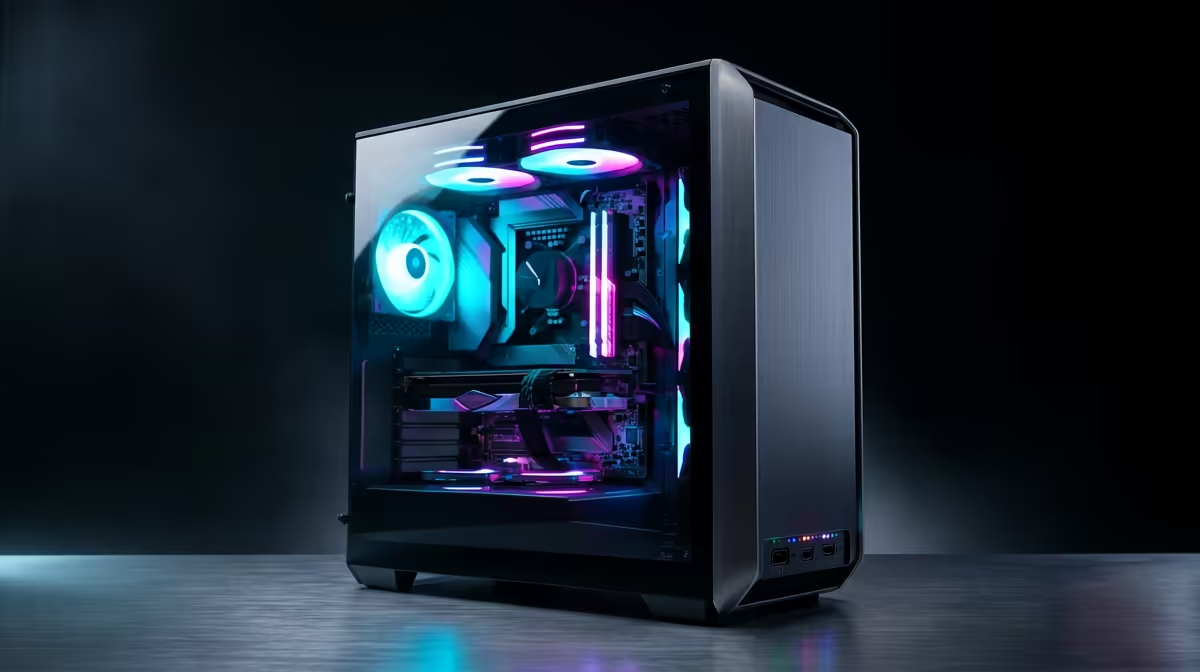
Staring at a render bar that moves slower than rush-hour traffic on the N1? We've all been there. For South African creators, building a powerful video editing rig can feel like an impossible dream. But what if you could get a 4K-capable powerhouse without draining your bank account? An AMD editing PC under R30,000 isn't just a fantasy; it's the smartest value proposition in tech today. Let's dive into how you can build or buy one. 🚀
Why an AMD Editing PC Under R30,000 is the Smart Choice
For years, the editing world was dominated by pricey components. AMD, with its Ryzen processors, completely changed the landscape. They offer incredible multi-core performance—the secret sauce for smooth video editing and fast rendering—at a price point that makes sense for the South African market.
When you're editing, your PC is juggling multiple demanding tasks: decoding high-resolution footage, applying effects in real-time, and encoding the final product. This is where Ryzen's core count shines. You get more processing threads for your Rand, which directly translates to less time waiting and more time creating. While many of the best gaming PC deals are great starting points, a dedicated editing build optimises for content creation first.
Core Components for Your Sub-R30k AMD Editing Rig
Building the perfect AMD editing PC under R30,000 is a balancing act. You need to allocate your budget wisely to the parts that matter most for your workflow. Here’s a breakdown of the essentials.
The Brain: AMD Ryzen CPU
This is the heart of your machine. For a sub-R30k budget, aim for an AMD Ryzen 5 or even a Ryzen 7 processor. A chip like the Ryzen 5 7600X offers a fantastic blend of high clock speeds for snappy timeline performance and enough cores for decent render times. It's a massive leap in capability compared to what you might find in rigs under R20k, making the investment worthwhile.
The Muscle: Graphics Card (GPU)
Your GPU accelerates effects, colour grading, and playback. Modern editing software like DaVinci Resolve and Adobe Premiere Pro heavily relies on the GPU. An NVIDIA GeForce RTX 3060 or an AMD Radeon RX 7600 provides excellent performance for 1080p and even 4K editing. These cards offer dedicated hardware for video encoding (NVENC for NVIDIA, VCN for AMD), which dramatically speeds up your exports.
Editing Pro Tip ⚡
In DaVinci Resolve or Premiere Pro, always ensure GPU acceleration (CUDA for NVIDIA, OpenCL Metal for AMD) is enabled in your project settings. This simple check can boost your playback and render performance by up to 5x by offloading work from the CPU to your powerful graphics card.
The Memory: RAM & Storage
RAM: For video editing, 16GB is the absolute minimum, but 32GB is the sweet spot for this budget. More RAM allows you to work with more complex timelines and higher-resolution footage without your system slowing to a crawl.
Storage: A fast NVMe SSD is non-negotiable. Your operating system, editing software, and active project files should live here. A 1TB NVMe SSD provides a great starting point. You can always add a larger, cheaper hard drive later for archiving old projects. This combination is a signature feature of well-balanced PCs in the R20k to R30k range.
Pre-Built vs. Custom Build: What's Right for You?
So, should you build it yourself or grab a pre-configured machine?
- Custom Build: Offers total control over every component. It can sometimes be more cost-effective if you snag parts on special. The downside? It takes time, research, and a bit of bravery. 🔧
- Pre-Built PC: This is the fastest way to get creating. At Evetech, our technicians build and test the systems for you, ensuring stability and performance right out of the box. You get a full system warranty, which is huge peace of mind. Many of our budget gaming PCs can be easily configured for editing workloads.
For most creators, exploring expertly assembled pre-built PC deals offers the best of both worlds: a professionally built, powerful AMD editing PC under R30,000 without the hassle.
Ready to Stop Waiting and Start Creating?
Building the perfect AMD editing PC under R30,000 is about smart choices, not compromises. With the right components, you can crush 4K timelines and render projects in record time. Explore our curated pre-built PC deals and find the machine that's ready to bring your vision to life.