


Clean Gaming Keyboard: Guide for Dusty & Humid Conditions
Clean gaming keyboard quickly and safely in dusty or humid conditions with step-by-step tips, tool checklist, and maintenance routines to prevent corrosion and switch failure. 🧼💨
Read moreARGB lighting: Learn how to wire, set up, and control ARGB lighting from your motherboard, step-by-step for beginners. Save time, sync effects, and avoid common mistakes. 🔌✨
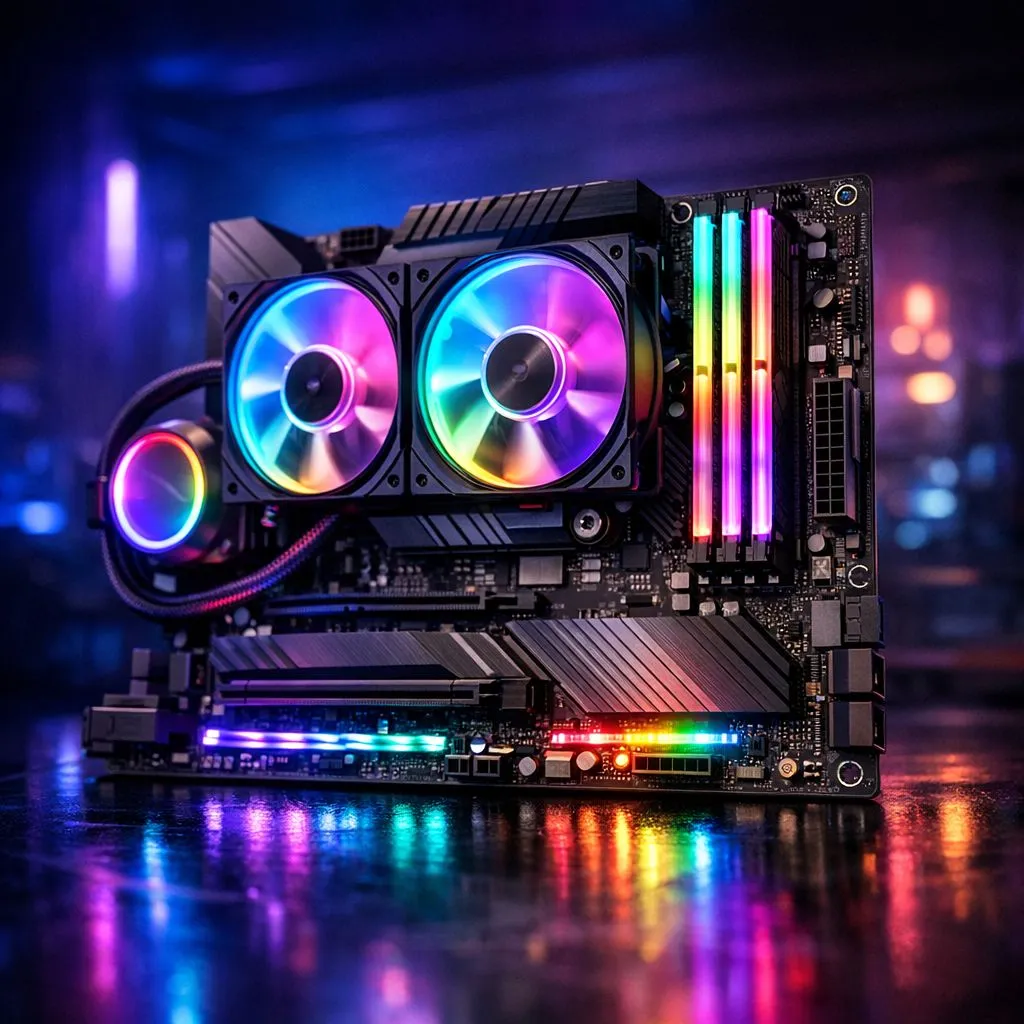
Tired of your PC looking like a half-hearted rainbow threw up inside it? You’ve got the flashy fans, the glowing RAM... but nothing syncs. Getting that clean, unified aesthetic is easier than you think. This guide is your fast track to mastering ARGB lighting control from your motherboard, turning your rig from a chaotic mess into a coordinated masterpiece. Let's get your build glowing the right way, right here in South Africa. ✨
First, let's clear up the alphabet soup. Standard RGB uses a 12V 4-pin connector and can only display one colour at a time across all the LEDs. Think of it as a single light bulb that can change colour.
ARGB, or Addressable RGB, is the real magic. It uses a 5V 3-pin connector and allows you to control every single LED individually. This is how you get those smooth rainbow waves, pulsing effects, and intricate patterns. The key benefit of ARGB lighting control from the motherboard is centralisation. Instead of juggling three or four different apps for your fans, RAM, and light strips, one piece of software handles everything, ensuring perfect synchronisation.
Before you buy any new gear, the first step is to check your motherboard. You're looking for a specific connector: the 3-pin, 5V ARGB header. It might be labelled JRAINBOW, ADD_GEN2, or simply 5V_ARGB. Check your motherboard's manual if you're unsure!
Once you've located the header, connecting your devices is straightforward. Most ARGB components like fans and LED strips can be "daisy-chained" — you connect one to the next, and only the first one in the chain plugs into the motherboard. This keeps your cable management tidy. A solid chassis is the foundation, and many modern computer cases come with pre-installed ARGB fans and controllers to simplify this process.
Don't stress if your older motherboard doesn't have a 5V ARGB header. You can still get in on the action! Many ARGB fan kits or controllers (like those from Cooler Master or Razer) connect via an internal USB header and use their own software. This gives you full control, bypassing the motherboard entirely while you wait for your next big upgrade.
With everything plugged in, the final step is software. Your motherboard manufacturer provides a free utility that acts as the command centre for your entire light show. The main players are:
Install the correct software for your board, and it should automatically detect any compatible ARGB devices connected to the header. From there, you can choose from dozens of preset effects or create your own custom colour schemes. Premium brands like Fractal Design often include fan hubs that simplify connecting everything to a single motherboard header, making software setup even smoother.
Running into problems? Don't panic. Achieving perfect motherboard ARGB control can sometimes be fussy, but the fix is usually simple.
Even many Gamdias gaming cases are designed with motherboard sync compatibility in mind, helping you avoid these issues from the start. You don't need to break the bank either; you can find fantastic Gamdias cases under R1500 that are ARGB-ready. 🚀
Ready to Build Your Ultimate RGB Rig? From subtle glows to full-on light shows, mastering your ARGB is the final step to a truly custom PC. Whether you need a new case with built-in lighting or the motherboard to control it all, we've got you covered. Explore our massive range of PC components and start building your dream machine today.
ARGB lighting (addressable RGB) lets you control each LED individually. Use ARGB headers and vendor software to create per-LED effects and custom animations.
Yes. Most modern motherboards include a 3-pin ARGB header and software support; connect ARGB strips or fans and use BIOS or vendor software to sync.
Match the 3-pin ARGB connector to the motherboard header pinout, align the arrow, and secure cables. See ARGB cable connection guide for details.
Use your motherboard maker's ARGB sync software (like Aura, Mystic, or RGB Fusion) to manage profiles and effects across ARGB devices.
ARGB is addressable RGB where each LED is individually controlled. RGB controls the whole strip as one color. See ARGB vs RGB lighting for use cases.
Some motherboards offer basic ARGB control in BIOS for power-up effects, but full customization usually requires vendor ARGB sync software.
Check ARGB header orientation, power source, and that the ARGB header type matches your device. Refer to ARGB motherboard header pinout and troubleshooting steps.
Clean gaming keyboard quickly and safely in dusty or humid conditions with step-by-step tips, tool checklist, and maintenance routines to prevent corrosion and switch failure. 🧼💨
Read more
Best gaming keyboard features to prioritize when building a high-end setup: mechanical switches, low latency, hot-swap, RGB, macros, durability and ergonomics 🎮⌨️
Read more
Custom actuation point keyboard setup guide: learn to set per-key actuation on your analog gaming keyboard for faster, precise inputs and better control 🎮⚙️
Read more
Cable management for home entertainment helps you eliminate cable clutter quickly and safely. Learn routing, concealment, and product picks to tidy your setup fast 📺🔌
Read more
conference room setup Microsoft Teams Zoom: Upgrade AV, camera, mic, and network to ensure seamless meetings, clear audio, and crisp video 🎯🔧
Read more
• Audit setup • Link accounts • Configure ViewBoard • Test workflows Integrate Google Workspace with ViewSonic ViewBoard to enable secure SSO, calendar and Drive sync, and smooth collaborative whiteboarding 🔗📋
Read more
Discover webcams that automatically adjust light and color for crystal-clear video calls 🎥✨. Boost your streaming quality today!
Read more
Discover webcams that blend into your workflow 🎯 Capture moments while you work, stream, or create. Upgrade your setup with smart, multitasking tech!
Read more
Dedicated media keys give streamers one-touch control to mute, switch scenes, clip highlights, and adjust audio — cutting task time and boosting consistency 🎛️⚡
Read more
Checklist: 1) Map keyboard actuation depth to genres 2) Step-by-step adjust settings 3) Test and tune for performance 🎮⌨️ Learn keyboard actuation depth for FPS, MOBA, RTS, and RPG to improve response and accuracy.
Read more
Optical switches deliver faster actuation and lower latency than traditional mechanical switches, using light-based triggers and minimal debounce to boost gaming and typing performance ⚡⌨️
Read more Clean gaming keyboard quickly and safely in dusty or humid conditions with step-by-step tips, tool checklist, and maintenance routines to prevent corrosion and switch failure. 🧼💨
Read more