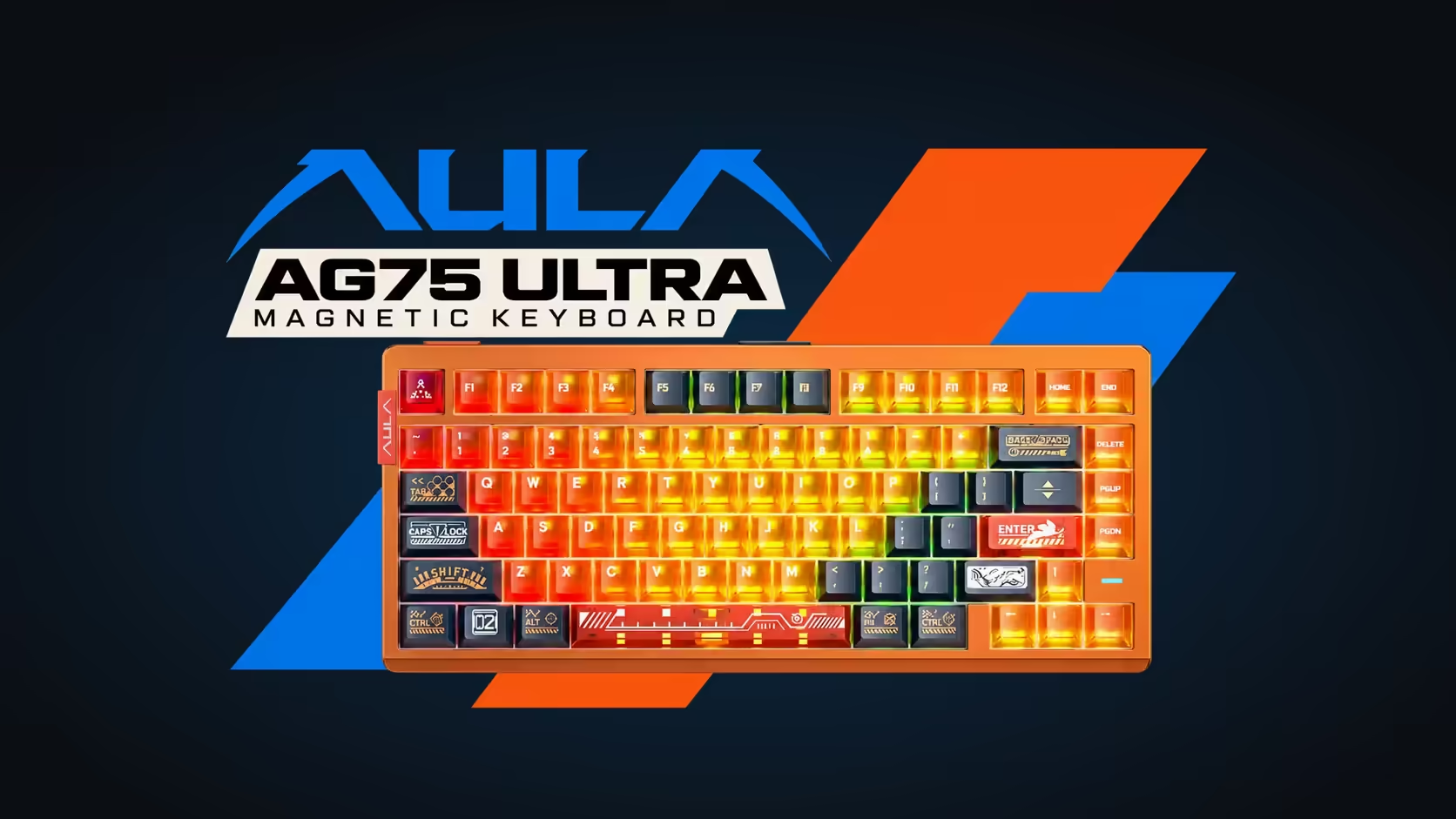
Turning up at a LAN with a keyboard the rules do not allow is a miserable way to start a weekend. Most events publish a hardware policy, but the details vary, and features like SOCD and Rapid Trigger are exactly where policies differ. The simplest fix is a message to the organiser before you pack. This guide covers what to ask, which SOCD and Rapid Trigger LAN rules questions matter for AULA boards, and how to set your keyboard up so it complies on the day.
Quick Answer
Ask the organiser whether SOCD and Rapid Trigger are allowed before the event, because every rulebook sets its own. SOCD is listed on the AULA HERO 75 HE, WIN68 MAX, F87 Pro V2 and AG75, and every AULA magnetic board has Rapid Trigger, so know where each setting lives in AULA's software before you arrive. Save a clean, rules-compliant profile to the board at home. On Evetech's site the WIN68 MAX is R699, the HERO 75 HE and F87 Pro V2 are R899 each, and the AG75 runs R2,399 to R2,799.
❓ What to ask the organiser
Keep the message short and specific. Organisers deal with a lot of questions, and a precise one gets a precise answer:
- Is SOCD (snap-tap style) key handling allowed? Name it clearly, since some rulebooks describe it without using the term.
- Is Rapid Trigger allowed? Some events treat it differently from SOCD, and some say nothing about it.
- Are keyboard macros or multi-action keys allowed? This covers features such as DKS and Mod-Tap.
- Are wireless peripherals allowed, and do you prefer wired?
- Does the event follow a particular game's published competitive ruleset? If so, ask for a link.
Save the reply. If a question comes up at the venue, a screenshot of the organiser's answer settles it quickly.
🗂️ Which AULA boards have what
SOCD
- WIN68 MAX: SOCD sits beside Toggle, Rapid Switch, Mod-Tap and DKS in AULA's web driver.
- HERO 75 HE: SOCD with DKS, Multi-Point Trigger, Mod-Tap, Toggle and END, in the AULA HUB web driver.
- AG75 Pro and Ultra: SOCD in a full advanced set, plus macros, in AULA's web HUB.
- F87 Pro V2: SOCD with Mod-Tap and Toggle.
Rapid Trigger
All nine AULA magnetic boards have it: the WIN68 HE and MAX, the HERO 75 HE in all three colours, the HERO 84 HE, and the aluminium AG75 in Pro and Ultra form. The F87 Pro V2 is mechanical and does not list Rapid Trigger.
🧳 Settings to check before you pack
The settings are stored in software and saved to the board, so do this at home where you have time:
- Open the driver for your board and look through the advanced key settings on your movement keys.
- Remove anything the event does not allow. If SOCD is banned, clear it. If macros are banned, remove them.
- Decide on Rapid Trigger. If it is not allowed, switch it off; if the rules are silent, ask.
- Save a dedicated "LAN" profile so you can switch to it with confidence.
- Test it in a browser key tester. Hold A and press D: with SOCD off, both keys should show as held.
AULA's web drivers run in a browser, and AULA states the WIN68 web driver supports Windows. Doing this at home also avoids depending on venue internet or a borrowed PC on the day.
Wireless in a crowded hall
A LAN hall is full of 2.4GHz and Bluetooth devices, and a busy radio environment can make any wireless link less reliable. If you own a HERO 75 HE or an F87 Pro V2, both tri-mode, pack the cable and plan to use it. The WIN68 pair, HERO 84 HE and AG75 are wired-only, so they avoid the issue entirely.
🎒 Carrying your board
Weight matters when you are carrying a bag, a monitor and snacks across a parking lot. The AG75 is the heaviest in the range at about 1532g without its cable, thanks to its full CNC aluminium case. The HERO 75 HE is about 980g. A padded sleeve or the original box protects keycaps and switches in transit. Take a spare USB-C cable, a keycap puller and, for hot-swap boards, a spare switch or two.
Evetech backs the magnetic boards with a 2 Years Local Warranty and the F87 Pro V2 with one year. Line them up in the gaming keyboards category, and pick up spares from the keyboard switches range before the event rather than the night before.
Frequently Asked Questions
What exactly should I ask the organiser?
Whether SOCD, Rapid Trigger, macros and wireless peripherals are allowed, and which ruleset the event follows.
Which settings should I check before packing?
SOCD, Rapid Trigger, and any DKS, Mod-Tap or macro assignments on your movement and action keys.
Can Rapid Trigger break LAN rules?
It can at some events. Rulebooks differ, so ask directly if the rules do not mention it.
Is wireless risky in a crowded venue?
It can be less reliable with many devices around. Use the cable on a tri-mode board.
Which AULA boards list SOCD?
Five do: WIN68 MAX, F87 Pro V2, HERO 75 HE, plus both AG75 editions.
How heavy is the AG75 to carry?
About 1532g without the cable, because of its aluminium case.
Heading to a LAN soon?
Browse the keyboards at Evetech and choose one whose advanced settings you can switch to match any rulebook.