A message promising a newer app is not the same as an update offered by the store. Update WhatsApp safely by checking the installed Android app in Google Play and protecting the chat history first. Keep updating, reinstalling and moving to another phone as separate tasks, because they involve different decisions about your data.
Quick Answer
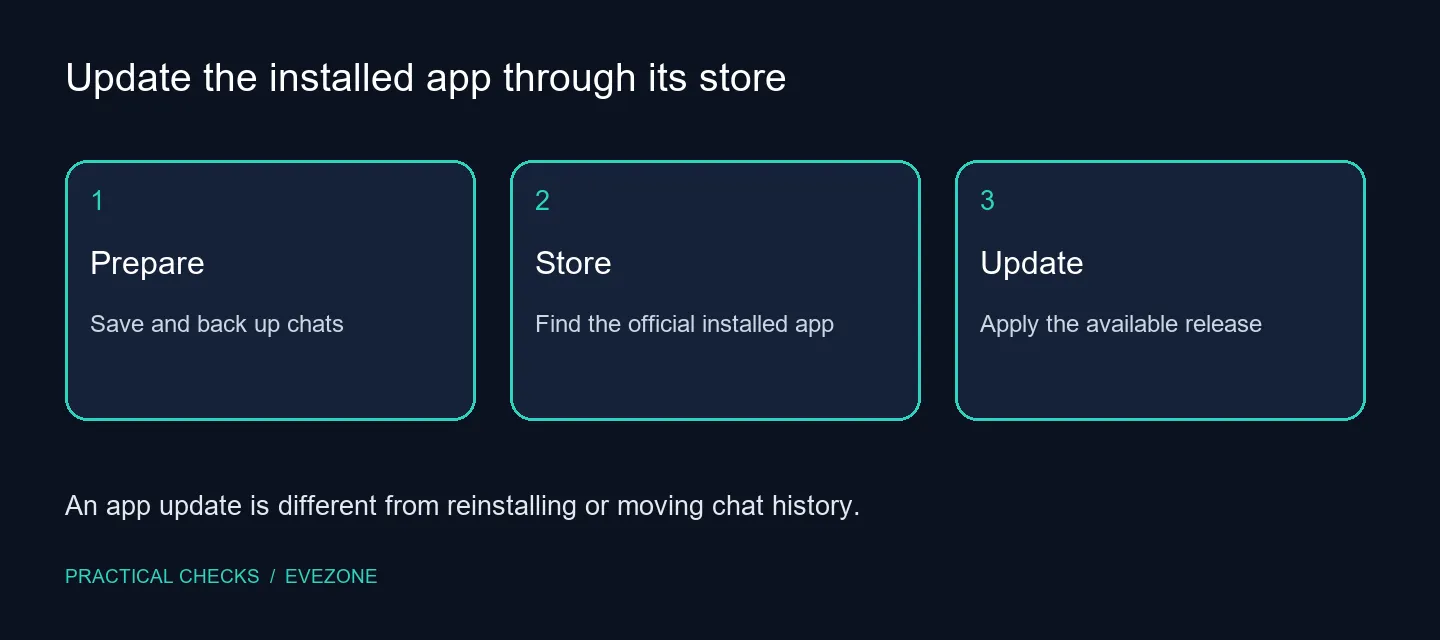
On Android, find WhatsApp Messenger in Google Play and tap Update when it is available. Use a strong connection and back up and save your chat history before updating. Do not uninstall the app just to look for a newer version. No hardware purchase is required by this check; ordinary network data use can still apply, so choose a suitable connection rather than assuming a Rand data cost.
💬 Prepare the conversations you care about
Check that important chats and media are protected through the app's supported backup process before doing anything more disruptive than an update. Read the backup result rather than assuming that an earlier scheduled backup completed. If the eventual task is changing phones or restoring data, follow that separate process instead of treating it as part of a routine store update.
Use a connection that can remain stable while the store works. Avoid starting the process at a moment when you must immediately leave or switch networks. There is no need to turn a routine update into a rushed reinstall, especially when the conversations include material you would find difficult to recover.
🛍️ Check the actual app listing
Open Google Play and find the official WhatsApp Messenger listing associated with the installed app. If Update is offered, use it and allow the process to finish. If the listing offers Open instead, that alone does not establish a broken update. Check that the account, device and app listing are the ones you intended to use.
Google Play also provides controls for updating installed apps and automatic updates. Choose the approach that suits the phone and connection. Avoid downloading a file from an unfamiliar page simply because it uses a larger version number in the title. A supported store route gives a clearer basis for understanding which update the device is being offered.
✅ Confirm the result without removing your data
After the update, open the app and check the normal chat view. Test the feature that prompted the update if it is part of the offered release. A routine update does not prove that every advertised or discussed feature is available to every account, and it does not establish that a separate connection or registration issue is solved.
If you also use laptop options for desktop communication, assess that setup separately from this Android store task. Compare Bluetooth headsets only for an actual listening or calling need. Neither purchase is a prerequisite for applying an app update. If the store reports a compatibility restriction or an error, preserve the exact message and use the official support path before making changes that could affect saved chats.
Frequently Asked Questions
How do I update WhatsApp on Android?
Find WhatsApp Messenger in Google Play and tap Update when offered. Check the official installed app rather than an unrelated result.
What should I do before updating?
Use a strong connection and back up and save your chat history. Check the backup result before taking any separate reinstall step.
Why is there no Update button?
The store may not offer a newer compatible release for that device at that time. Check the installed app and store state before assuming failure.
Should I use a random APK for a newer version?
No. Use the supported official store route instead of an unverified download claiming to be a newer release.
Does updating mean I must uninstall the app?
No. Applying an available store update is different from removing the installed app or restoring chats.
Does the update require buying hardware?
No purchase is established by this check. Confirm device compatibility separately if the store reports a support limitation.
Update through the supported store
Protect your chats, check the official installed app and apply the available update without turning the task into an unnecessary reinstall.