An extra row of letters after a momentary pause can make a working keyboard feel faulty. Keyboard repeat delay controls when a held key begins repeating, while a separate setting controls the speed afterwards. Testing those two behaviours separately is a useful first step when typing feels too eager.
Quick Answer
Open Control Panel, choose Keyboard and use the Speed tab to adjust Repeat delay. Move towards a longer pause if holding a key starts repeating too soon, then test in a blank document. Repeat rate controls the later stream of characters. This settings check costs R0; a Logitech K120 wired keyboard was R129 in the catalogue on 12 October 2026 if a separate hardware fault is eventually established.
⌨️ Describe exactly when the extra input starts
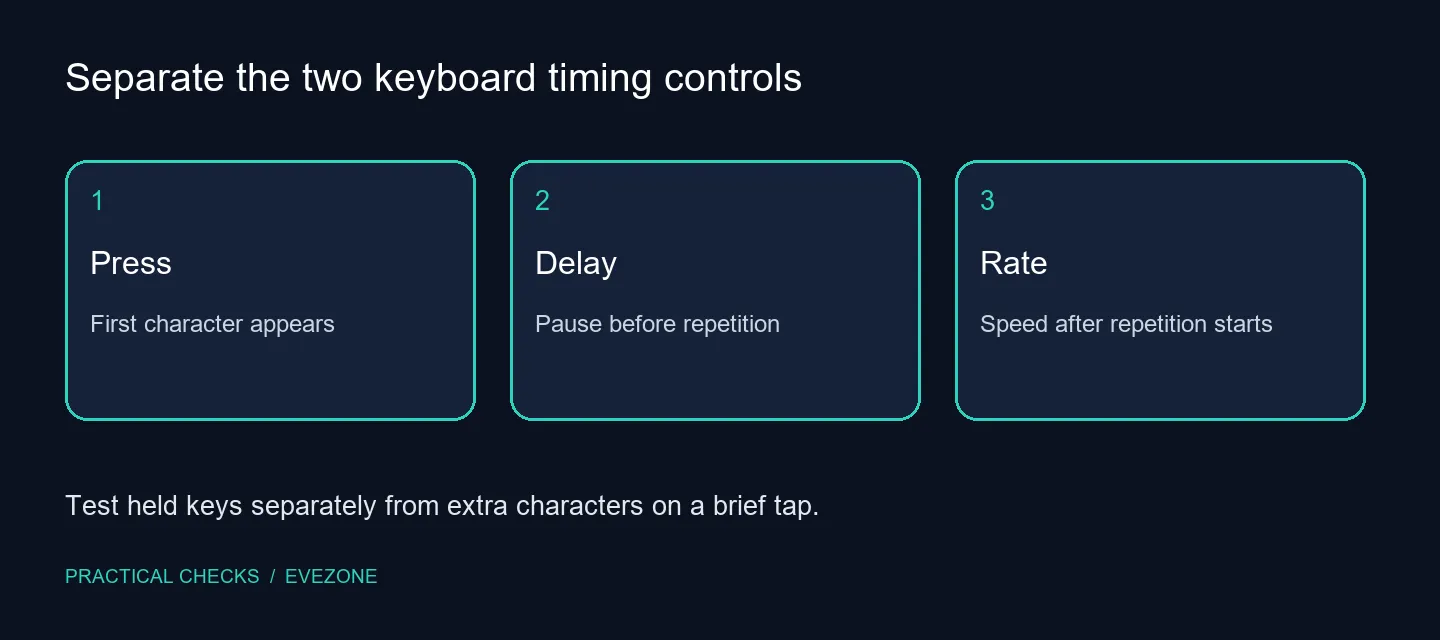
Press a letter briefly, release it and observe the result. Then hold it and note the pause before more letters appear. Those tests distinguish a normal hold-and-repeat behaviour from unwanted duplicates on a quick tap. Avoid changing several accessibility settings at once, since that can make it difficult to identify which behaviour actually changed.
Use disposable text rather than an important document. Backspace is worth testing too, because an unsuitable delay can erase more text than intended when a finger pauses. Write down the original slider positions before moving them. Returning to a familiar setting is easier when the reference is recorded rather than guessed.
🎚️ Move the delay before changing the rate
In Keyboard properties, change Repeat delay by a small amount and use the test area if available. A longer delay gives more time before a held key starts repeating. Apply the change and type a few ordinary sentences. The goal is a comfortable pause during real typing, not the slowest possible setting.
Only adjust Repeat rate afterwards if the stream itself is too fast or slow. Someone who deliberately holds an arrow key has a different preference from someone editing short messages. A comfortable delay and an appropriate rate can therefore be chosen independently. Keep the adjustment that supports the actions you use every day.
🔎 Investigate a different symptom separately
If one quick tap still produces extra characters, the delay slider has not established the cause. Note whether the issue happens with one key, several keys or only one application. Try a simple text editor to separate an application-specific behaviour from a broader input problem before deciding on the next support step.
Compare keyboard deals only after describing a clear replacement need. A new switch type or a faster advertised response cannot by itself prove that it will solve an application or timing setting. For ordinary typing, office keyboards can be assessed around layout and comfort rather than gaming specifications. Keeping the diagnosis separate from the shopping list avoids replacing a keyboard that was doing exactly what Windows asked.
Frequently Asked Questions
What does repeat delay change?
It changes the wait before a key held down starts producing repeated input. It does not set the speed of later repeats.
What does repeat rate change?
It controls how quickly input repeats after the initial delay. Adjust it separately so you can identify the useful change.
Where are the Windows controls?
Open Control Panel and its Keyboard properties, then look for the repeat delay and repeat rate sliders on the Speed tab.
Will this fix two characters from one quick tap?
Not necessarily. A brief tap producing duplicates is a different symptom from holding a key long enough to trigger repetition.
Should I replace the keyboard first?
Try the timing controls and a simple text test first. A Logitech K120 was R129 on 12 October, but a purchase cannot diagnose the symptom.
How should I test the adjustment?
Type normally, hold one letter and hold Backspace in disposable text. Keep a delay that avoids unwanted repeats without slowing intended use.
Tune the pause before replacing the keyboard
Test a brief tap and a held key, then change one timing slider at a time and keep your original setting recorded.